NOTE
When headphones are connected, no sound is output
from the speaker.
Connecting monitoring equipment
To monitor with headphones, connect them to the
PHONES jack. Use the PHONES knob to adjust the
headphones volume.
CAUTION
Before connecting headphones, turn the PHONES knob
to the minimum volume. Failure to do so could cause
sudden loud noises to occur, which might damage your
hearing or equipment.
To monitor with an external monitoring system
(poweredmonitorspeakersoranamplierand
speakers), connect it to the LINE OUTPUTS jack.
Powered monitor speakers
or amplier and speakers
CAUTION
Before using an external monitoring system, turn the
volume to minimum. Failure to do so could cause sudden
loud noises to occur, which might damage your hearing
or equipment.
Adjusting the display contrast
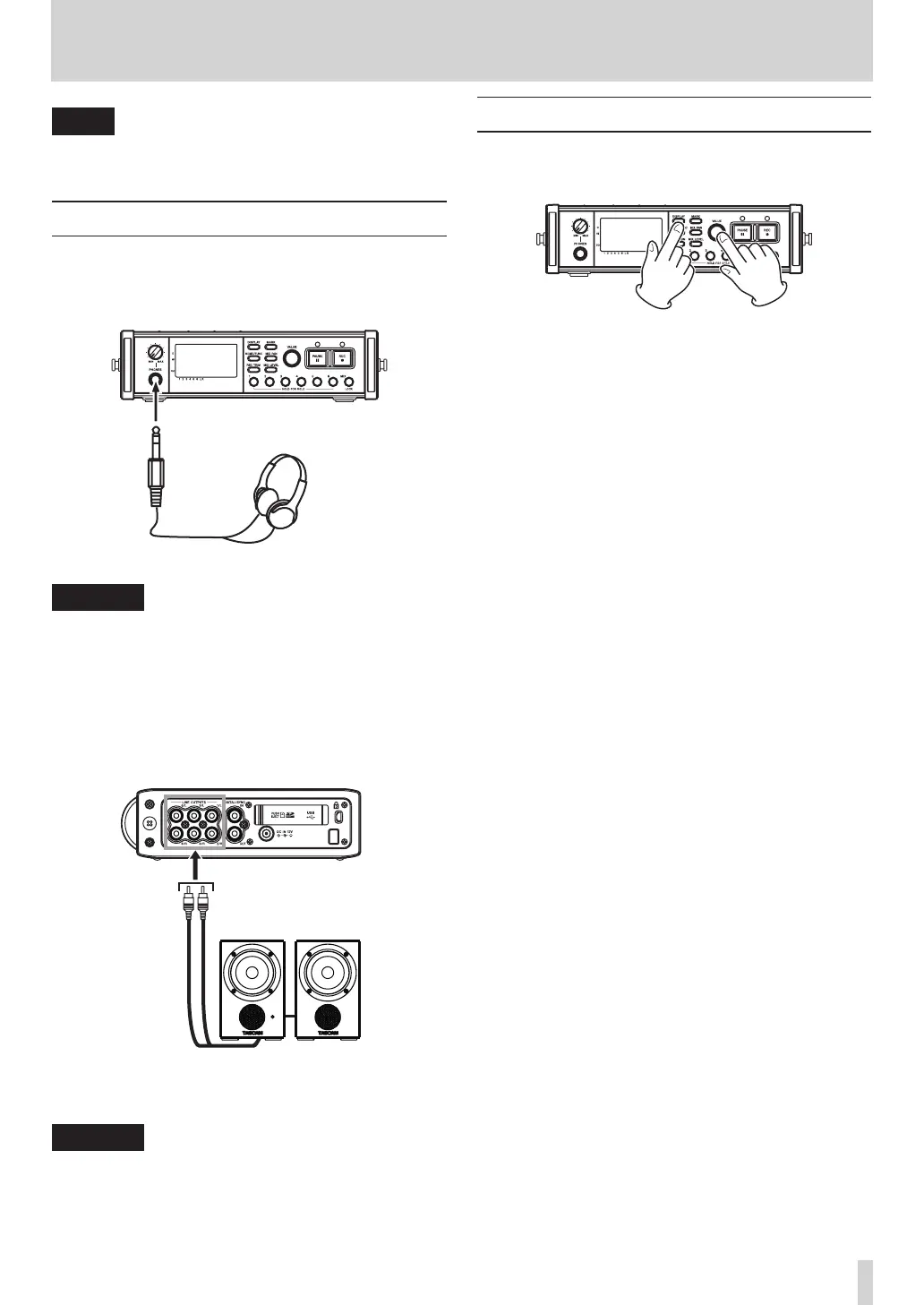
Turn the VALUE knob while pressing and holding the
DISPL AY key to adjust the display contrast.
3 – Preparations



 To Next Page