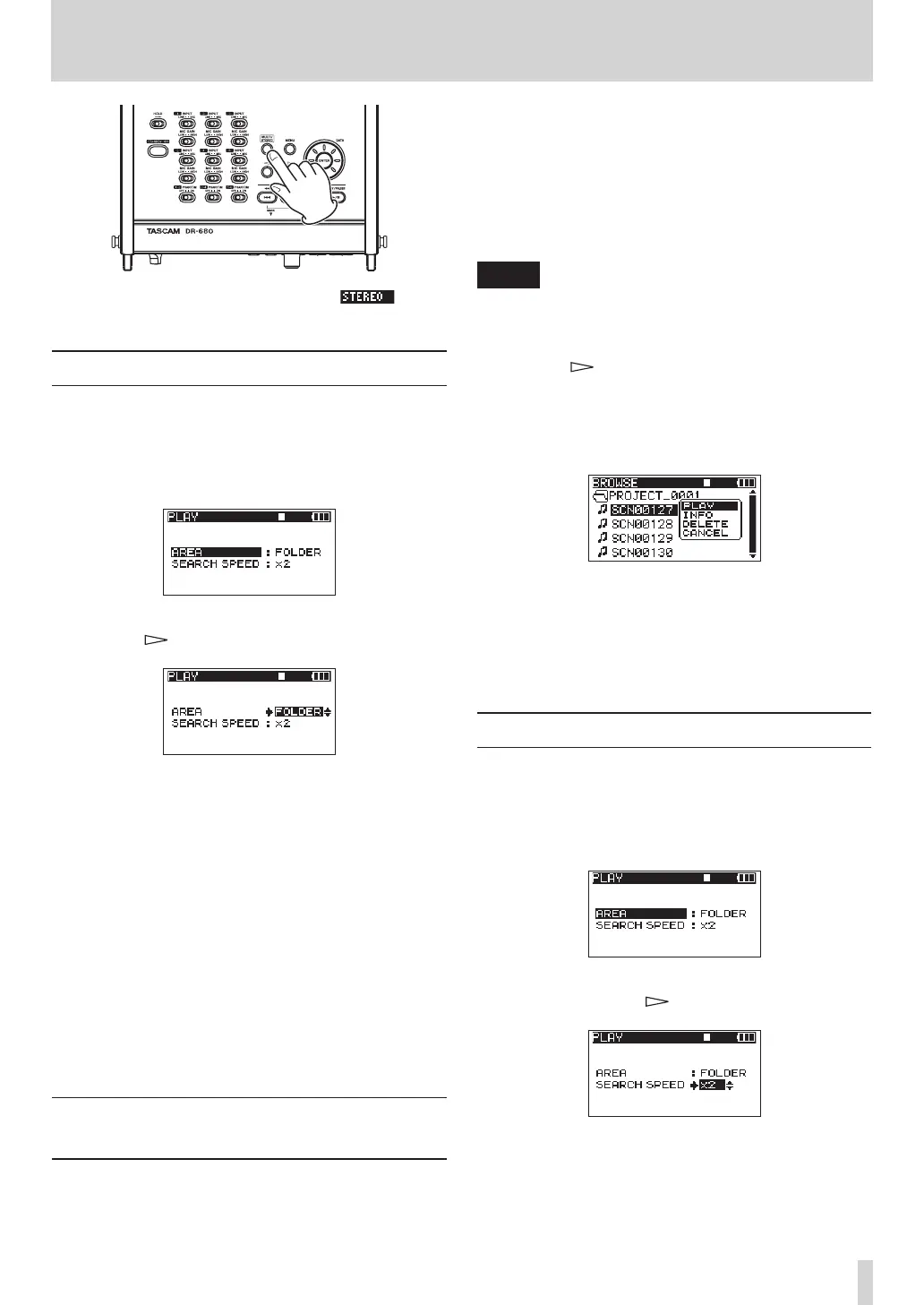
During playback of the stereo track, the icon
appears on the Home Screen.
Setting the playback area
1 Press the MENU key to open the
MENU
screen.
2 Use the DATA wheel to select the
PLAY
menu
item, and press the ENTER key to open the
PLAY
screen.
3 Use the DATA wheel to select the
AREA
item, and
press the key or ENTER key.
4 Use the DATA wheel to set the playback area.
SINGLE:
Play only the selected take.
FOLDER (default value):
Play all the takes in the currently selected folder on
the
BROWSE
screen.
ALL:
Play all takes in the MUSIC Folder on the SD card.
5 When you have finished making the settings,
press the HOME/FUNC key to return to the Home
Screen.
Selecting a folder for the playback
area on the BROWSE screen
Regardless of the current playback area, if you play a
take on the
BROWSE
screen, the playback area changes
to the folder that contains that take.
1 Press the MENU key to open the
MENU
screen.
2 Use the DATA wheel to select the
BROWSE
menu
item, and press the ENTER key to open the
BROWSE
screen.
3 Use the DATA wheel to select the folder that
contains the take that you want to play.
NOTE
For additional information about how to navigate the
BROWSE screen, see “Navigating the BROWSE screen”
on page 37.
4 Press the key.
5 Select the take that you want to play.
6 Press the ENTER key to open the following
pop-up menu.
Use the DATA wheel to choose
PLAY
, and press the
ENTER key to return to the Home Screen.
The selected take begins to play. If the playback
area is set to
FOLDER
, the folder that contains that
take becomes the playback area.
Setting the search speed
1 Press the MENU key to open the
MENU
screen.
2 Use the DATA wheel to select the
PLAY
menu
item, and press the ENTER key to open the
PLAY
screen.
3 Use the DATA wheel to select the
SEARCH
SPEED
item, and press the key or ENTER key.
4 Use the DATA wheel to set the search speed to
x2
,
x4
,
x8
(default value) or
x10
.
5 When you have finished making the settings,
press the HOME/FUNC key to return to the Home
Screen.
6 – Playback



 To Next Page