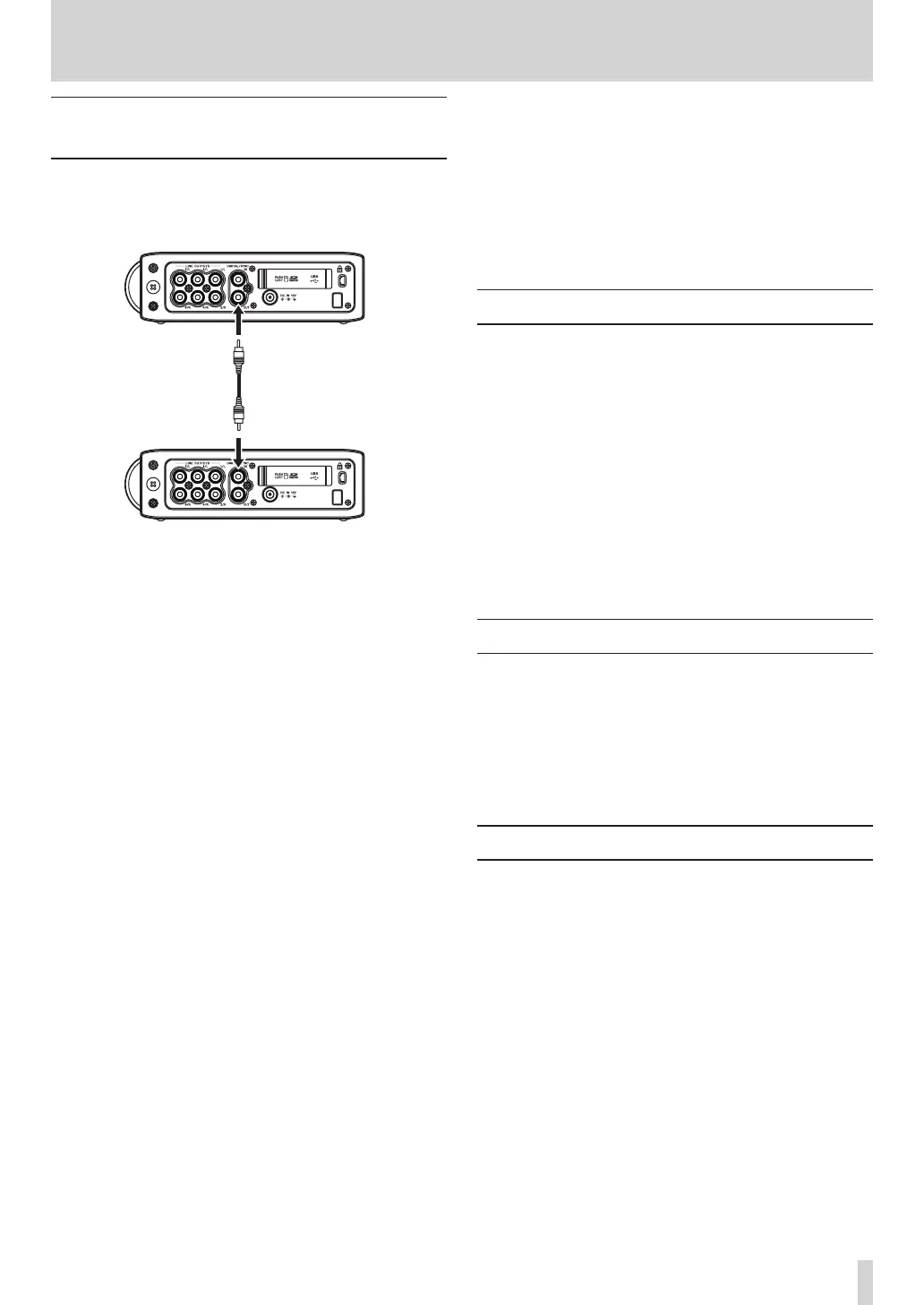
8 – Cascade connections
Preparing to use the cascade
function
1 Connect the DIGITAL/SYNC OUT jack of the
master unit to the DIGITAL SYNC IN jack of the
slave unit.
2 Make the following settings using the menus of
both master and slave units.
REC menu ª
FORMAT
• :
We recommend that you use the same setting for
both the master and slave units.
SAMPLE
• :
We recommend that you use the same setting for
both the master and slave units.
PAUSE
• :
This must be set to the same value on both the
master and slave units.
PLAY menu ª
AREA
• :
For cascade playback, both the master and slave
units must be set the same.
SYSTEM menu ª
CASCADE
• :
Set the master unit to
MASTER
and the slave unit to
SLAVE
.
Function menu ª
REPEAT
• :
For cascade playback, both the master and slave
units must be set the same.
PRE.REC
• :
Set both the master and slave units to the same
value.
3 Press the HOME keys on both the master and
slave units to open their Home Screens.
4 Press the STOP key on both the master and slave
units to stop them.
Cascade recording
When the units are stopped, press the REC key on the
front panel to start recording with both the master and
slave units.
During recording, press the STOP key on the top panel
to stop recording with both the master and slave units.
Press the PAUSE key on the front panel to pause
recording with both the master and slave units.
When paused, press the REC key on the front panel to
resume recording.
When paused, press the PAUSE key or the STOP key
to stop recording.
Cascade playback
When stopped, press the PLAY/PAUSE key on the top
panel to start playback of both the master and slave
units from the current position.
During playback, press the PLAY/PAUSE key to pause
playback of both the master and slave units at the
current position.
Disabling cascade operation
Set the
CASCADE
item in the
SYSTEM
menu to
OFF
.



 To Next Page