Viewing card information
On the
CARD
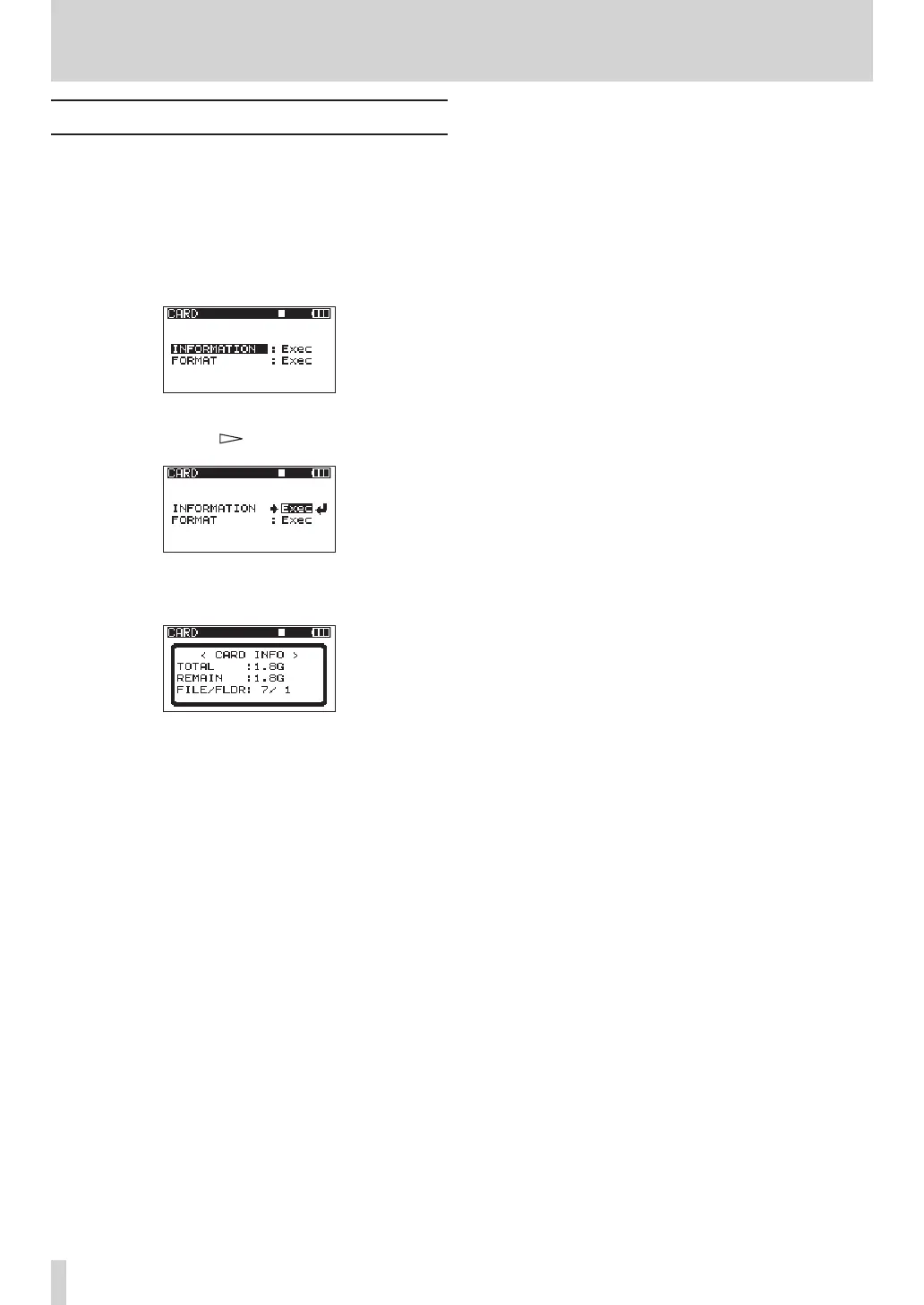
page, information about the status of the
currently inserted SD card is shown.
1 Press the MENU key to open the
MENU
screen.
2 Use the DATA wheel to select the
CARD
menu item,
and press the ENTER key to open the
CARD
menu
screen.
3 Use the DATA wheel to select the
INFORMATION
item, and press the or ENTER key.
4 Press the ENTER key to open the following
screen.
TOTAL
Shows the total memory capacity of the SD card.
REMAIN
Shows the remaining capacity of the SD card.
FILE/FLDR
Shows the total number of files and folders inside
the MUSIC folder.
9 – Other Settings and Information Display



 To Next Page