Pre-recording
When the unit is in recording standby, the unit can
record up to two seconds before the start of recording
and include it in the recording.
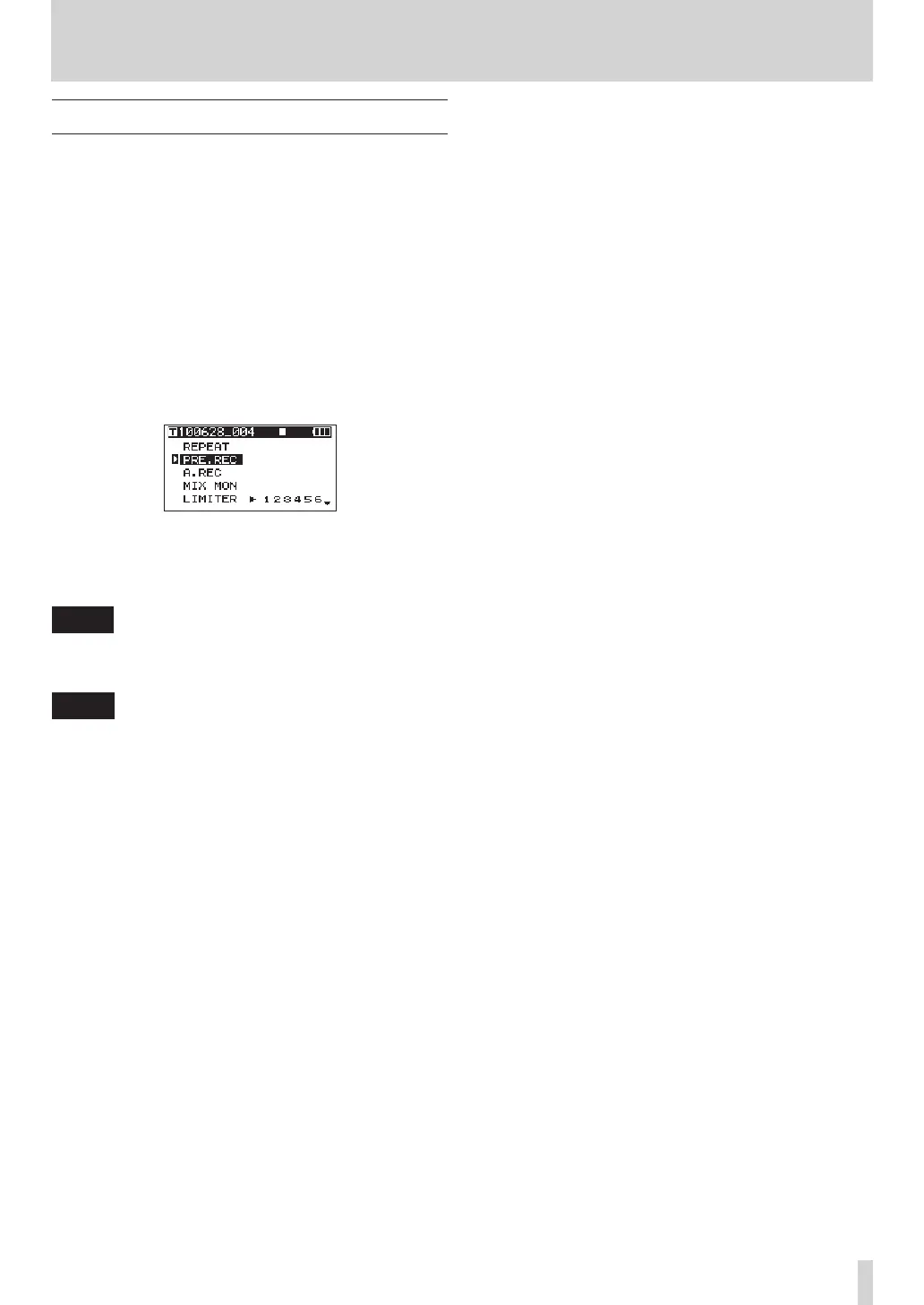
1 When the Home Screen is open, press the HOME/
FUNC key to open the Functions Screen.
2 Use the VALUE knob to move the cursor and
select the
PRE.REC
menu item.
3 Press the VALUE knob to turn pre-recording ON
or OFF.
If pre-recording has been turned ON, the
PRE.REC
indicator appears with a dark background.
4 When you have finished making the settings,
press the HOME/FUNC key to return to the Home
Screen.
TIP
Used in combination with the auto-record function, you
can capture recordings without losing the initial sound.
NOTE
If the unit has been in recording standby for less than
two seconds, only the amount of time that the unit has
been in standby can be recorded.
4 – Recording



 To Next Page