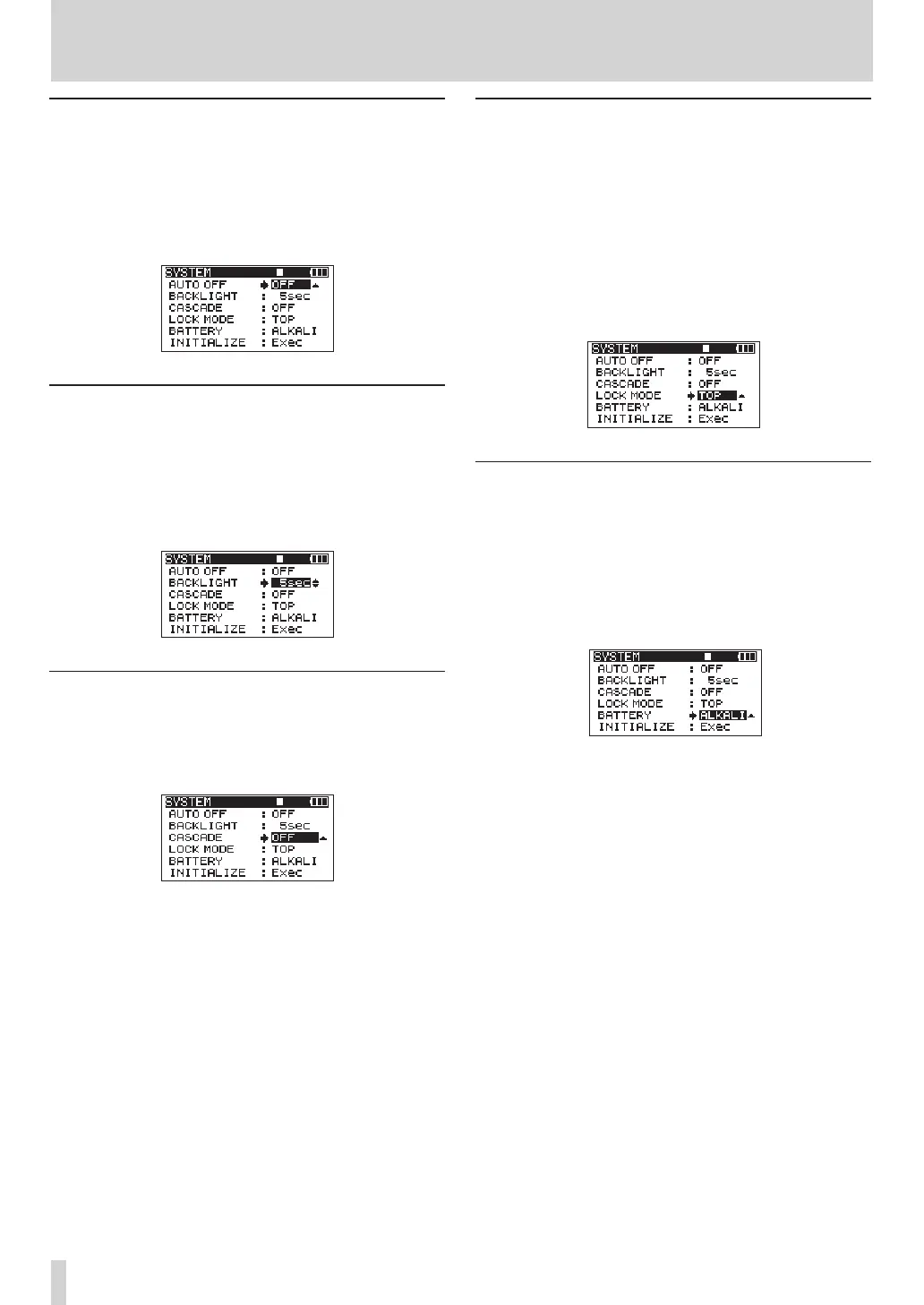
Power AUTO OFF settings
Use the
AUTO
OFF
item to set the amount of time since
being last used until the unit’s power automatically
turns OFF when operating on batteries.
Options:
OFF
(default value—AUTO OFF disabled),
3min
,
5min
,
10min
,
30min
Turning the backlight off automatically
Use the
BACKLIGHT
item to set the amount of time
since being last used until the backlight automatically
turns OFF when operating on batteries.
Options:
OFF
,
5sec
(default value),
10sec
,
15sec
,
30sec
Cascade settings
Use the
CASCADE
item to set the cascade function.
Options:
OFF
(default setting—cascade disabled),
MASTER
,
SLAVE
Setting the extent of the panel operation
lock function
You can set which controls are disabled when you
engage the panel operation lock function, which is
activated by pressing and holding the MIX key.
TOP
: Button operation of the top panel is disabled.
FRONT
: Button operation of the front panel is disabled.
T+ F
: Button operation of both the front and top panels
is disabled.
Setting the battery type
Use the
BATTERY
item to set the type of battery used.
The unit uses this setting to display the remaining
battery charge and determine the minimum necessary
remaining charge for correct operation.
Options:
ALKALI
(alkaline batteries (default value)),
Ni- M H
(nickel metal hydride batteries)
9 – Other Settings and Information Display



 To Next Page