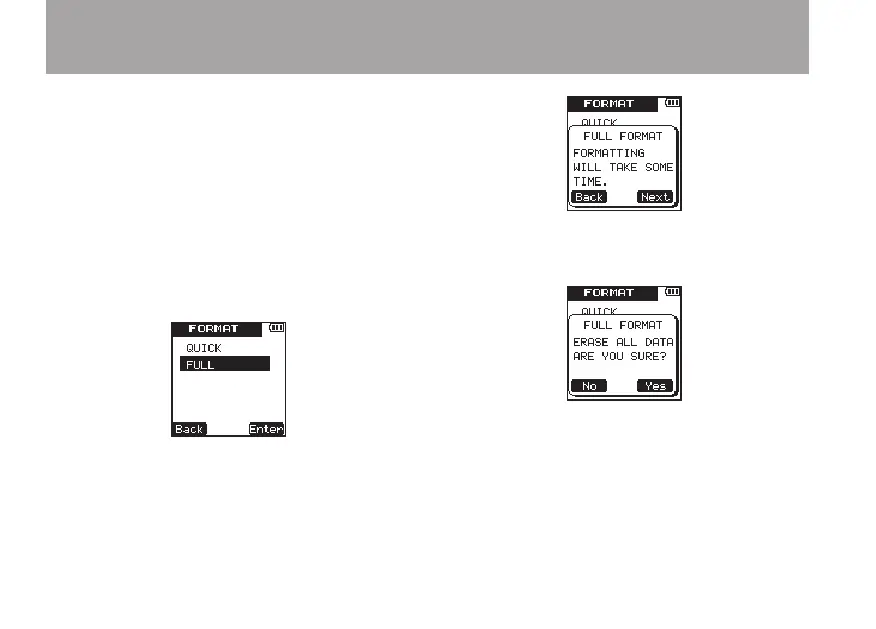
Full formatting ª
Use this procedure to full-format the microSD
card.
With full formatting, memory errors are checked
as formatting is executed. This procedure takes a
long time compared to quick formatting.
1 Conduct steps 1 to 5 of the Quick Formatting
procedures above.
2 Use the +/– keys to select
FULL
.
3 Press the ¯ (
Enter
) key to open a
confirmation pop-up message.
4 Press the ¯ (
Next
) key to open a second
confirmation pop-up message.
5 Press the ¯ key to start full formatting.
6 When full formatting finishes, the
FORMAT
menu screen reopens.
7 Press the HOME key to return to the Home
Screen.
8 – Various Settings and Information Display



 To Next Page