4
Run 1000 - Advanced LED display
Description of the control panel
Function keys
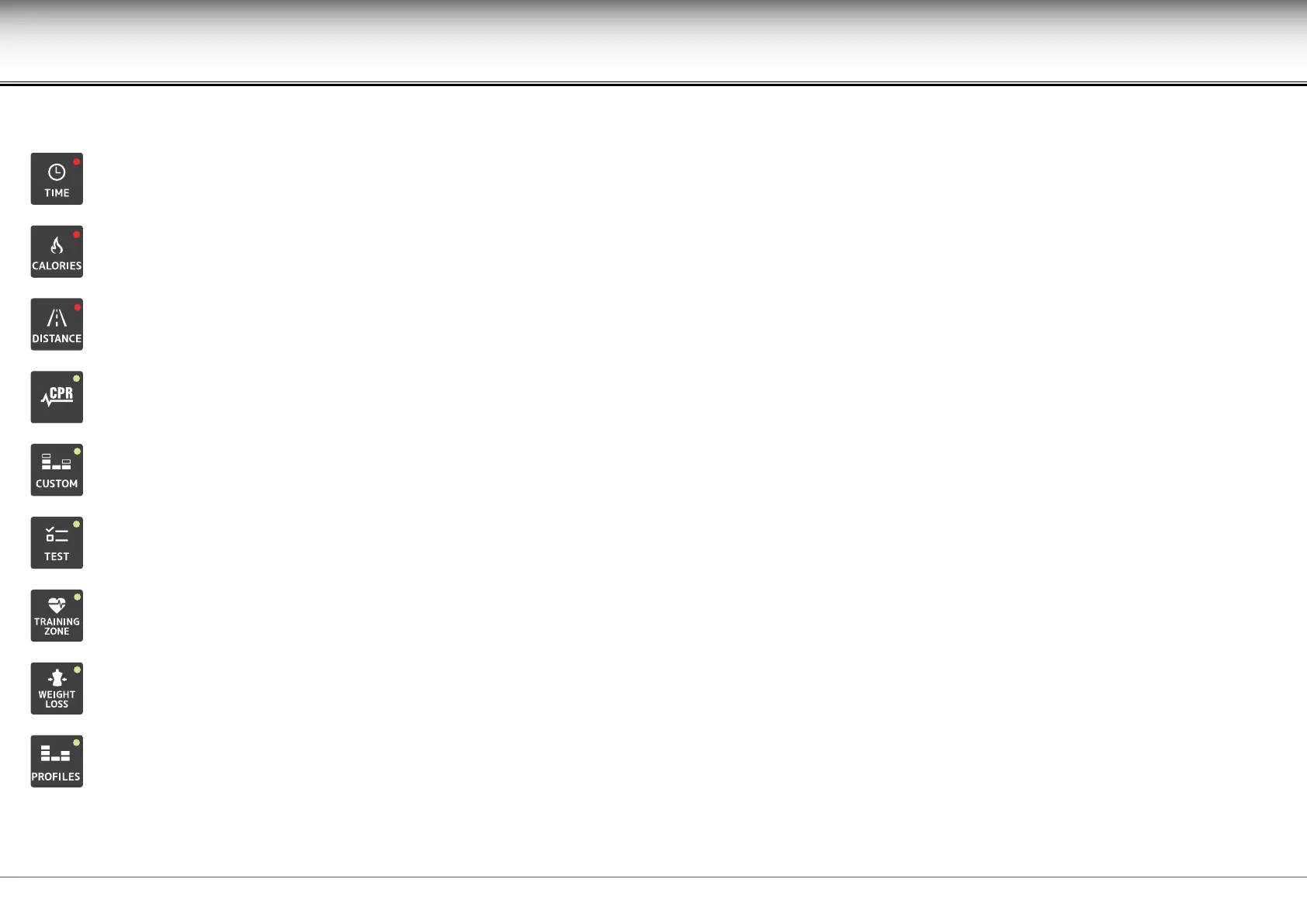
starts a workout with a preset time, i.e. selecting time as a goal in CPR workouts and proles.
starts a workout with a preset calorie consumption, i.e. selecting calorie consumption as a goal in CPR workouts and proles.
starts a workout with a preset running distance, i.e. selecting distance as a goal in CPR workouts and proles.
for starting a constant heart rate workout, in which the treadmill speed and gradient are automatically adjusted to keep the heart rate constant. The
workout duration depends on one of the three GOALS: time, distance or calories.
starts a steps workout, in which the user sets the speed, gradient and GOAL (time or distance) for each step.
starts the maximal, submaximal and military tests.
starts a constant heart rate workout, in which the workout heart rate is set on the basis of the user’s tness; the time is set by the user.
starts a workout that has the aim of burning the maximum amount of calories in the time available.
starts one of the 6 dierent route types proposed by Technogym, or for programming up to 9 personal route types. The duration of the proles is
dened by one of the GOALS: time, distance or calories for predened proles; time or distance for personal proles.











 To Next Page