63
Run 1000 - Advanced LED display
Workouts with the TGS key
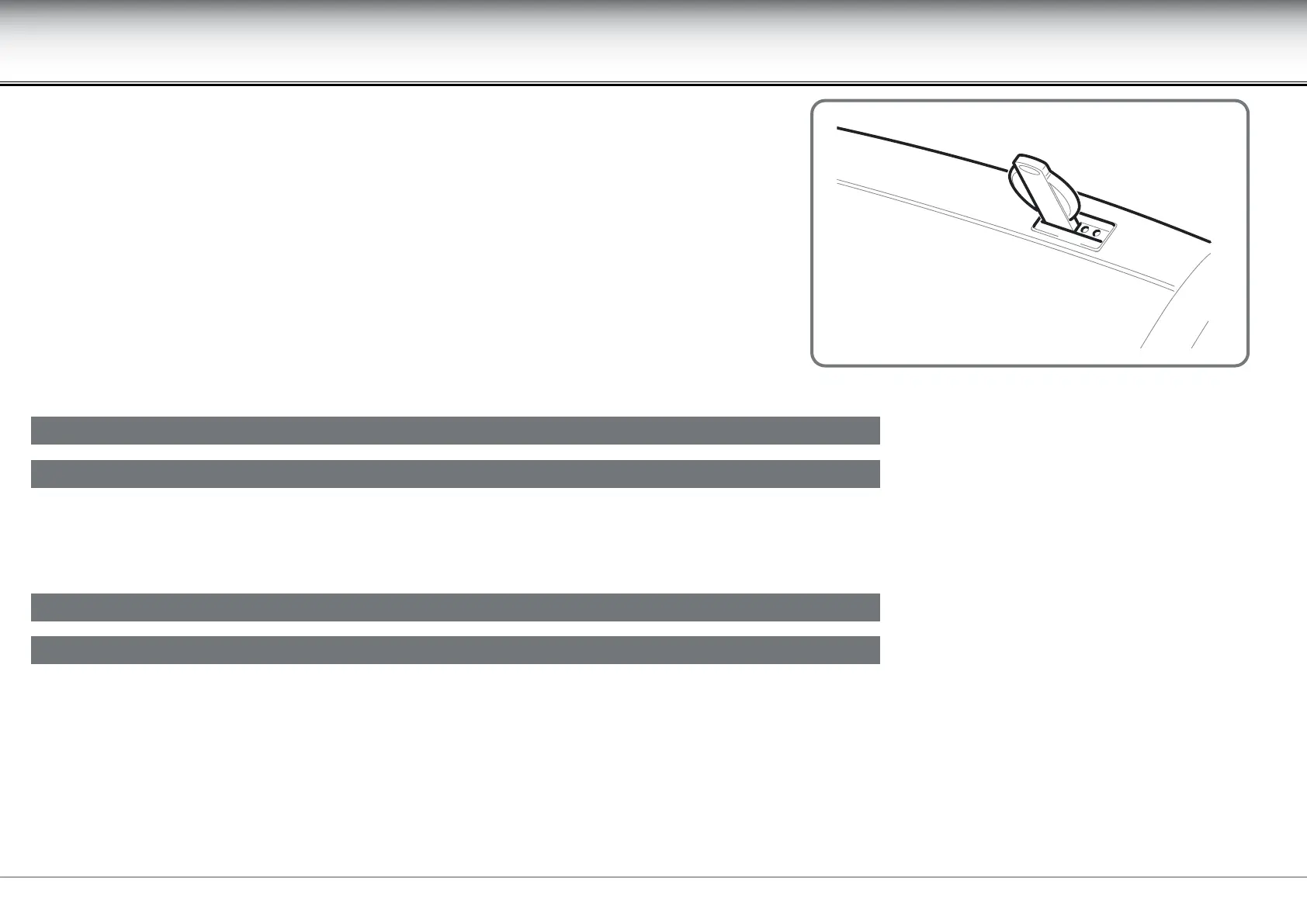
The TGS key does away with the need to enter your personal data and workout parameters each
time you exercise, as all this information is saved in its memory. To start the exercise just slip
the TGS key into its port; the display shows the user name, followed by the type of exercise
specied in the workout program.
For example if a single-step GOAL exercise is specied, the goal value (a distance of 30 km) is given, together with the speed (5.0 km/h) and gradient (3.0%)
parameters.
If a multiple-step CPR exercise is specied, the type of goal (calories) is given and then, at the start of each step, the goal (60 calories) and target heart rate
(135 beats per minute) values.











 To Next Page