UNICA EVOLUTION: Service & Maintenance Manual - rev. 1.1
10. WELLNESS MATE CONFIGURATION
The machine configuration procedure is accessed, with the machine in stand by mode, by
simultaneously pressing the first two keys on the left hand side for a few seconds.
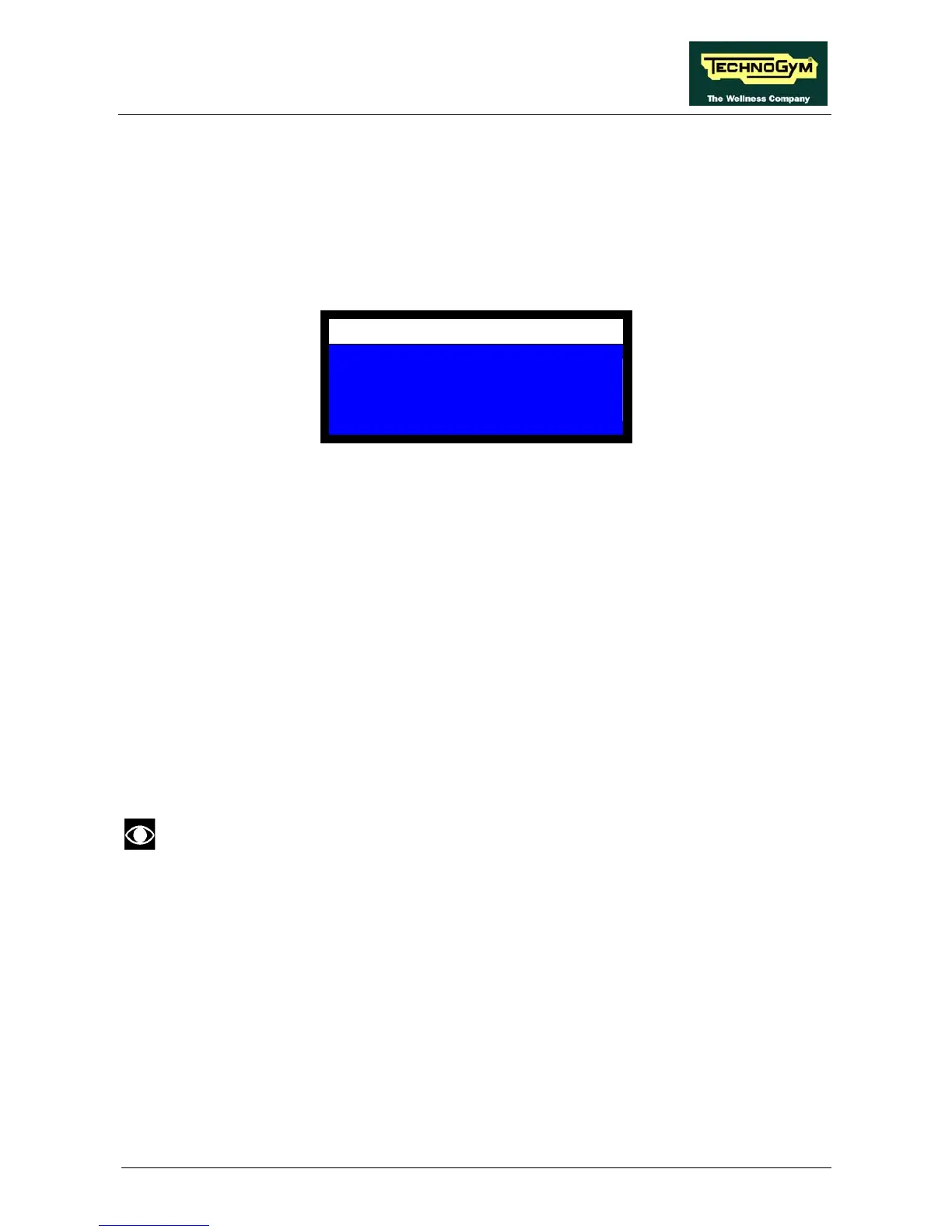
The machine displays the CONFIGURATION menu, illustrated in the figure below:
CONFIGURATION
USER
SERVICE
CALIBRATION
• USER: this is the menu for the user settings, consisting of the machine configuration (see
paragraph 10.1. “User: machine configuration”) and the ROM configuration (see paragraph
10.2. “User: ROM configuration”);
• SERVICE: this is the menu for the technical settings, consisting of the machine configuration
(see paragraph 10.3. “Service: machine configuration”) ) and the weight stack configuration
(see paragraph 10.4. “Service: weight stack configuration”), the monitoring of the sensor states
(see paragraph 10.5. “Service: peripherals check panel”) and the function for
viewing/modifying the machine usage data (see paragraph 10.6. “Service: check/set counters”);
• CALIBRATION: this is the menu for configuring the weight stack of the machine on which
the system installed (see paragraph 10.7. “Configuration: calibration”).
To skip directly from one message to the next one without making any changes, or to confirm the
changes made press the OK key. To cancel a change press the ↑ key (returns to the preceding
message) and then OK. To exit the configuration menu at any time hold down the ← key. To exit
the configuration menu without saving the changes made press the ← key repeatedly until the
machine returns to stand by.
Once the configuration procedure has been accessed, if no key is pressed for a period of
1 minute, the software automatically exits the procedure, sounds the buzzer and reverts
to stand by mode.
Page 10.1














 To Next Page