UNICA EVOLUTION: Service & Maintenance Manual - rev. 1.1
Page 10.4
10.1.6. DISPLAY ICONS DURING THE EXERCISE
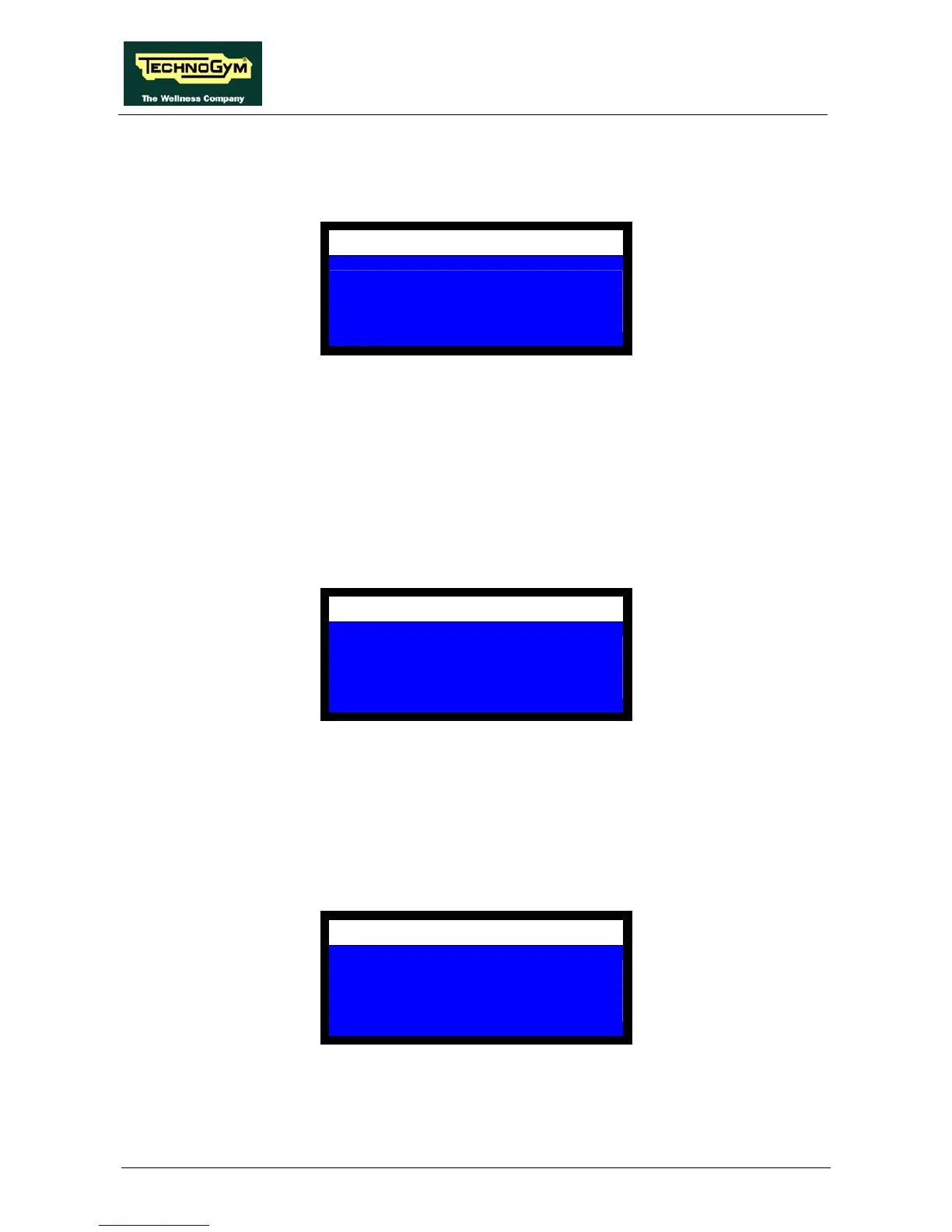
This item selects whether to display the icons indicating the speed and range of motion during the
exercise. The display shows:
MACHINE CONFIGURATION
DISPLAY IMAGES
NO = 0 YES = 1
1
The possible choices are:
• 1 to enable the display of the icons;
• 0 to disable the display of the icons.
Select the desired value then press OK to confirm and proceed.
10.1.7. VALUE OF ADDITIONAL WEIGHT
This item sets up the value of the additional weight. The display shows:
MACHINE CONFIGURATION
ADD-ON WEIGHT
KG =
2.5
Enter the value, in the unit of measure selected, of the additional weight: this is usually 2.5 kg / 5
lbs. If the additional weight is not used, enter the value 0.0 and then press OK to confirm and
proceed.
10.1.8. ENABLING THE TGS KEY
This item selects whether the tests and workouts programmed from the main menu using the
keyboard should be saved on the TGS key. The display shows:
MACHINE CONFIGURATION
KEY ENABLE
NO = 0 YES = 1
1
The possible settings are:
• 1 to enable saving on the TGS key;














 To Next Page