UNICA EVOLUTION: Service & Maintenance Manual - rev. 1.1
10.3.8. CONFIGURE TYPE OF READER FOR WELLNESS SYSTEM
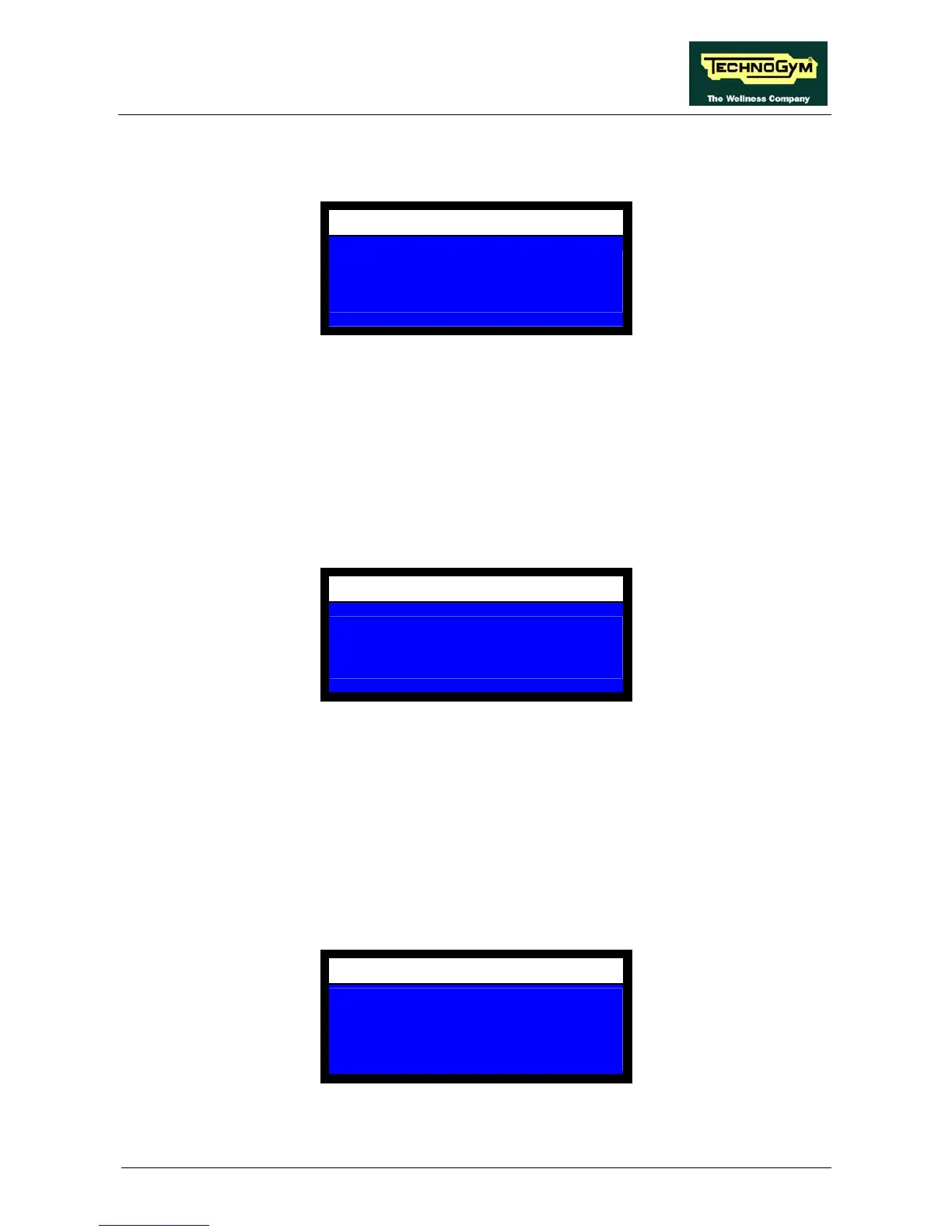
This item configures the type of device used by the Wellness System. The display shows:
CONFIGURATION
SELECT READER
0 = TGS 1 = SMARTCARD
0
The possible settings are:
• 1 to select the smartcard;
• 0 to select the TGS key.
Select the desired value then press OK to confirm and proceed.
10.3.9. CONFIGURATION OF THE WEIGHT STACK
This item configures the weight stack. The display shows:
CONFIGURATION
WEIGHTSTACK CONFIG
0 = NO 1 = YES
1
The possible settings are:
• 1 to enable the configuration.
• 0 to disable it.
Select the desired value then press OK to confirm and proceed.
Selecting 1 causes the SW to start executing the operations described in paragraph 10.4. “Service:
weight stack configuration”, otherwise, after sounding a beep the display shows a summary of the
machine usage data. In this case the display shows:
VISUALISE COUNTERS
MACH.ON HOURS XXX.XX
NEON ON HOURS XXX.XX
T=XX.XX REPS CYCLES XXXX
WEIGHT Q.LI XXXXX
For the meaning of all these values, with the exception of “T=XX.XX”, refer to paragraph 10.6.
“Service: check/set counters”.
Page 10.13














 To Next Page