UNICA EVOLUTION: Service & Maintenance Manual - rev. 1.1
10.4. SERVICE: WEIGHT STACK CONFIGURATION
To access the procedure, it is necessary to select item 1 in paragraph 10.3.9. “Configuration of the
weight stack”. After pressing OK, the display shows:
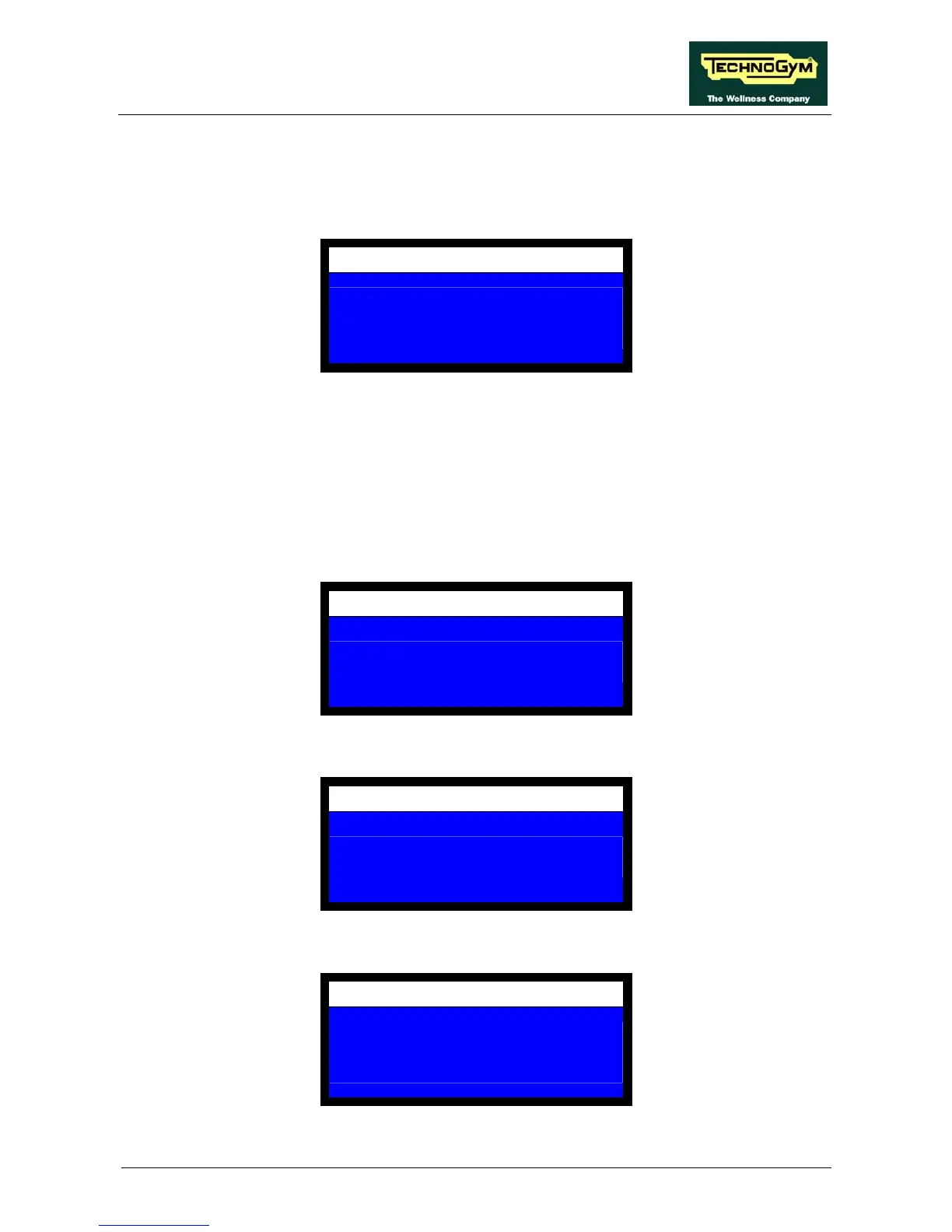
CONFIGURATION
SELECT WEIGHTSTACK
CONFIGURATION PROCEDURE
FAST: – COMPLETE +
Here there are two possible options:
+ Complete procedure: Carries out the weight stack complete configuration procedure.
– Fast procedure: Carries out the weight stack fast configuration procedure, which
configure the weight stack in only five steps.
10.4.1. COMPLETE PROCEDURE
After pressing OK, the display shows:
CONFIGURATION
SELECT THE LAST
WEIGHT STACK PLATE
Position the weight selector pin on the last plate and press OK. The display shows:
CONFIGURATION
SELECT THE FIRST
WEIGHT STACK PLATE
Position the weight selector pin on the first plate and press OK. The display shows:
CONFIGURATION
PLATE LOAD KG
1 2.5
Page 10.15














 To Next Page