UNICA EVOLUTION: Service & Maintenance Manual - rev. 1.1
10.1.3. PACER DISPLAY
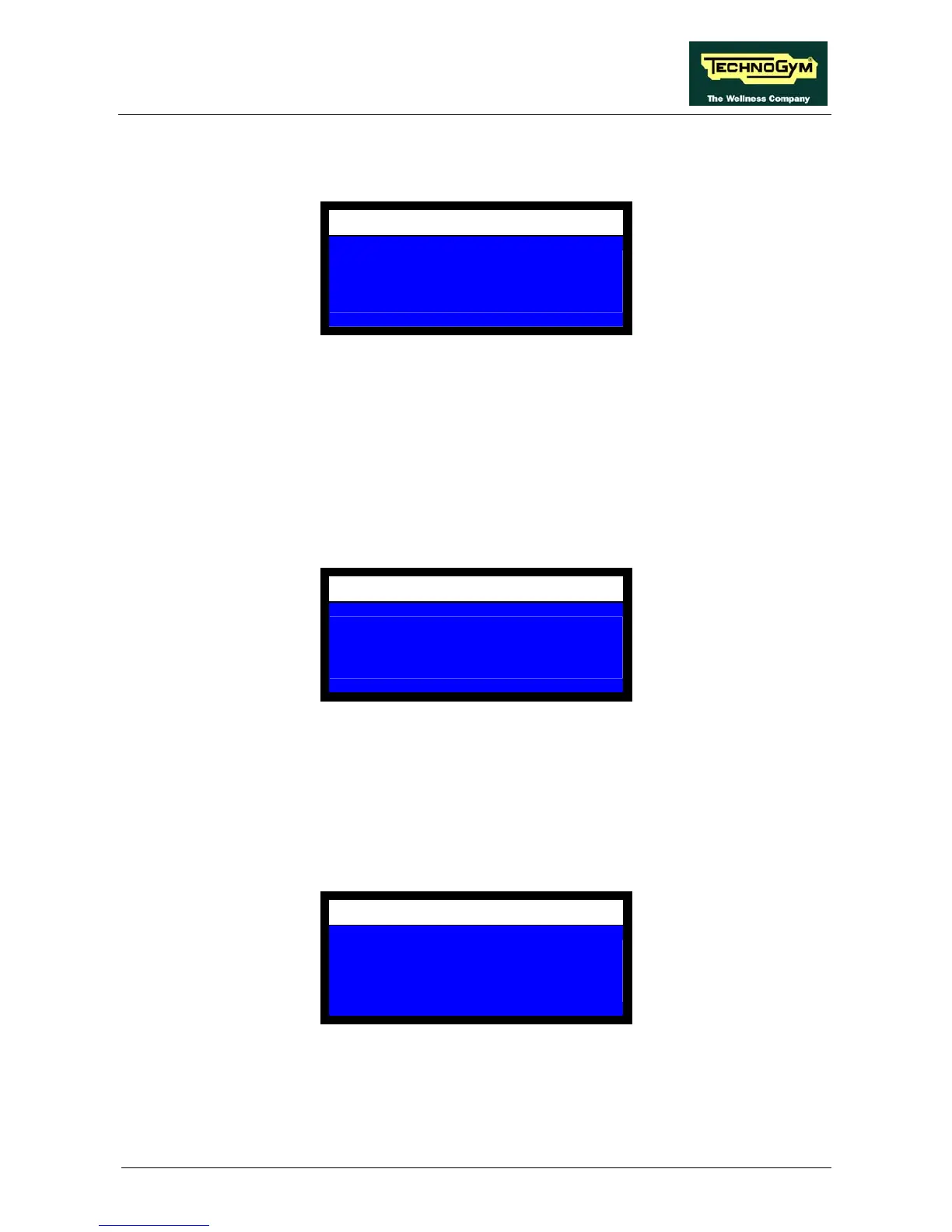
This item selects whether to display the pacer during the exercise. The display shows:
MACHINE CONFIGURATION
DISPLAY PACER
NO = 0 YES = 1
1
The available options are:
• 1 to enable the pacer display
• 0 to disable the pacer display.
Choose the desired value then press OK to confirm and proceed.
10.1.4. PACER SPEED
This item sets up the speed of the pacer, if enabled. The display shows:
MACHINE CONFIGURATION
PACER SPEED
(10-500)
420
Enter the value of pacer speed, i.e. the target speed at which the exercise should be performed, in
millimeters per second; the value must be between 10 and 500. The recommended values is 420.
Press OK to confirm and proceed.
10.1.5. PACER RETURN SPEED
This item sets up the return speed of the pacer, if enabled. The display shows:
MACHINE CONFIGURATION
PACER RETURN SPEED
(10-100) % OF PACER SPEED
50
Enter the desired value for the pacer return speed, expressed as a percentage of the outward pacer
speed; the value must be between 10% and 100%. The recommended setting is 50%.
Press OK to confirm and proceed.
Page 10.3














 To Next Page