UNICA EVOLUTION: Service & Maintenance Manual - rev. 1.1
Page 10.10
10.3. SERVICE: MACHINE CONFIGURATION
To access the procedure, select the SERVICE item from the main configuration menu and enter the
password “2501” which protects against unauthorized access. Use the two center keys to enter the
first digit, then press OK; proceed in the same way for the other digits of the password. After
pressing OK to confirm the last digit, a new menu appears:
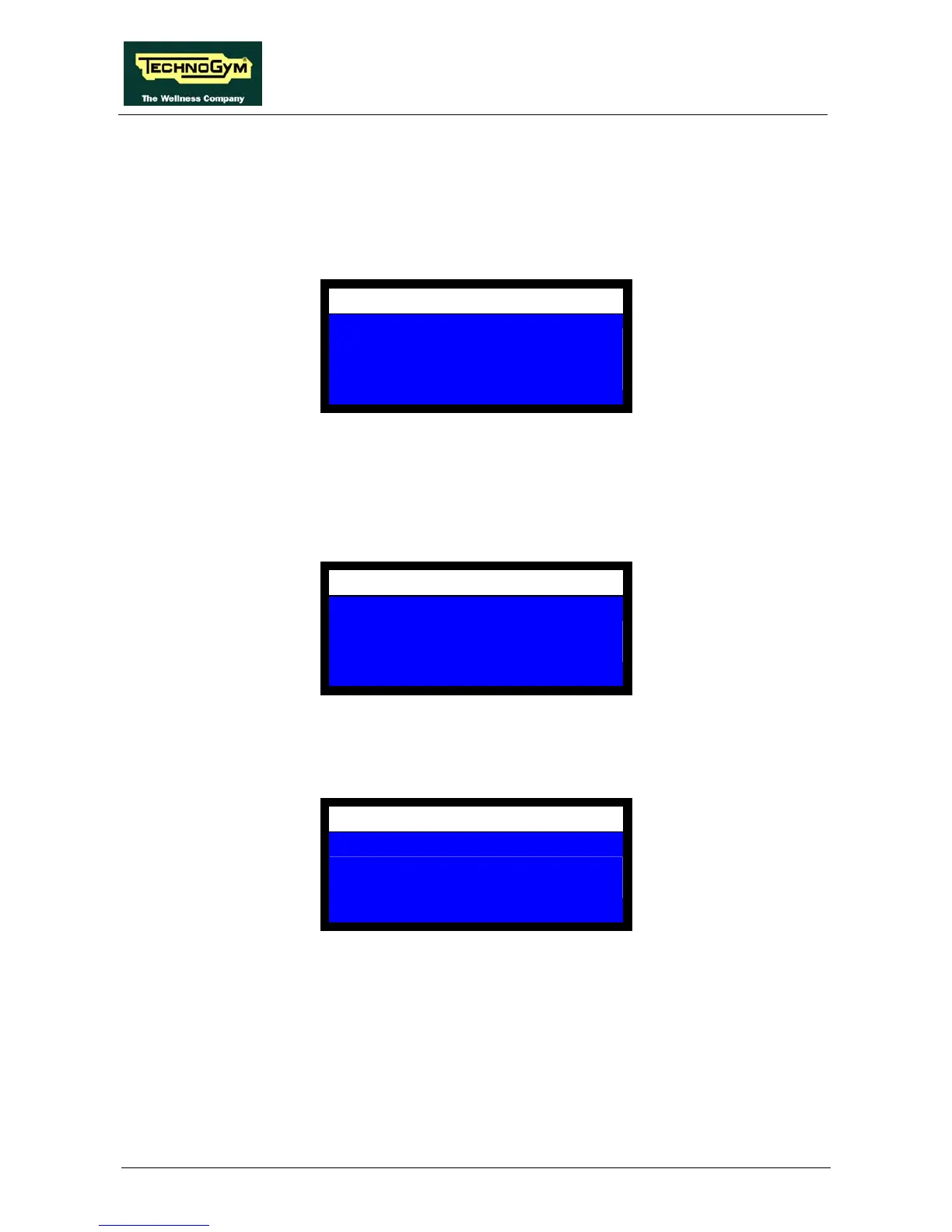
SERVICE
MACHINE CONFIGURATION
PERIPHERALS CHECK PANEL
CHECK/SET COUNTERS
Use the center keys to scroll down until the MACHINE CONFIGURATION item illuminates, then
press OK.
10.3.1. MACHINE CODE
This item sets up the machine on which the Wellness Mate system is installed. The display shows:
CONFIGURATION
MACHINE
CODE = 30
Enter the number 30 corresponding to the machine, then press OK to confirm and proceed. The
display will then show the name of the machine corresponding to the selected code. The LCD will
show:
CONFIGURATION
MACHINE
UNICA EVOLUTION














 To Next Page