UNICA EVOLUTION: Service & Maintenance Manual - rev. 1.1
Page 10.16
Using the ↑ and ↓ keys, enter the weight corresponding to the specified plate and then press OK.
The program will then sequentially display the weight load corresponding to each plate. Proceed as
follows:
1. position the weight selector pin on the specified plate;
2. if necessary, using the ↑ and ↓ keys, enter the weight load corresponding to the specified plate;
3. press the OK key.
After confirming the value of the last plate, press and hold down the OK key for a few seconds to
complete the weight stack configuration procedure and return to stand by mode.
10.4.2. FAST PROCEDURE
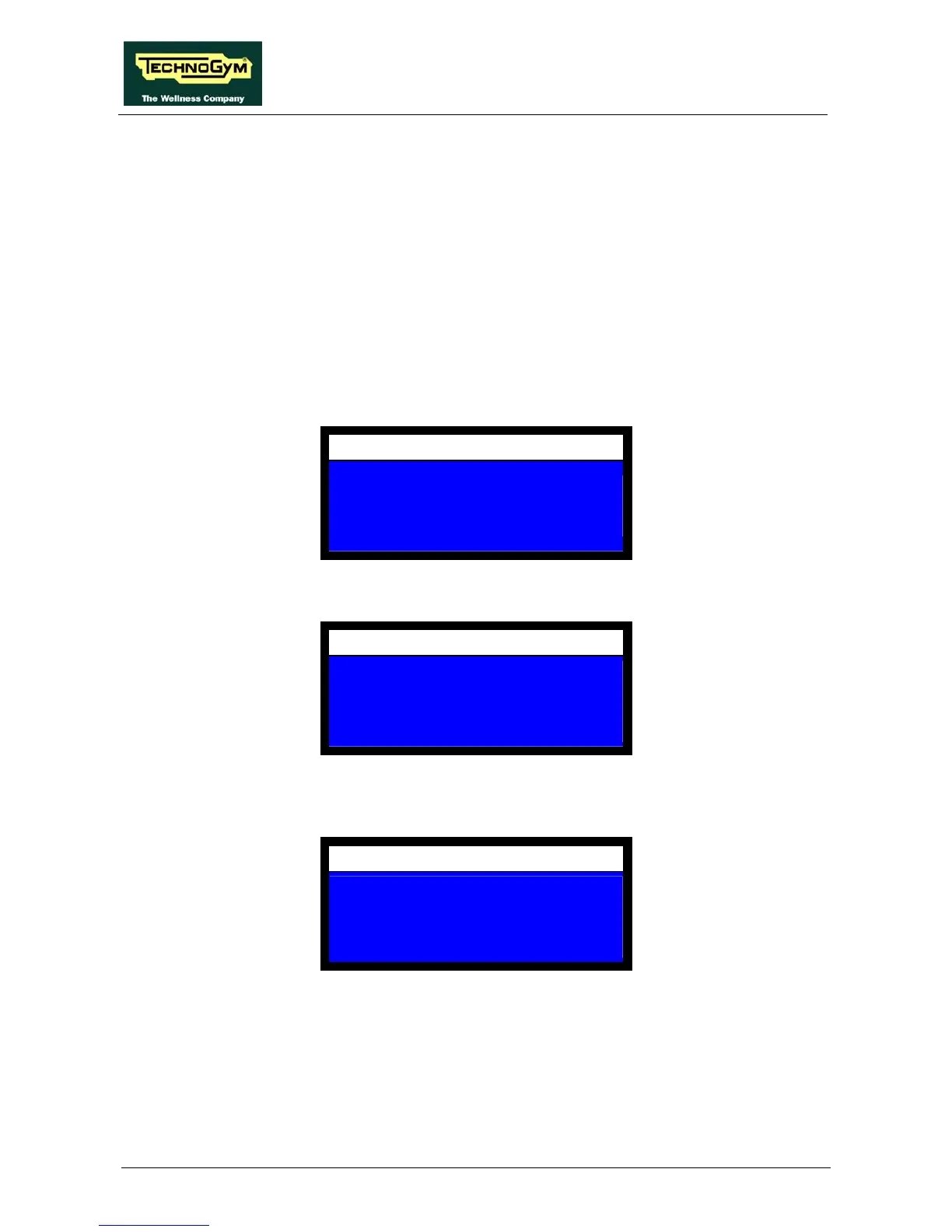
After pressing OK, the display shows:
CONFIGURATION
TOTAL NUMBER OF PLATES
XX
Enter the total number of plates which are in the weight stack and press OK. The display shows:
CONFIGURATION
NUMBER OF PLATES WHICH
WEIGHT AS THE LAST PLATE
XX
Enter the number of plates which weight as the last one in the weight stack and press OK. The
display shows:
CONFIGURATION
SET TOTAL WEIGHT
KG=
XX
Enter the maximum value in Kg, selectable on the weight stack and press OK. The display shows:














 To Next Page