UNICA EVOLUTION: Service & Maintenance Manual - rev. 1.1
Page 10.6
MACHINE CONFIGURATION
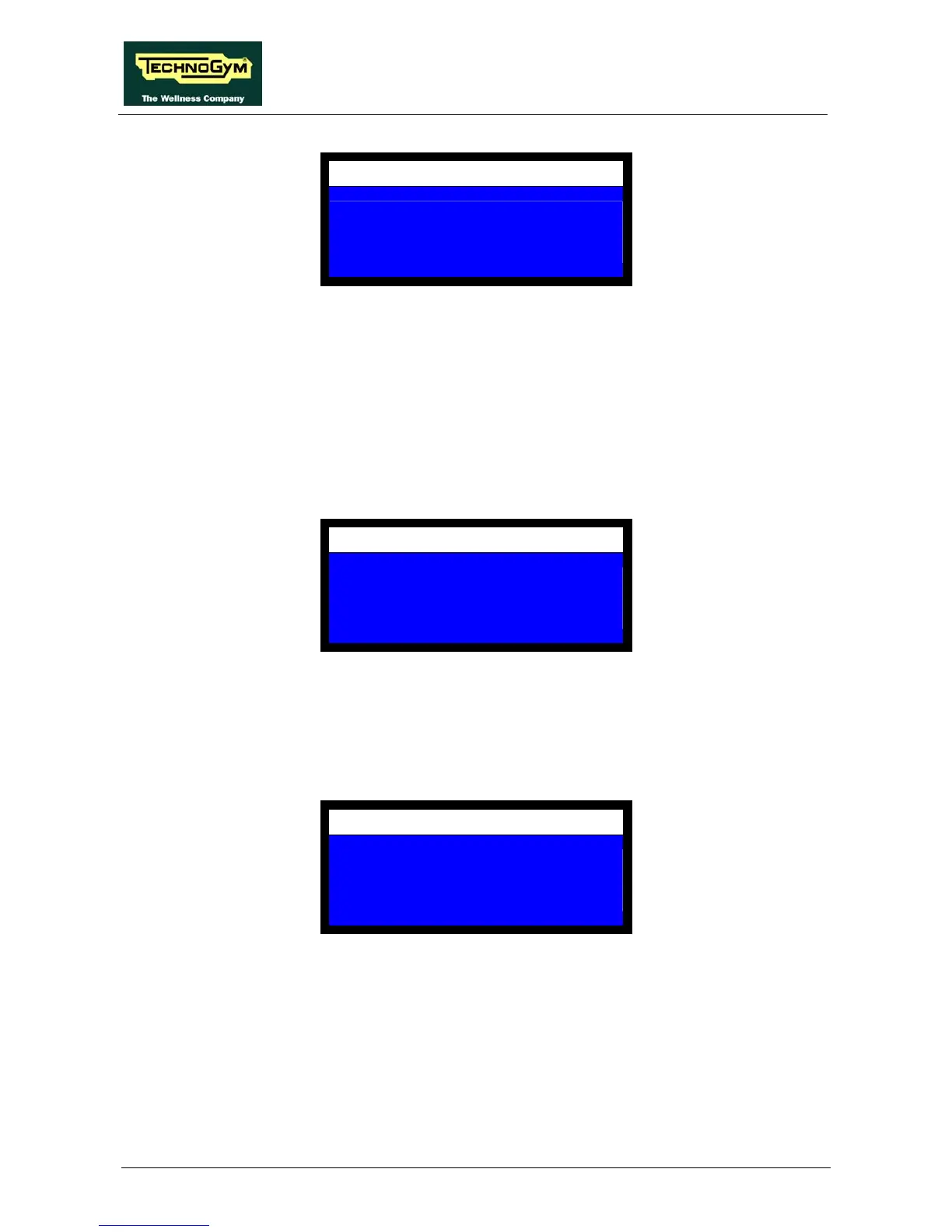
DISPLAY WATTS
NO = 0 YES = 1
1
The possible settings are:
• 1 to enable the exercise power display;
• 0 to disable it.
Select the desired value, then press OK to confirm and proceed.
10.1.12. REPETITION NUMBER USED FOR ROM ACQUISITION
This item configures which repetition is used for the acquisition of the ROM. The display shows:
MACHINE CONFIGURATION
SET ROM
DURING REP (2-10)
2
Enter the desired value, then press OK to confirm and proceed.
10.1.13. INACTIVE TIME BEFORE RESET
This item configures how many seconds must elapse, after the weight stack has returned to the rest
position, before the software reverts to stand by mode. The display shows:
MACHINE CONFIGURATION
TIME OUT
SECS
60
Enter the desired value and then press OK to confirm and proceed.
10.1.14. DEFAULT NUMBER OF REPETITIONS
This item configures the default number of repetitions which the machine uses during a MANUAL
TRAINING session. The display shows:














 To Next Page