The weight of Battery Module is heavy so at least two persons are required for handling.
Before performing the Battery Module installation/ replacement, make sure the Battery
Breaker is in OFF position.
10.2.1 Insert the Battery Module (Only Standard Series Cabinet)
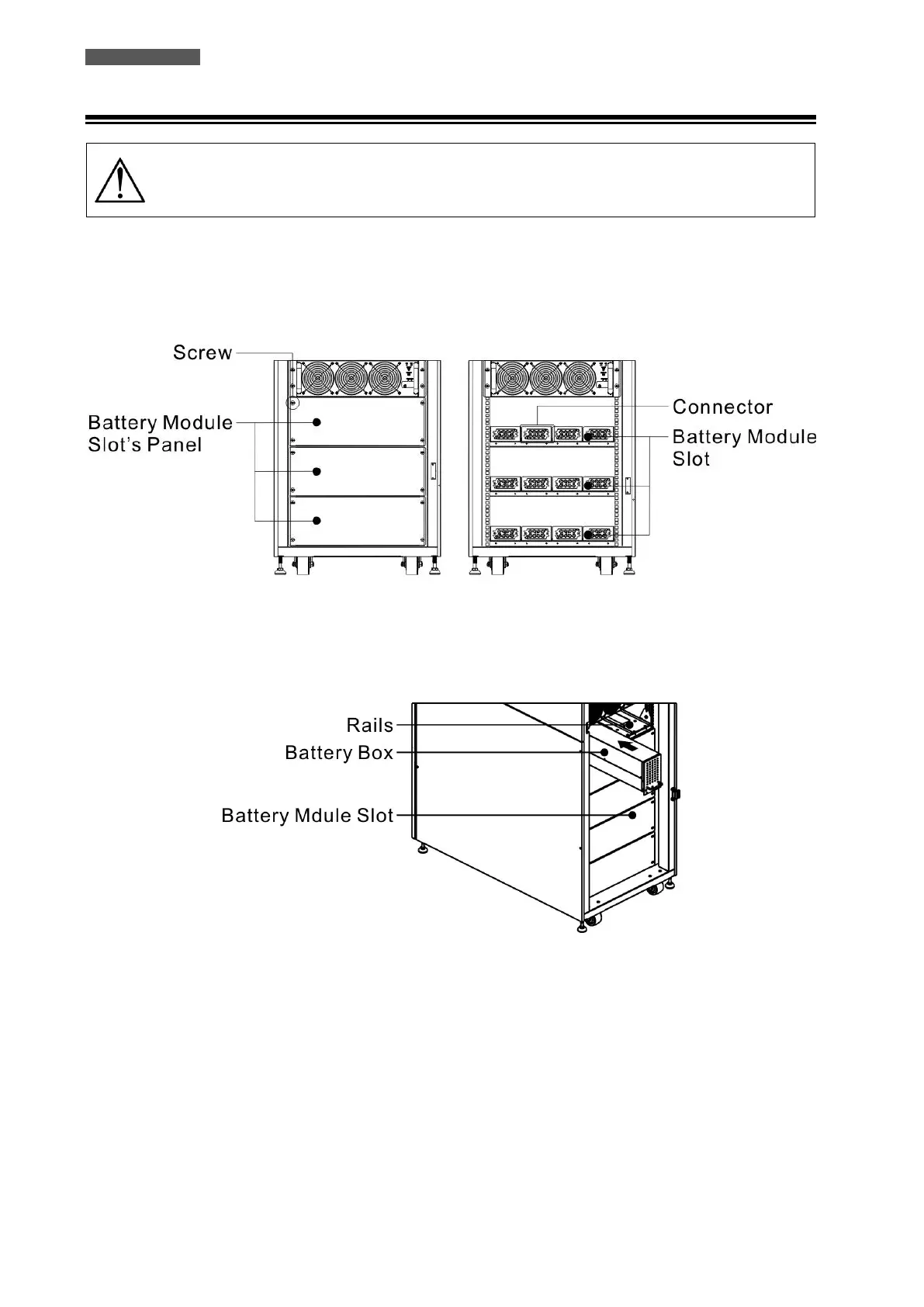
1. Open the front door and remove the panel of Battery Module slot.
Figure 10.6 – Battery Module slot
2. There are 4 rails for inserting the Battery Modules in the same layer. Four Battery Modules MUST be installed to
form a Battery String.
Figure 10.7 – Install the required Battery Modules
3. Install the required Battery Modules according to the power and autonomy of the Modular System
4. Secure the Battery Module to the cabinet by fixing the screws of the Battery Module.













 To Next Page