ENGLISH
User’s manual 74 UPS EVO DSP PLUS Modular
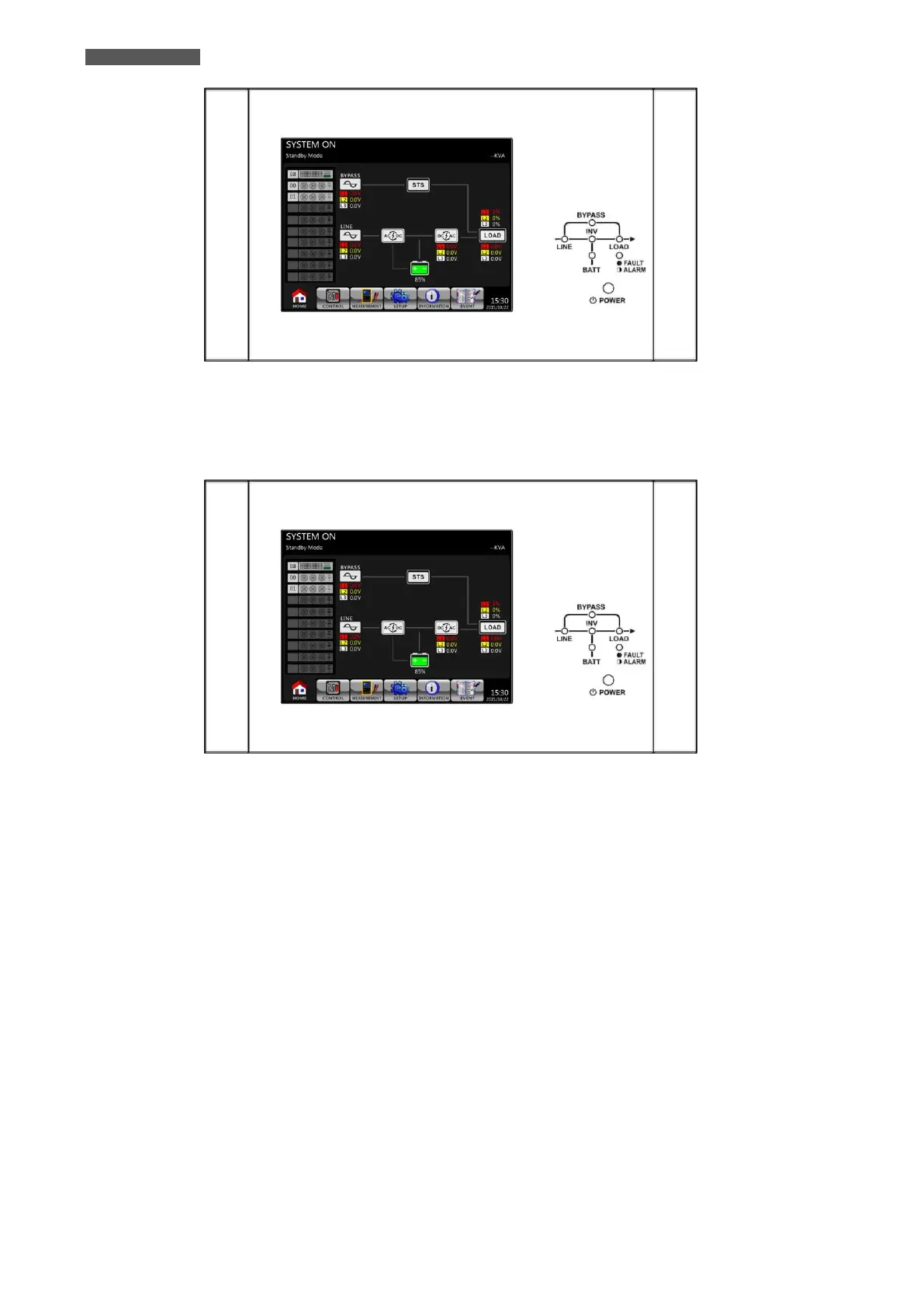
Figure 11.7 – Cold Start: LCD Panel indicates Standby Mode
5. Before UPS enters into Shutdown Mode, please press Power On/Off Button for two seconds as shown in the
diagram below.
Figure 11.8– Power On/Off Button
6. Then, UPS will enter Battery Mode as shown in the diagram below.













 To Next Page