ENGLISH
UPS EVO DSP PLUS Modular 75 User’s manual
Figure 11.9 –LCD Panel indicates Battery Mode
7. Switch ON the Output Breaker (Q3) (except for 300 KVA cabinet).
Cold Start Startup procedure is complete.
11.3 Turn OFF Operation
11.3.1 Turn OFF Operation in Bypass Mode/Standby Mode
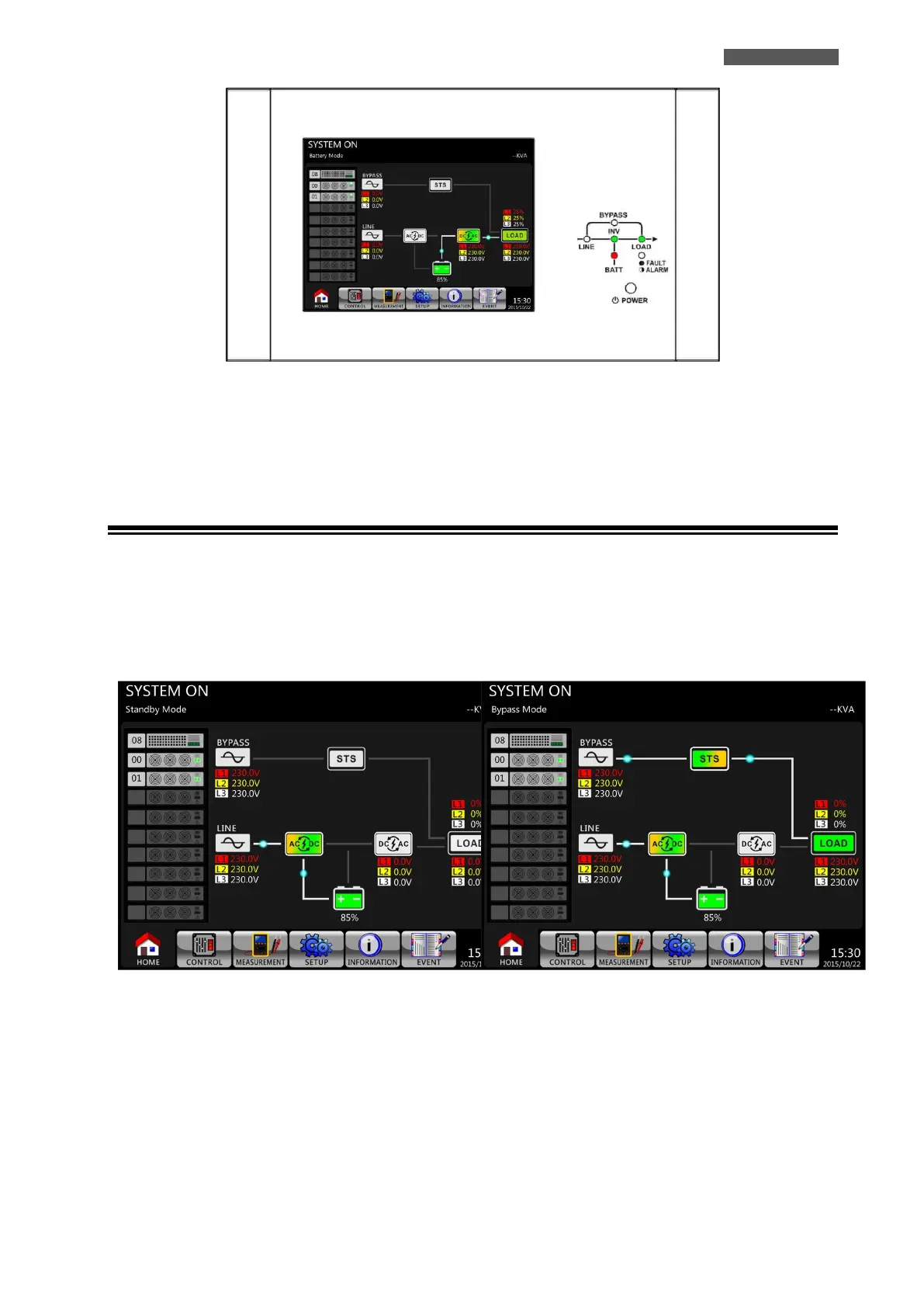
The UPS can operate in Standby Mode or Bypass Mode, depending on the Bypass Mode Setting. The LCD diagrams
are shown below (see Figure 11.10 and 11.11).













 To Next Page