Section F – Operation
CD14 Tester & CD AutoPlus Autosampler User Guide—75-108-800 Rev. B—31 May 2021 69 of 130
EAR99 technology subject to restrictions on cover page.
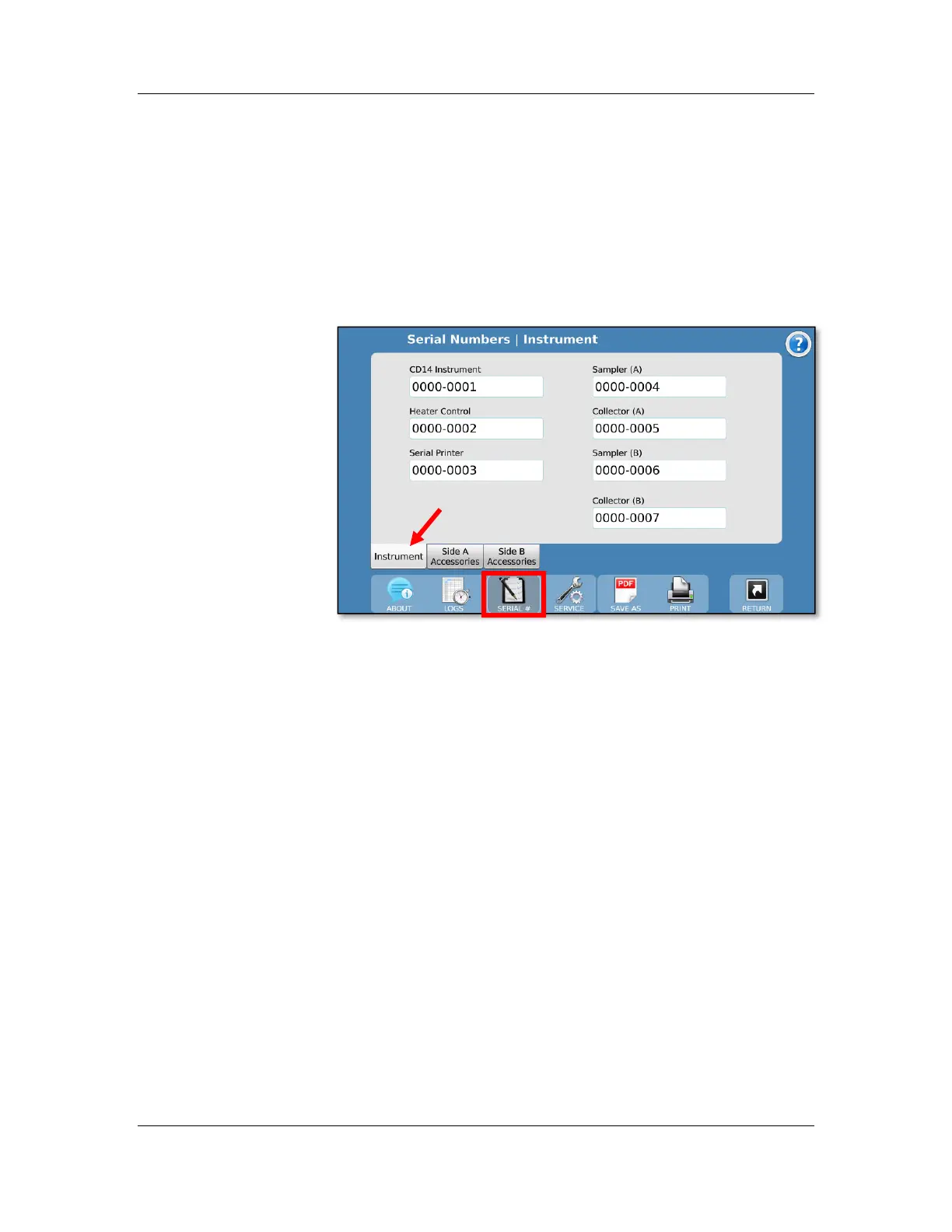
Serial Numbers screen
The Serial Numbers screen allows the user to enter the serial
numbers of the components installed in the CD14 Tester. To
change the serial number, touch the field and enter the serial
number. All serial numbers are limited to 9 characters. If
security features are enabled, these items may only be edited
with proper permission.
Instrument tab
CD14 Instrument: This is the serial number for the CD14
Tester itself.
Heater Control: This is the serial number for the heater.
Serial Printer: This is the Epson printer serial number provided
by Teledyne Hanson that is connected to the instrument.
Sampler (A/B) Serial Numbers: These are the serial numbers
for Sampler A (left side) and for Sampler B (right side).
Collector (A/B) Serial Numbers: These are the serial numbers
for the AutoFill Collectors.
Side A/B Accessories tabs
Each of the 12 items on the tab represents a group of 6 serial
numbers with their corresponding vessel positions. There are
12 groups for Side A and 12 groups for Side B.



 To Next Page