Section G – Dissolution Testing
CD14 Tester & CD AutoPlus Autosampler User Guide—75-108-800 Rev. B—31 May 2021 91 of 130
EAR99 technology subject to restrictions on cover page.
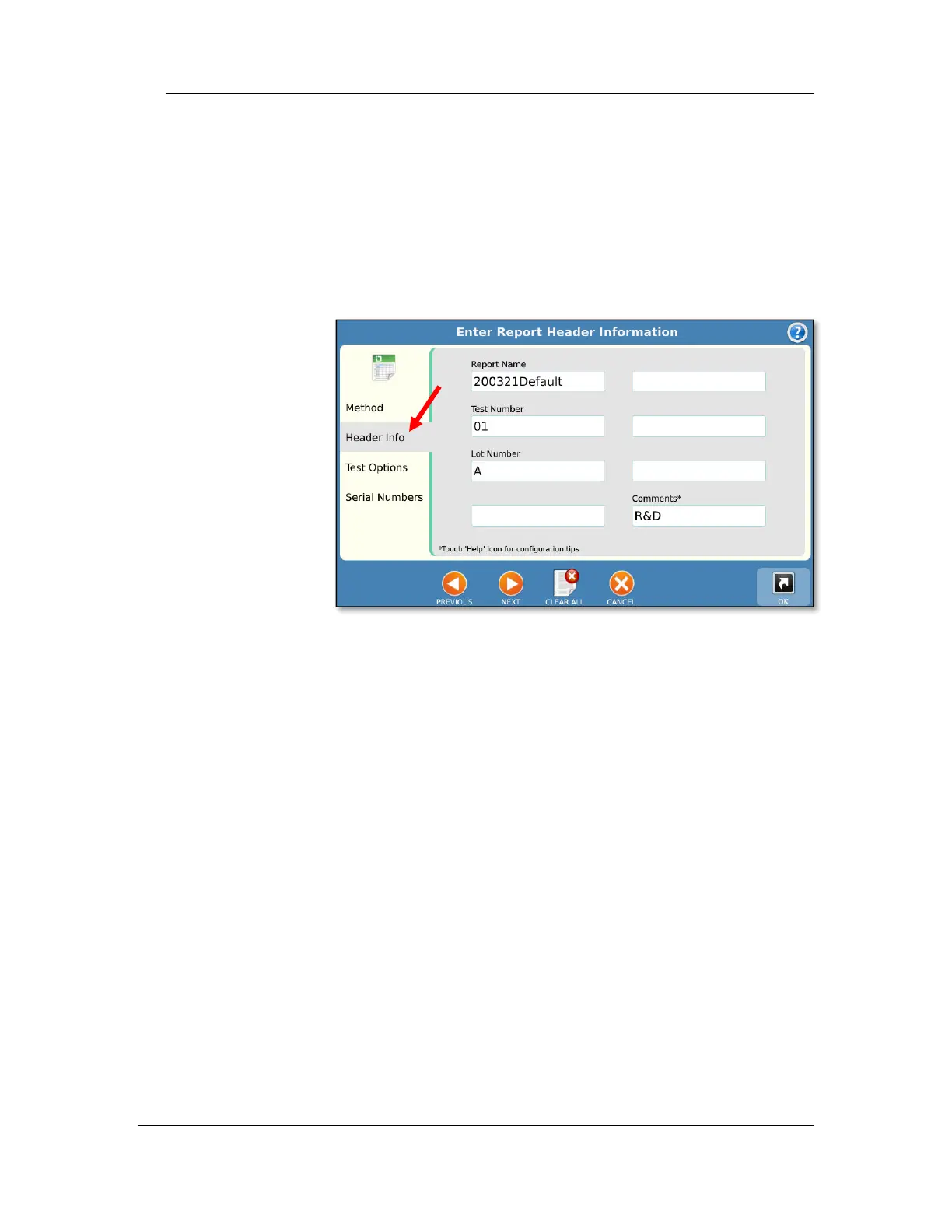
3. Header Information (Header Info) tab
a. Enter information specific to the test run in the
header information screen
b. Touch ‘Next’ to continue.
NOTE: The labels for the headers can be
changed through the configuration screens.
The default fields are:
Report Name: Allows the user to enter a final report
name. By default, the report name is a timestamp
plus the method name.
Test Number: Allows the user to input the lot
number of the item being tested.
Lot Number: Lot number associated with the test
run.
Comments: Allows the user to add any comments
related to the test run.



 To Next Page