Section G – Dissolution Testing
CD14 Tester & CD AutoPlus Autosampler User Guide—75-108-800 Rev. B—31 May 2021 93 of 130
EAR99 technology subject to restrictions on cover page.
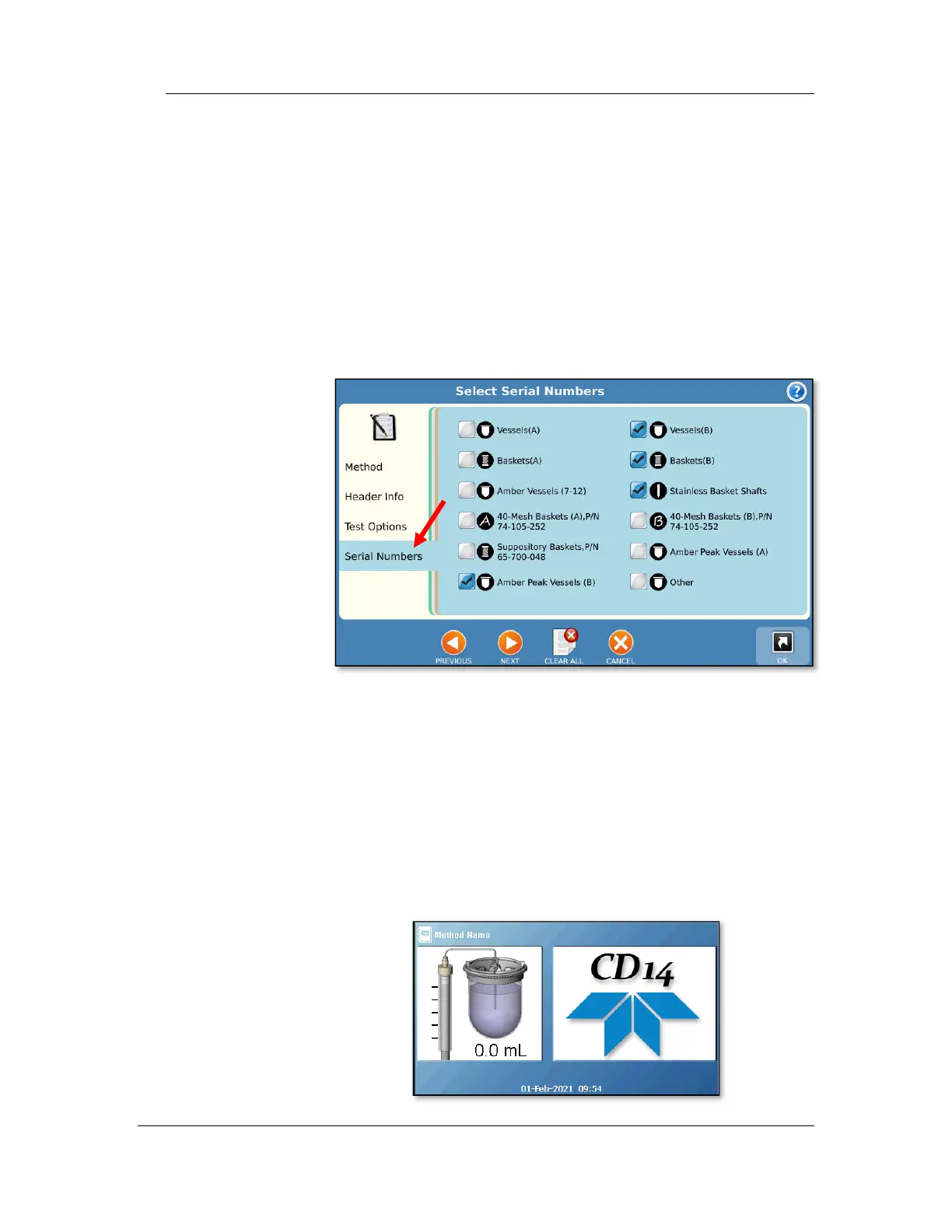
5. Serial Numbers tab
a. Select the accessories that will be used during
the test including vessels, baskets, paddles, etc.
b. The serial numbers for side A and side B will be
in separate windows.
NOTE: The serial numbers of the items selected
will be included in the final report.
c. Touch the ‘OK’ button to exit.
6. Start a Sequence prompt
When the bath / vessel temperature is within
tolerance, the user is prompted to start a sequence
where he or she is prompted to establish time zero
and drop the dosages in each vessel as per the
vessel offset time established in the method.
7. If using the CD AutoPlus, the CD AutoPlus screen
will switch to showing the method name and syringe
position.



 To Next Page