8eSATAconnectororUSB3.0connector:FortheThinkPadMiniDockPlusSeries3,thisisaneSATA
connectorforconnectinganeSATAdevice.FortheThinkPadMiniDockPlusSeries3withUSB3.0,this
isaUSB3.0connectorforconnectingaUSBcompatibledevices.
9Externalmonitorconnector:Connectanexternalmonitor.
10Securitykeyhole:Useasecuritycablelockthattsthiskeyholetolockyourdockingstationtoa
stationaryobjecttoprotectitfromtheft.
Note:IfyouattachyourcomputertoaportreplicatorordockingstationanduseanEthernetconnectoror
anexternalmonitorconnector,usetheEthernetconnectorortheexternalmonitorconnectorontheport
replicatorordockingstation,nottheoneonthecomputer.
AttachingaThinkPadportreplicatorordockingstation
ToattachyourcomputertoasupportedThinkPadportreplicatorordockingstation,dothefollowing:
Notes:
•BeforeyouattachthecomputertoasupportedThinkPadportreplicatorordockingstation,disconnect
theacpoweradapterfromthecomputer.
•Ifyourcomputerisoperating,makesurethatithasnishedanyoperationsinvolvingdevicesthatare
connectedtoaUSBconnector.AlsomakesurethatanyconnectiontoanEthernetconnectorhas
beendisconnected.
•ThefollowingillustrationsarefortheThinkPadMiniDockSeries3.Theprocedureisthesameforother
dockingstations.Forportreplicators,startwithstep2.
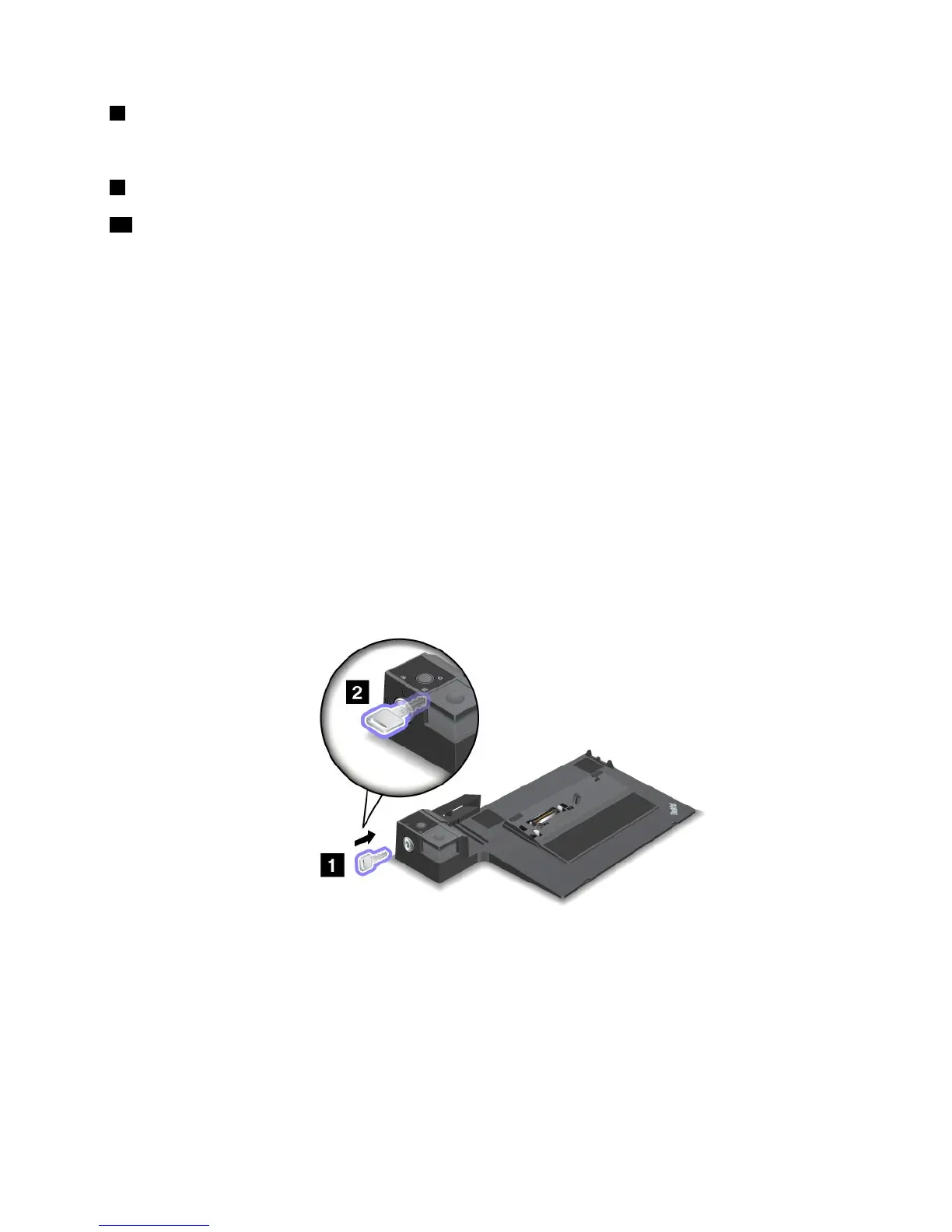
1.Makesurethatthesystemlockkeyisinplaceandintheunlocked(horizontal)position.
Chapter7.Enhancingyourcomputer103



 To Next Page