18 I
www.inavi.com
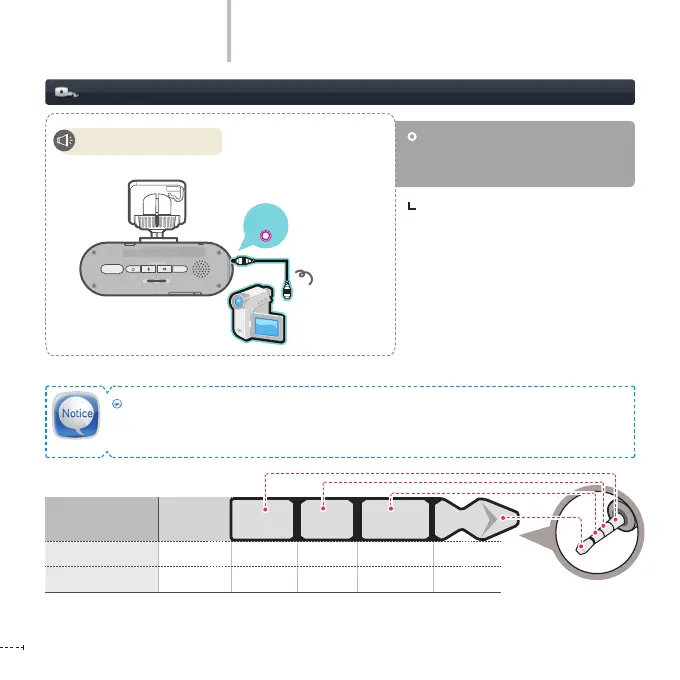
Connecting the AV OUT (Optional)
Connect the AV OUT cable to the
AV OUT terminal to output the re-
corded video to an external device.
REC
GPS
SD FORMAT
STATE
micro SD
A/V OUT
Displaying recorded
video
Basic Operation
Please use the standard AV cable recommended by THINKWARE.
If any unsupported AV cable is connected, this may result in damage to the product, for which
THINKWARE does not accept any liability.
With AV OUT connection, view real-time
video on external device. (see 29 page,
Playing Mode)
Item Plug
AV OUT
2.5
ø
-- GND VIDEO --
GPS
2.5
ø
RX GND TX VCC
Start video playback.



 To Next Page