28 I
www.inavi.com
Basic Operation
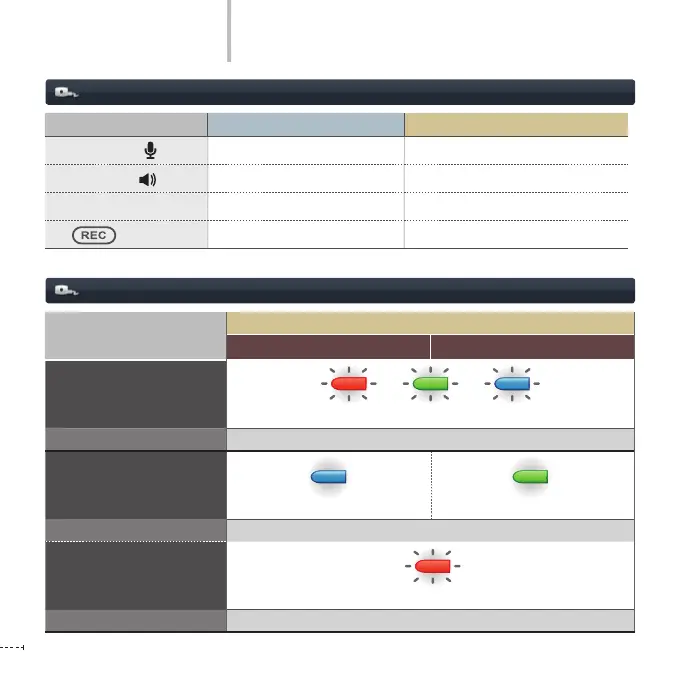
Button Pressed for less than 3 seconds Pressed for more than 3 seconds
Voice Recording button
voice recording setting/disabled
Voice Guidance Button
voice guidance setting/disabled Security LED ON/OFF
SD Memory Format Button
Photo Shooting Formats the SD memory
Button
Manual Recording Sets/Ends Parking Mode
Button Operation
Operation Status LED and Voice (BEEP) Operation Mode
Operation Mode
LED
Voice Recording (ON) Voice Recording (OFF)
BOOTING
Blinking in three colors
Voice Guidance
Please have a safe and enjoyable drive today.
Continuous Recording
Blinking in Blue Blinking in Green
Voice Guidance
Starts the continuous recording.
Even Recording
Blinking in Red
Voice Guidance
(Ring) the buzzer sounds
+ +



 To Next Page