58 I
www.inavi.com
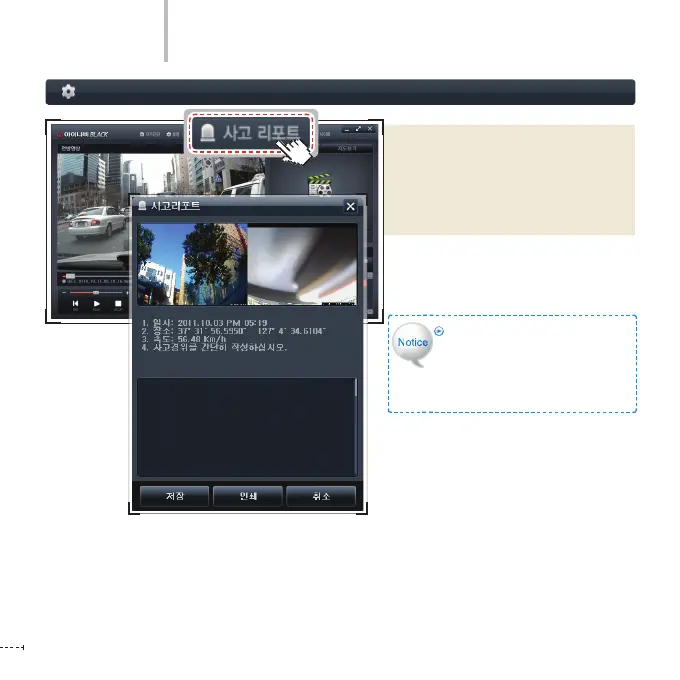
When you click Accident Report while
playing the video, the video immedi-
ately stops and the time, GPS data and
speed (appeared on the screen) are
displayed. (Printable)
Save: the data is saved as [inaviBlack_
Accident Report.jpb] on the
desktop.
Black Box Setting > Accident Report
PC Viewer
The number of characters of a
le name is limited. So you have
to make the le name briey.
Otherwise, the le name cannot be
assigned to the saved .jpg le.



 To Next Page