www.inavi.com
I 21
Chapter 02 I Basic
Basic Operation
Recording while parking
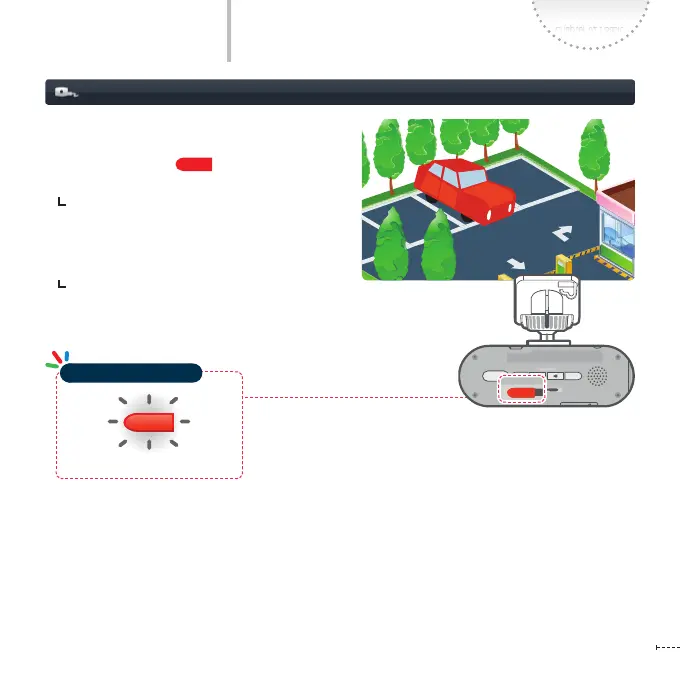
When any motion or impact or motion is detected
within the recording scope of the black box, the
operation status LED ( ) lights on in red.
Event detection recording : Records scenes
for 20 seconds, from 10 seconds before the
event has been detected to 10 seconds after
and saves in the Event Recording Folder.
Motion detection recording : Records scenes
for 20 seconds, from 10 seconds before the
motion has been detected to 10 seconds after
and saves in the Motion recording folder.
Blinking
REC
GPS
SD FORM AT
STATE
micro SD
REC
GPS
SD FORM AT
STATE
micro SD
REC
GPS
SD FORM AT
STATE
micro SD
REC
GPS
SD FORM AT
STATE
micro SD
REC
GPS
SD FORM AT
STATE
micro SD
REC
GPS
SD FORM AT
STATE
micro SD
Operation Status LED



 To Next Page