www.inavi.com
I 57
Chapter 03 I Menu
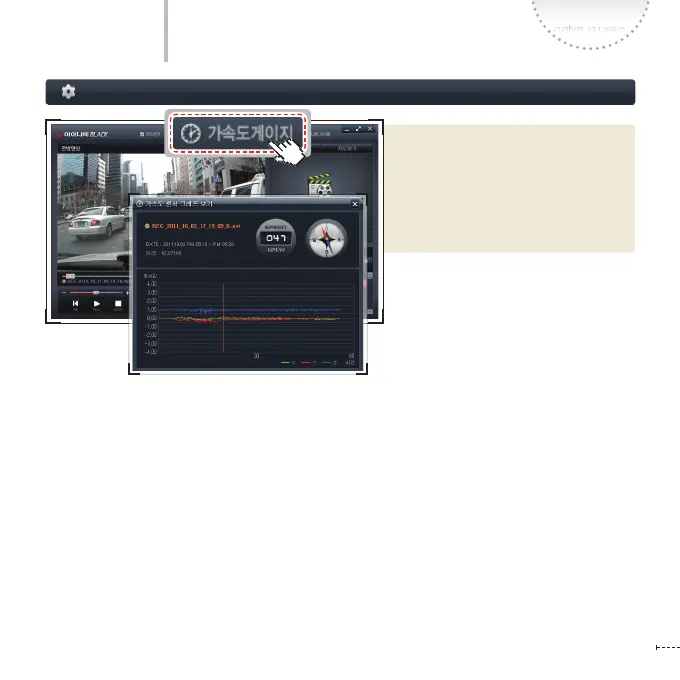
Display left/right, rotation/vibration/
impact and other information using the
acceleration of gravity on 3 axes (X, Y, Z)
based on the data acquired by the sen-
sor, which recognizes the acceleration
of gravity applied on the car.
- Indicate the name of le you are
currently playing
- Display the le size and the time of
recording
- Display the value on 3 axes (X, Y, Z) of
speed and acceleration sensor
Black Box Setting > Acceleration Gauge
PC Viewer



 To Next Page