26 I
www.inavi.com
Basic Operation
Button
Function
List of recording les and setting mode Video Playback Mode
Power ( )
Select File/Menu Play/Pause
Voice Recording ( )
Move to Upper File/Menu Fast Play to Forward
Voice guidance ( )
Move to Lower File / Menu Fast Play to Backward
SD Memory Format
Exit
Stop the video and go to the list of the
recording file
Playing Mode
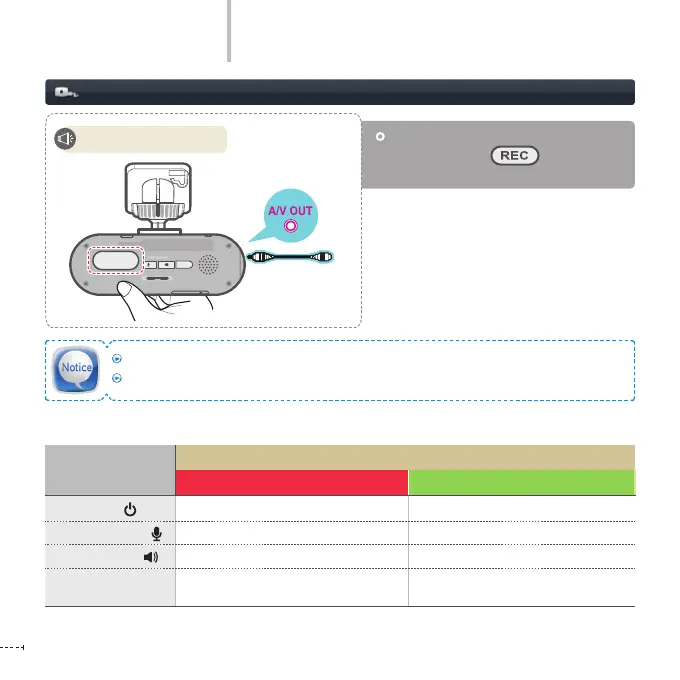
After power o, connect power while
pressing the REC( ) button and
Playing Mode starts.
Start video playback.
REC
GPS
SD FORMAT
STATE
micro SD
Connect the external devices to the black box using AV-OUT cable.
It is recommended to use the standard AV-OUT cable guaranteed by our company.
REC
GPS
SD FORMAT
STATE
micro SD



 To Next Page