www.inavi.com
I 35
Chapter 03 I Menu
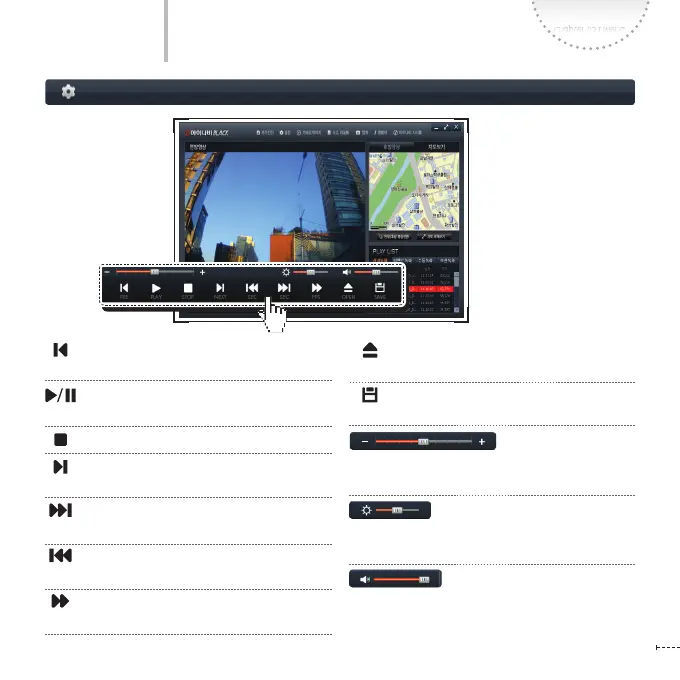
Play the Previous File Plays the previous file of
the one which is playing.
Play the file / Resume
Play the recorded file / Resume the file play
Stop Stop play
Play the Next File Plays the file next to the
one which is playing.
Move to Previous Goes backward by one
second while playing a file
Move to Next Goes forward by one second
while playing a file
Quick Play
Quickly plays the file
Open a Drive Opens the removable storage
device where the recording files are saved
Save the recording file Saves the recording file
being played to the PC
(by controlling the scroll bar)
Adjust Playback Speed Adjusts the playback
speed by controlling the scroll bar left or right
(by controlling the scroll bar)
Brightness Adjusts the brightness by control-
ling the scroll bar left or right
(by controlling the scroll bar)
Volume Adjusts the volume by controlling the
scroll bar left or right
Screen Conguration
PC Viewer



 To Next Page