www.inavi.com
I 43
Chapter 03 I Menu
Black Box Setting > Video - 2
PC Viewer
The value varies according to the
memory partition setting set in
Conguration.
3
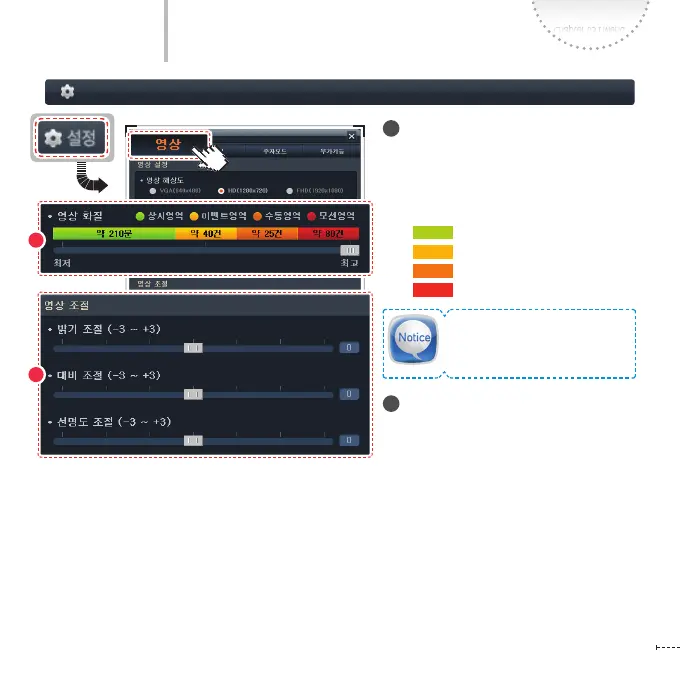
Video Quality
Displays the time and number of the
recording les by Continuous/Event/
Manual/Parking recording to the Quality
setting.
- : Continuous Area
- : Event Area
-
: Manual Area
-
: Motion Area
4
Adjustment
Adjust the screen setting values for
recording.
- Brightness: Adjust the brightness
level of the screen. (-3 ~ +3)
- Contrast: Adjust the contrast of the
screen. (-3 ~ +3)
- Sharpness: Adjust the sharpness of
the screen. (-3 ~ +3)
3
4



 To Next Page