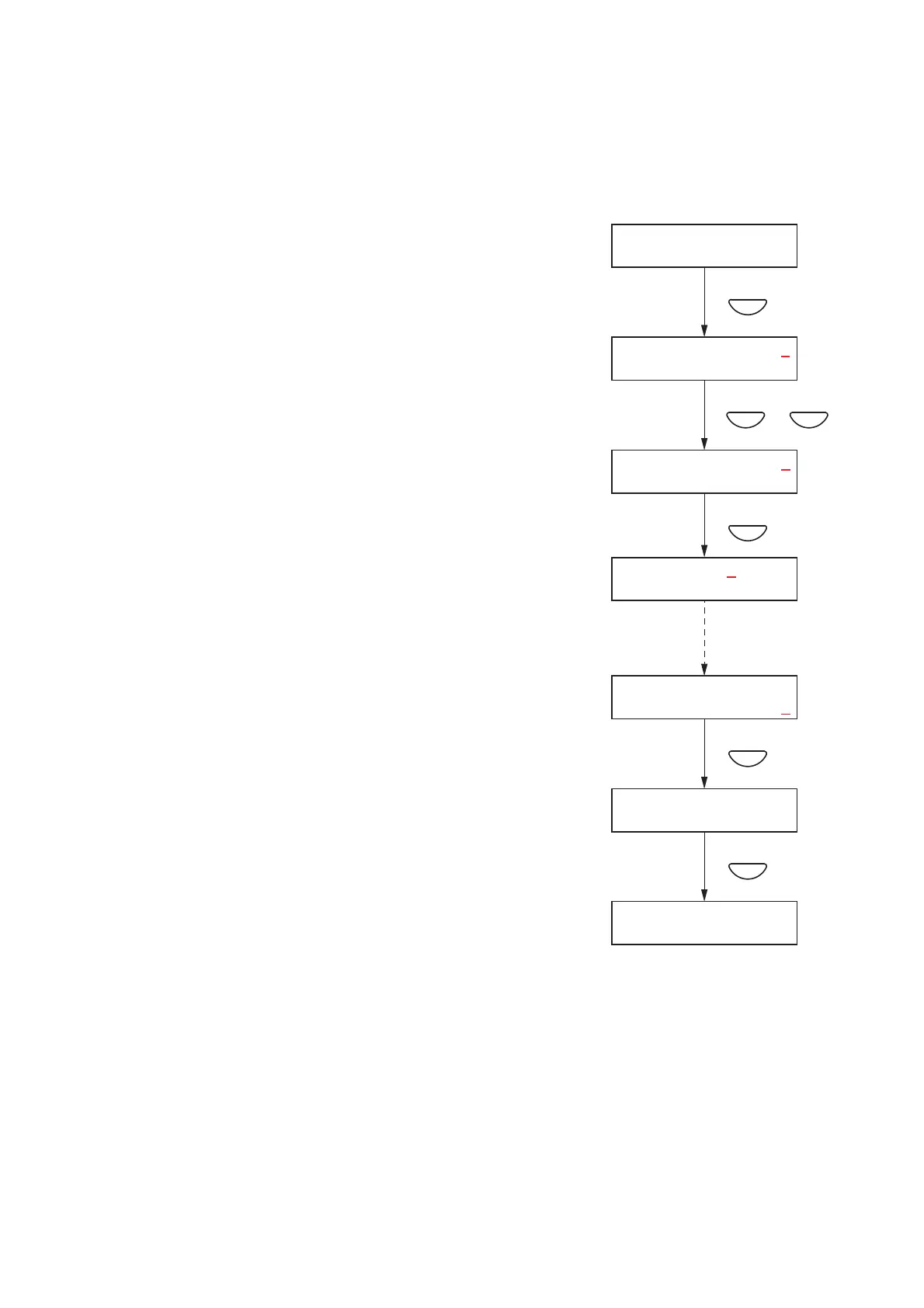
[Date/time settings]
Set the date and time.
Default setting: "2008 JAN 01, 00:00"
Step 1. Press the OK key on the Clock Setting screen.
The setting screen for date and time is displayed.
Note
Pressing the Cancel key returns the display to the original
screen.
Step 2. Enter the "year" using the [+] and [–] keys.
The number increases with the [+] key and decreases with
the [–] key.
The underline (_) shown at the "2008" digits indicates the
entry point.
Step 3. Press the OK key.
The underline moves to the right.
Note
Pressing the Cancel key returns the display to the previous
screen.
Step 4. Repeat Steps 2 and 3 to enter the date (day, month, and
year) and time (hour and minute).
Step 5. Press the OK key when the underline is at the "minute" digits
to register the date and time.
The time starts counting from 00 seconds when the OK key
is pressed.
Step 6. Press the Cancel key after setting is complete.
The display reverts to the setting screen.



 To Next Page