EasyManua.ls Logo

Toa RM-200M - Page 54

Toa RM-200M
105 pages
Print Icon
To Next Page IconTo Next Page
To Previous Page IconTo Previous Page
Loading...
54
5
:
SETT I N
G
DATA
C
O
MM
UN I CAT I
O
N
51
:
SETT I N
G
DATA
PC
>
V
M
3000
52
:
SETT I N
G
DATA
V
M
3000
>
PC
TRANS
M
ITTIN
G
C
O
M
PLETE
RECE I V I N
G
C
O
M
PLETE
OK
CANCEL
OK
CANCEL
5
6
5
6
44
Transmission in
progress
Transmission in
progress
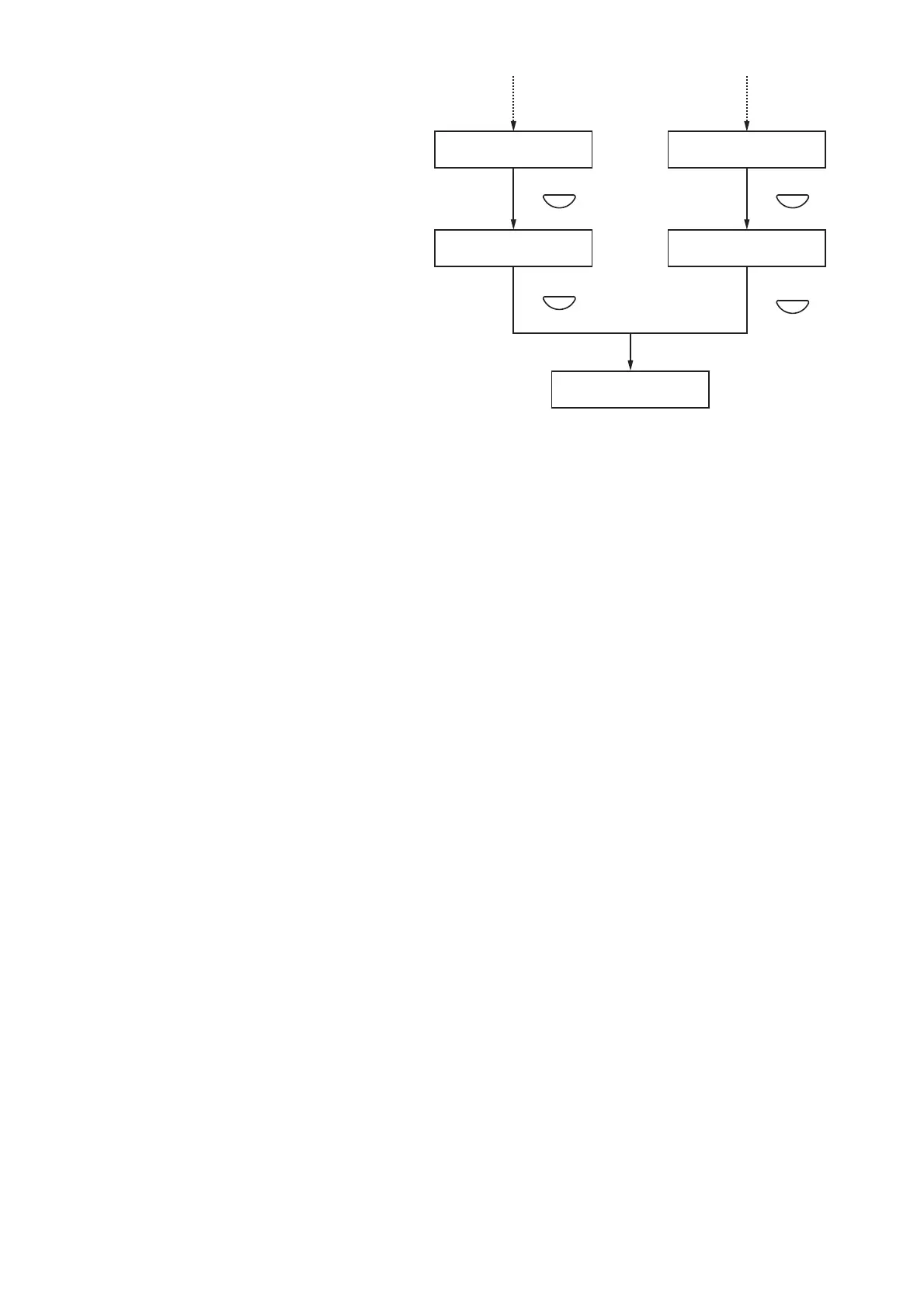
Step 5. Press the OK key.
The display reverts to the source and
destination selection screen.
Step 6. Press the Cancel key.
The display reverts to the Set Data
Transmission screen.
Note
If the PC is not correctly connected, the display will not change from the "RECEIVING" or "TRANSMITTING"
screen.
In such cases, press the Cancel key to return to the set data transfer screen, correctly reconnect the PC, and
then press the OK key again.


Table of Contents

Other manuals for Toa RM-200M

Related product manuals