56
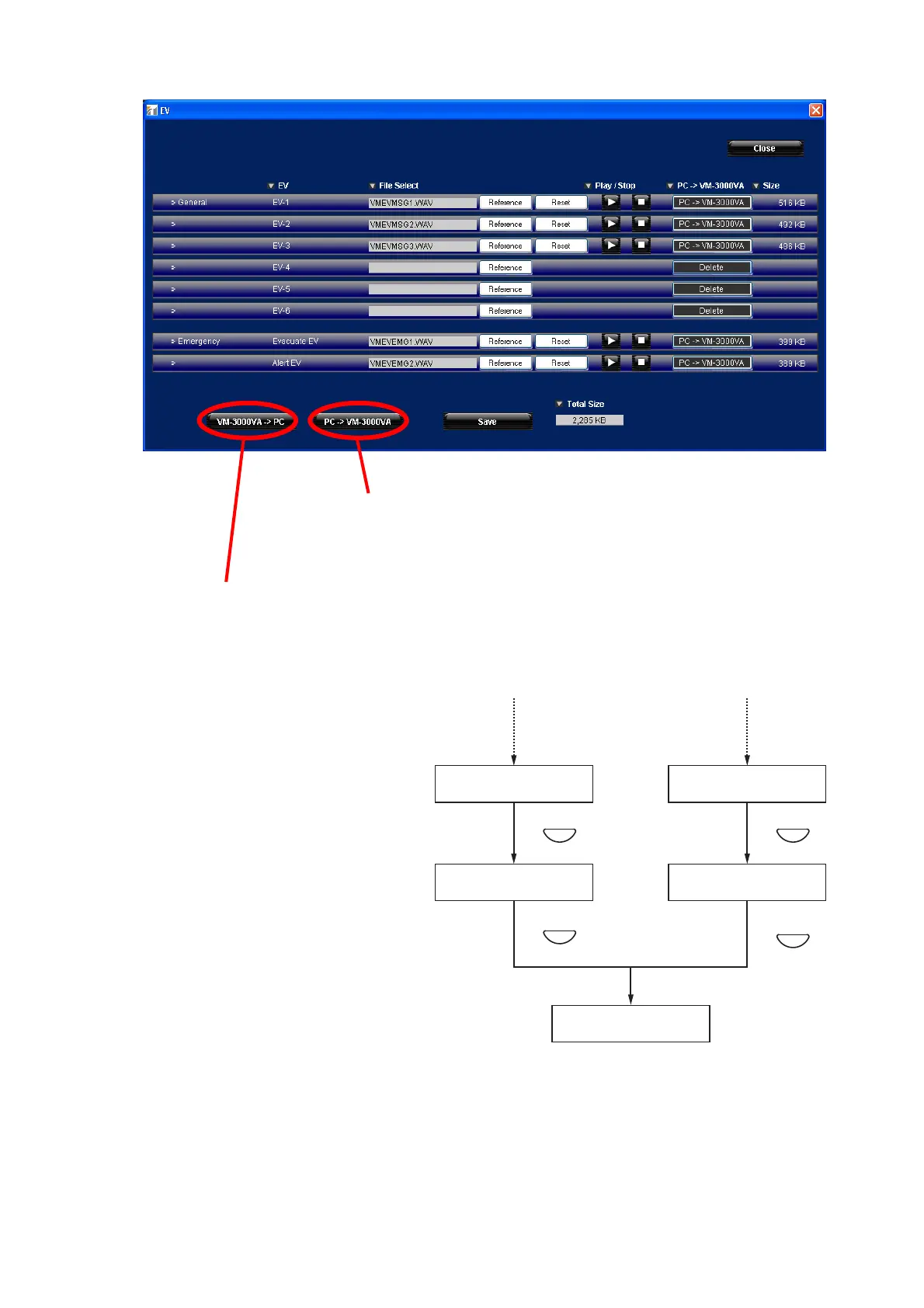
Press the [VM-3000VA->PC] button to transmit sound source data from the VM-3240VA to the
PC. Sound source data written into the VM-3240VA is read into the current registration screen.
Step 5. Press the OK key.
The display reverts to the transmission
source and transmission destination
selection screen.
Step 6. Press the Cancel key.
The display reverts to the Set Data
Transmission screen.
Note
If the PC is not correctly connected, the display will not change from the "RECEIVING" or "TRANSMITTING"
screen. In such cases, press the Cancel key to return to the EV sound source data transfer screen, correctly
reconnect the PC, and then press the OK key again.
The EV message sound source file registration screen is displayed.
Press the [PC->VM-3000VA] button to transmit sound source data
from the PC to the VM-3240VA after reading the sound source
data into the above screen.



 To Next Page