3-13
3.3.3 Refractive power and corneal curvature (refkeratometer) measurement mode
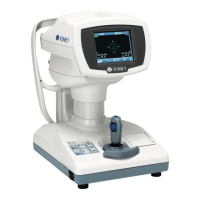
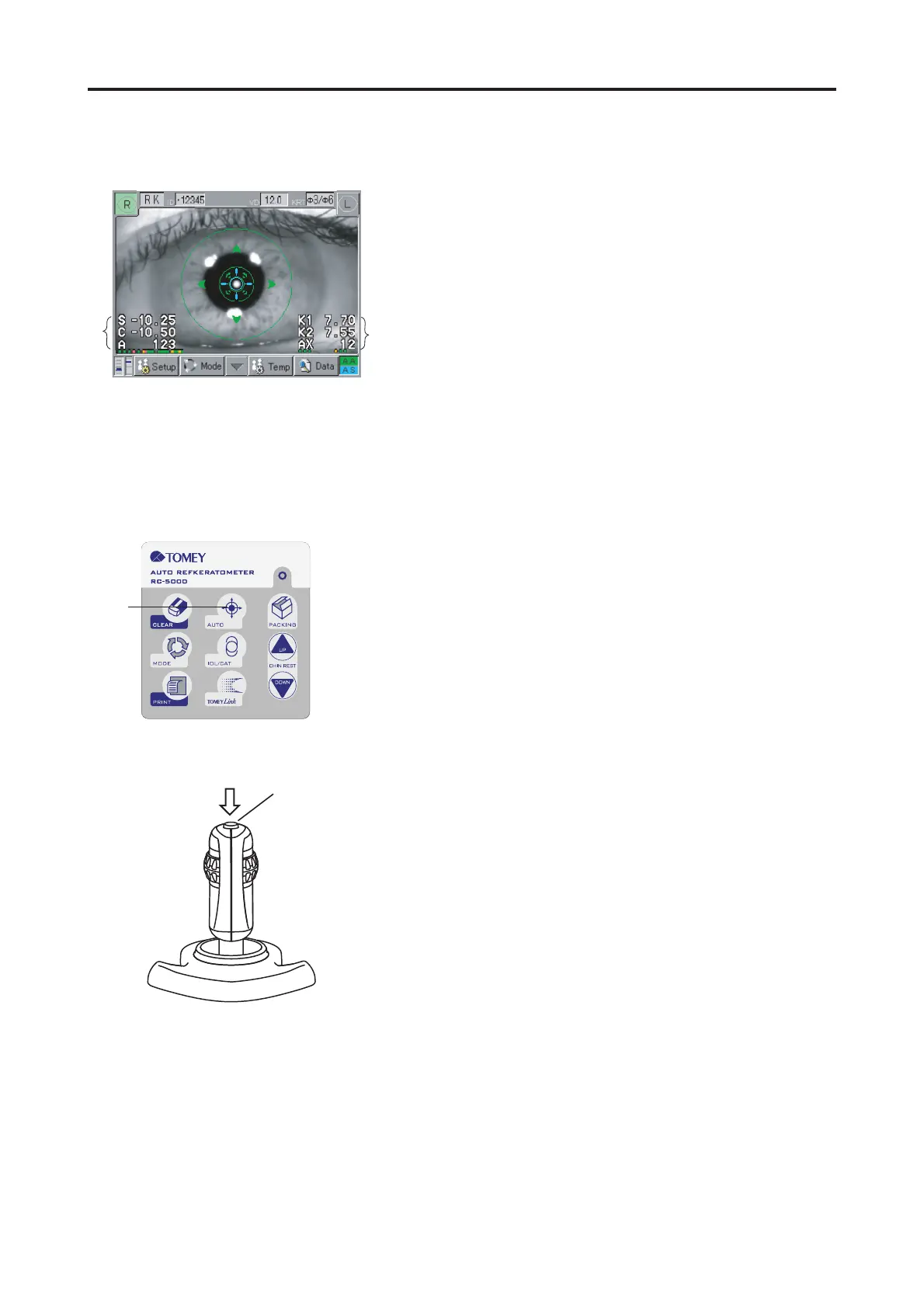
<Refkeratometer Measurement Screen>
The Refkeratometer Measurement Screen shows a refrac-
tive measurement value $ in the left lower part of the
monitor and a keratometer measurement value % in the
right lower part of the monitor. As for these two measure-
ments, see "3.3.1 Refractive power (refractometer) mea-
surement".) and "3.3.2 Corneal curvature (keratometer)
measurement)".
<Measuring procedure>
1) Select the measurement mode of "RK". (See "3.2.2
Selecting of the measurement mode and setting of the
measuring conditions".)
2) Give alignment (in accordance with "3.2.4 Alignment
procedure") and press the Measurement Switch & to
start measurement. If auto shot is set ON, measure-
ment will automatically start at the time when align-
ment is completed. Measurement starts with keratom-
eter measurement and next refractometer measurement.
3) After continuation measurement till set up times of mea-
surement data, Displayed "Finished" or "KRT OK?". Then,
Auto Shot will be released.
4) When the display of "Finished", it show keratometer
measurement and reflectometer measurement has been
done till set up times of measurement. When the dis-
play of "KRT OK?", it show keratometer measurement
has not been done till set up times of measurement. In this
case, enter Keratometer mode and measuring keratom-
eter measuring only or press again measurement switch
& or press Auto button '. Then, again give keratom-
eter and refractometer measurement.
<Countermeasures for difficult measurements>
See "3.3.1 Refractive power (refractometer) measurement"
and See "3.3.2 Corneal curvature measurement" (keratom-
eter).
Ԙ
ԙ
(Fig. 1)
Ԛ
(Fig. 2)
ԛ
(Fig. 3)
3.3 MEASUREMENT


 To Next Page
 Loading...