3-5
■
3.1.2 Turning the power on and adjustment after turning the power on
a) Turning the power on
1) Turn on the power switch (1) on the front of the main unit.
2) The startup screen (Fig. 1) appears and then the measurement screen in the
mode used last time appears.
(Fig. 1)
b) Adjustment after turning power on
The brightness of the monitor can be adjusted to suit the illumination in the
examination room (see "3.9.1 General").
3.1.3 Switching modes
■
When the mode is changed, all data captured in the previous
measurement mode is deleted.
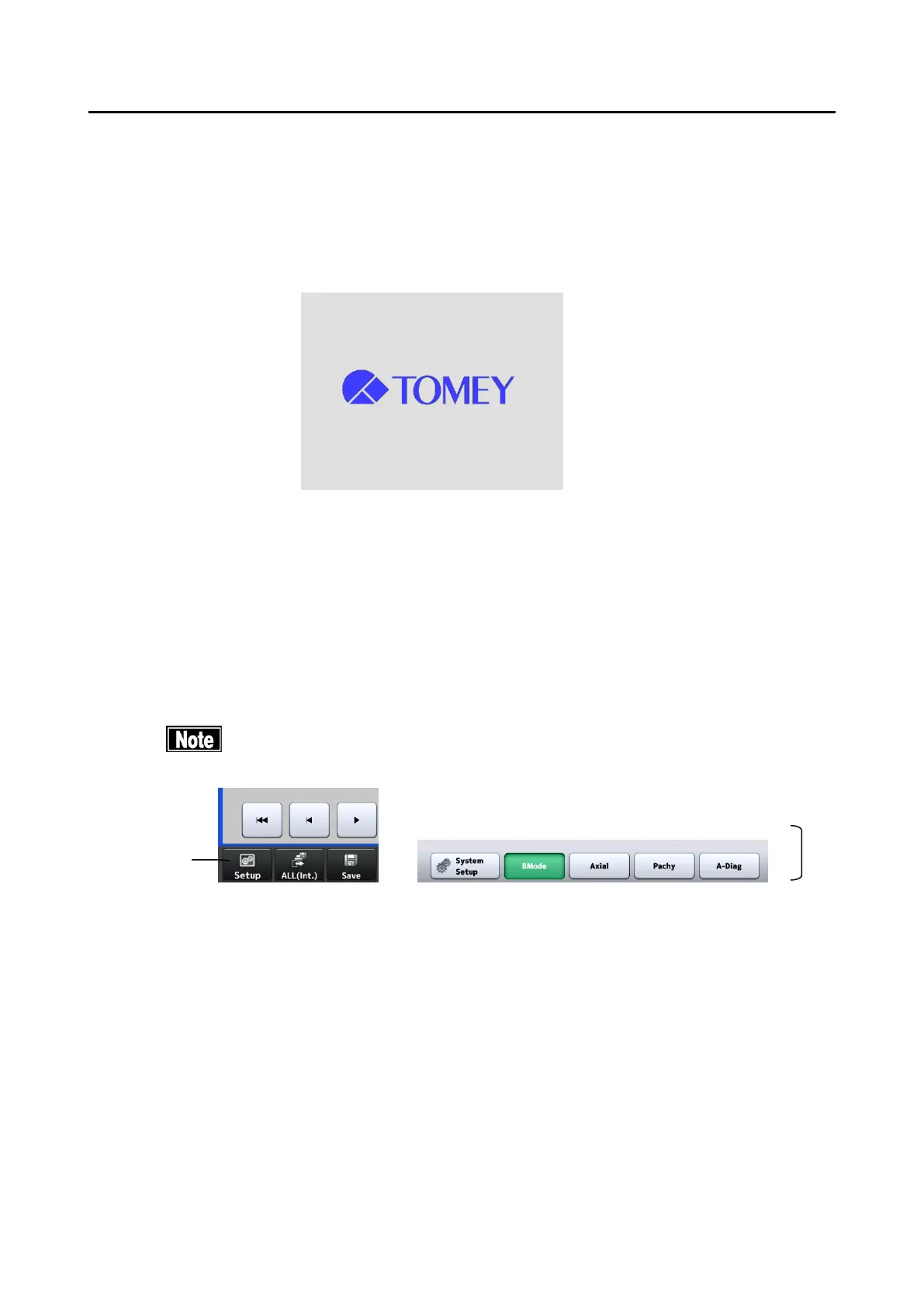
Touching the “Setup” button (1) on each screen displays the setup screen. Select any
of the mode selection buttons (2) as desired to enter each mode.
There are following modes:
- B-Mode: B mode image diagnosis
- Axial : Axial length measurement
- Pachy : Measurement of corneal thickness
- A-Diag : A-scan diagnosis


 To Next Page
 Loading...