■
3-8
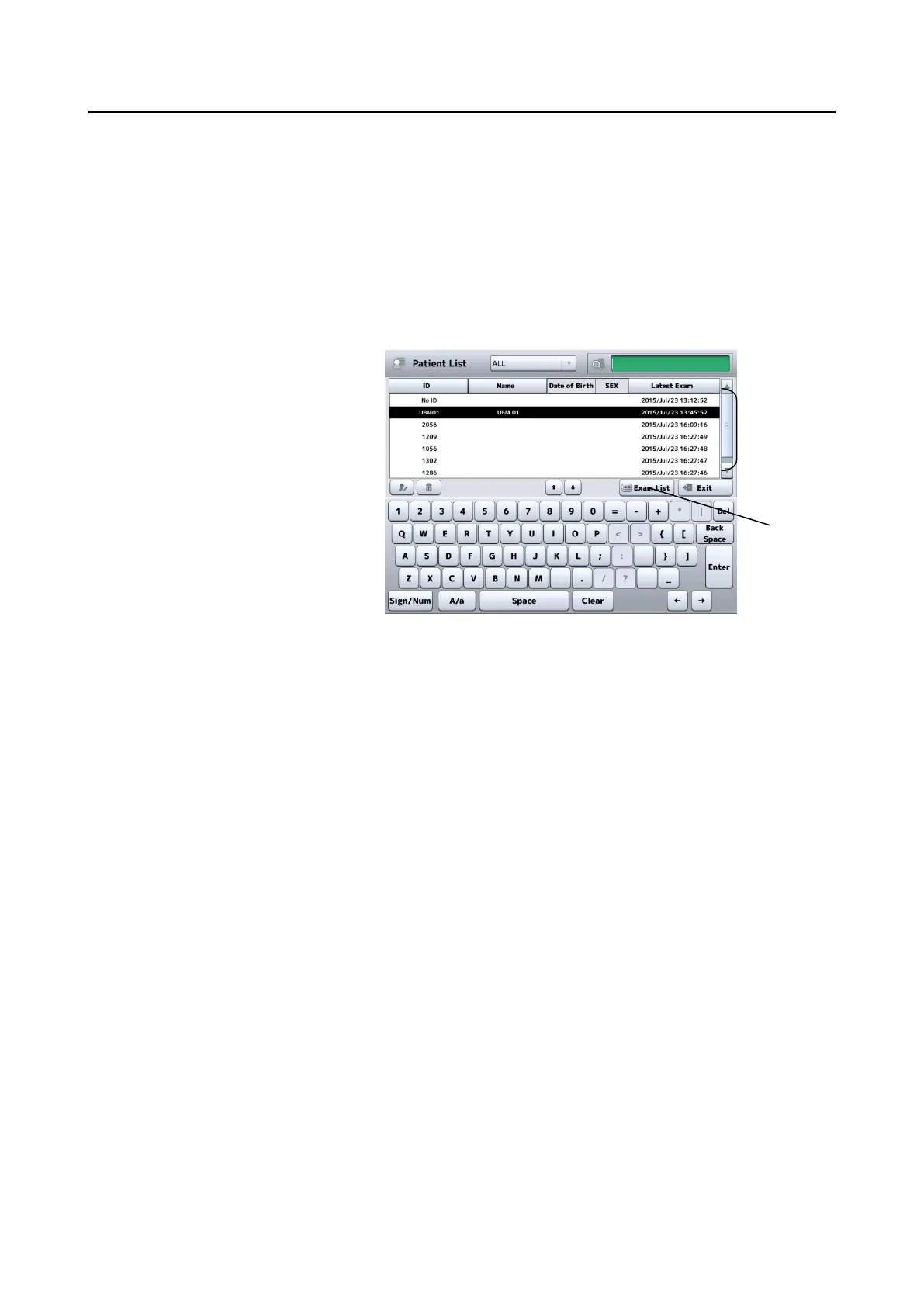
- Entry method 4: External ID input device
Data can be entered using a barcode reader, card reader, or
keypad.
The barcode reader and card reader are also available on the
measurement screen in addition to the Patient Information
screen (Fig. 2)
(Fig. 4)
3) Touch the “OK” button on the Patient Information screen (Fig. 2),
designate the patient information, and return to the previous screen.
- Touch the "Cancel" button (5) to discard the edited information and
return to the previous screen.


 To Next Page
 Loading...