7-9
7 DATA COLLECTION
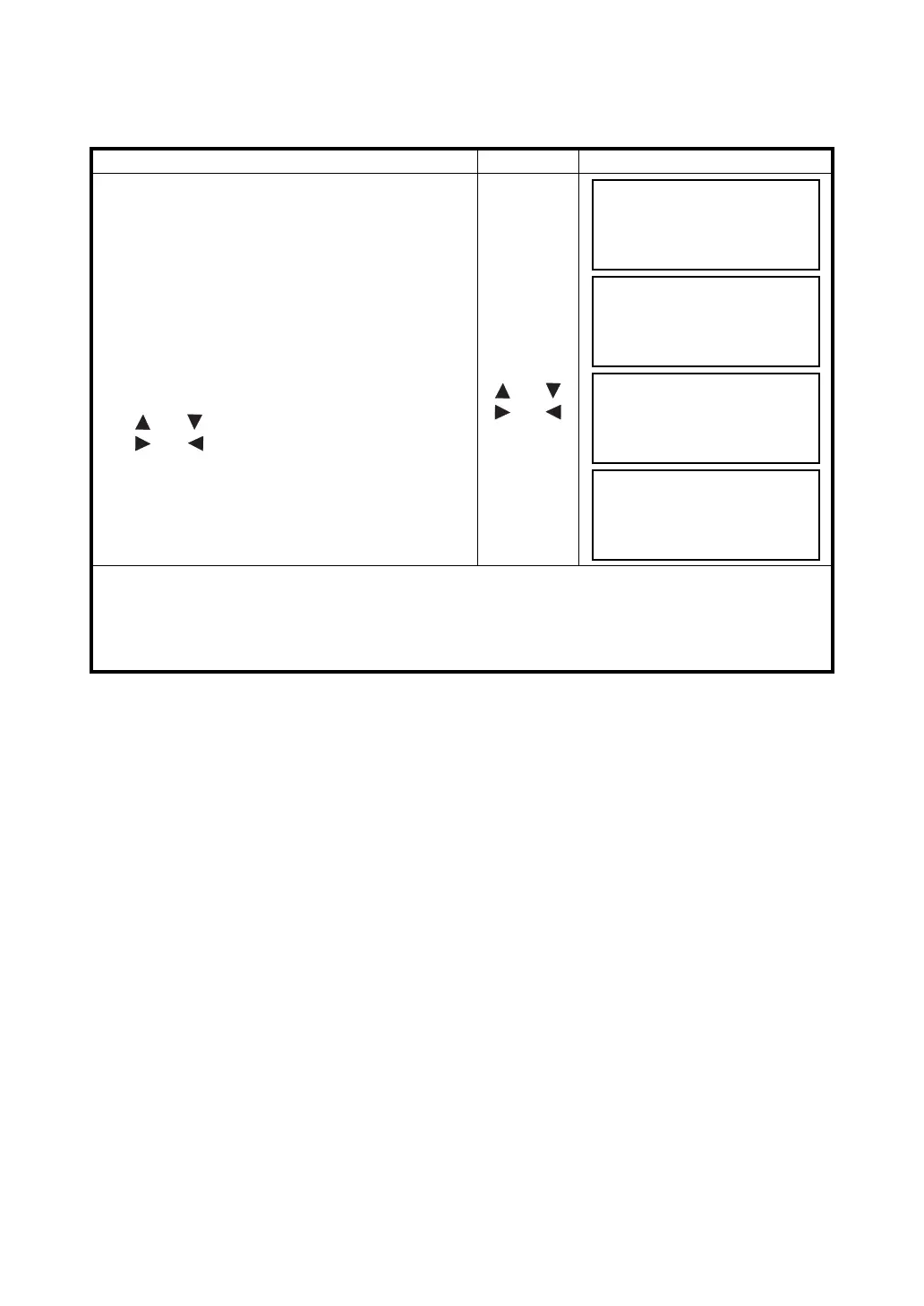
7.2.3 Entering PCODE / ID from the list of PCODE
You can also enter PCODE / ID from the list of PCODE.
Operating procedure Operation Display
1 Move the arrow to the PCODE or ID in the DATA
COLLECT mode, press the {F2} (SRCH) key.
{F2}
2 By pressing the following keys, the register
number will increase or decrease.
{} or {}: Increasing or Decreasing one by one
{} or {}: By ten Increasing or Decreasing. *1)
{} or {}
{} or {}
3 Press the {F4} (ENTER) key.
{F4}
*1) To edit the PCODE library, press the {F1} (EDIT) key.
To delete the PCODE registered with shown an arrow, press the {F3} (CLR) key.
• PCODE can be edited in DATA COLLECT menu 2/2 or MEMORY MANAGER menu 2/3.
PT# :PT-02
PCODE
→
R.HT : 1.200 m
INPUT SRCH MEAS ALL
→
001:PCODE01
002:PCODE02
EDIT ––– CLR ENTER
031:PCODE31
→
032:TOPCON
033:HILTOP
EDIT ––– CLR ENTER
PT# :PT-02
PCODE :TOPCON
R.HT
→
1.200 m
INPUT SRCH MEAS ALL



 To Next Page