8-9
8 LAYOUT
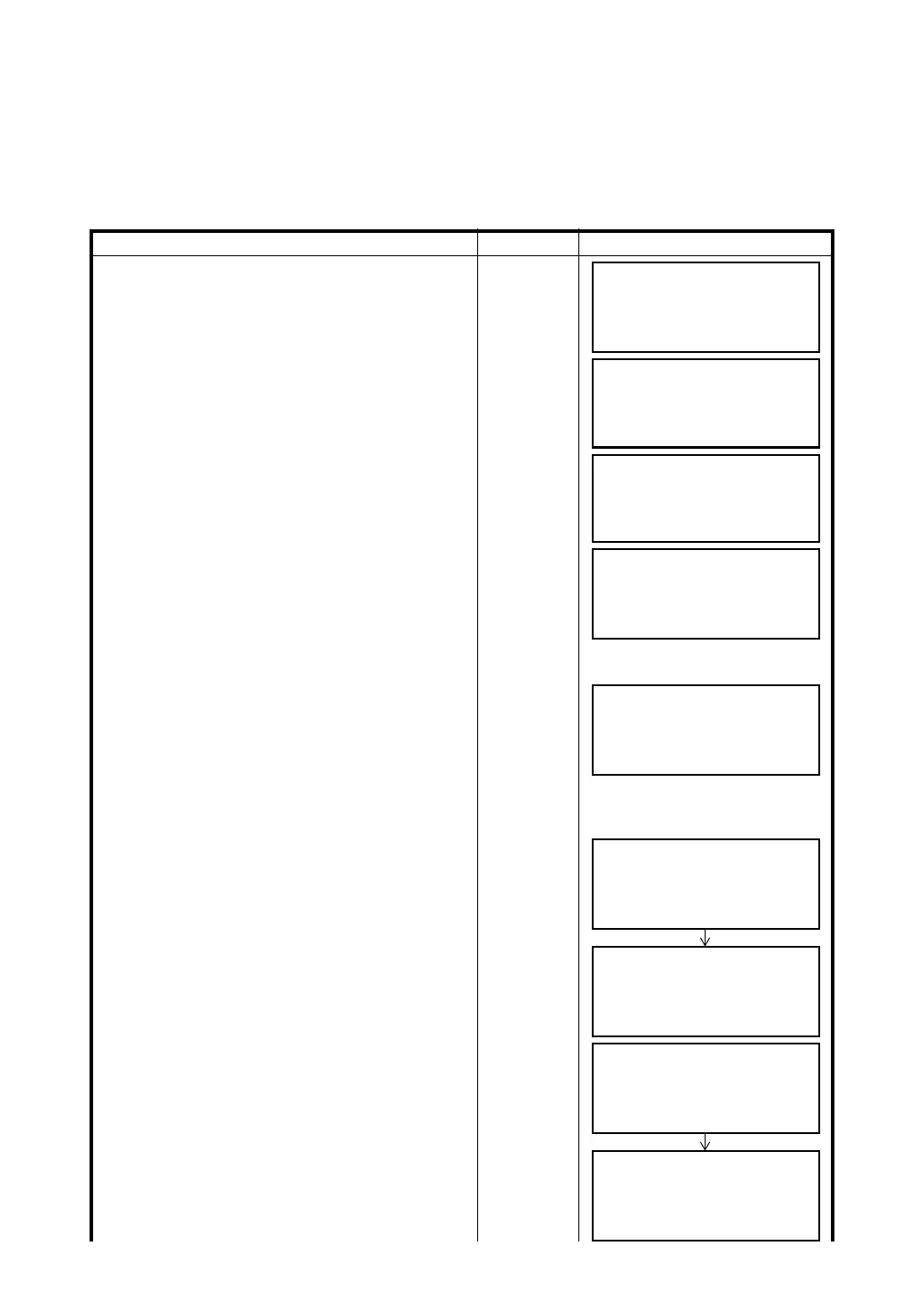
8.2 Executing a Layout
The following methods can be selected for executing a Layout:
1) Recalling points from internal memory by point number.
2) Direct key input of coordinate values.
Example setting: Recalling point from internal memory.
Operating procedure Operation Display
1 Press the {F3} (LAYOUT) key from the layout
menu 1/2.
{F3}
2 Press the {F1} (INPUT) key, and enter PT#. *1)
Press the {F4} (ENT) key. *2)
{F1}
Enter PT#
{F4}
3 Enter reflector height in the same way.
When the layout point is set, the instrument will
start layout calculation.
HR: Calculated horizontal angle of the layout point
HD: Calculated horizontal distance from the
instrument to the layout point
Enter R.HT
{F4}
4 Collimate the prism, and press the {F1} (ANGLE)
key.
PT#: Layout point
HR: Measured (Actual) horizontal angle.
dHR: Horizontal angle to be turned to the layout
point = Actual horizontal angle - Calculated
horizontal angle.
Correct direction when dHR = 0°00'00"
Collimate P
{F1}
5 Press the {F1} (DIST) key.
HD: Measuring (Actual) horizontal distance
dHD: Horizontal distance to be turned to the
layout point = Actual horizontal distance –
Calculated horizontal distance.
dZ: Vertical distance to be turned to the layout
point = Actual vertical distance – Calculated
vertical distance.
{F1}
6 Press the {F1} (MODE) key.
The fine mode measuring starts.
{F1}
LAYOUT 1/2
F1:OCC.PT INPUT
F2:BACKSIGHT
F3:LAYOUT P
↓
LAYOUT
PT#:
INPUT LIST NEZ ENTER
REFLECTOR HEIGHT
INPUT
R.HT = 0.000 m
--- --- [CLR] [ENT]
CALCULATED
HR= 90°10'20"
HD= 123.456 m
ANGLE DIST ––– –––
PT#: LP-100
HR: 6°20'40"
dHR: 23°40'20"
DIST ––– NEZ –––
HD*[t] < m
dHD: m
dZ: m
MODE NEZ NP/P NEXT
HD* 110.12 m
dHD: –13.34 m
dZ: –0.05 m
MODE NEZ NP/P NEXT
HD*[r] < m
dHD: m
dZ: m
MODE NEZ NP/P NEXT
HD* 120.129 m
dHD: –3.327 m
dZ: –0.046 m
MODE NEZ NP/P NEXT



 To Next Page