6-11
6 SPECIAL MODE (Menu Mode)
6.1.4 Area Calculation
This mode calculate the area of a closed figure.
There are two area calculation methods as follows.
1) Area Calculation from Coordinate data file
2) Area Calculation from Measured data
• Area is not calculated correctly if enclosed lines cross each other.
• It is impossible to calculate what a mix of coordinate file data and measured data.
• If the coordinate data file does not exist, the area calculation from measured data is done
automatically.
• The numbers of points used to calculate are not limited.
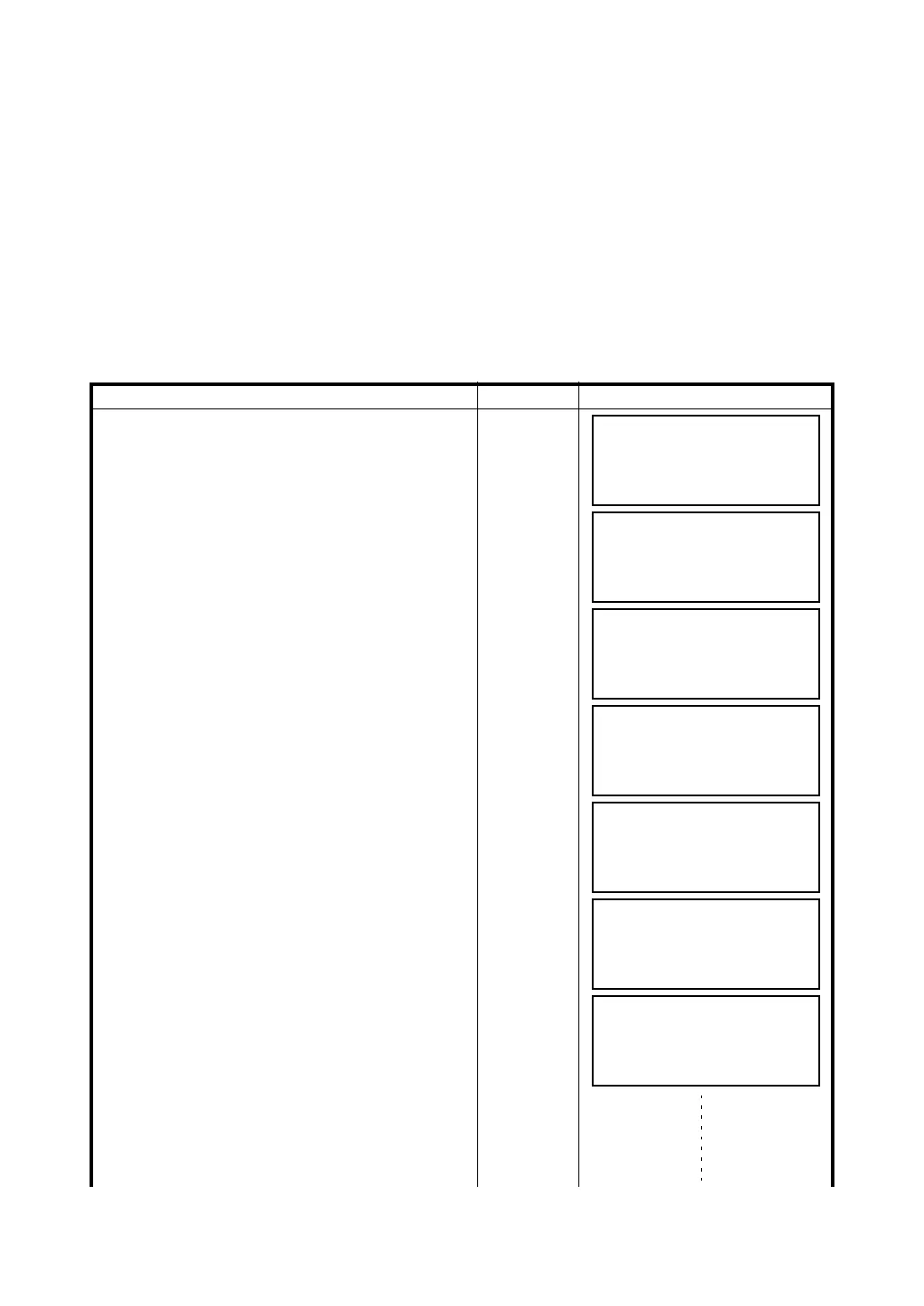
1) Area Calculation from Coordinate Data File
Operating procedure Operation Display
1 After pressing the {MENU} key, press the {F4}
(P
↓
) key to get the menu on page 2/4.
{MENU}
{F4}
2 Press the {F2} key.
{F2}
3 Press the {F4} (P
↓
) key to get the PROGRAMS
menu on page 2/2.
{F4}
4 Press the {F1} (AREA) key.
{F1}
5 Press the {F1} (FILE DATA) key.
{F1}
6 Press the {F1} (INPUT) key and enter the File
Name.
Initial display will be shown.
{F1}
Enter FN
{F4}
7 Press the {F4} (NEXT) key. *1),2)
The top of the file data (DATA-01) will be set and
the second point number will be shown.
{F4}
8 Repeat pressing the {F4} (NEXT) key to set
required number of points.
{F4}
MENU 2/4
F1:MEMORY MGR.
F2:PROGRAMS
F3:GRID FACTOR P
↓
PROGRAMS 1/2
F1:REM
F2:MLM
F3:Z COORD. P
↓
PROGRAMS 2/2
F1:AREA
F2:POINT TO LINE
F3:ROAD P
↓
AREA
F1:FILE DATA
F2:MEASUREMENT
SELECT A FILE
FN:_________
INPUT LIST ––– ENTER
AREA 0000
m.sq
NEXT# :DATA-01
PT# LIST UNIT NEXT
AREA 0001
m.sq
NEXT# :DATA-02
PT# LIST UNIT NEXT



 To Next Page