8-12
8 LAYOUT
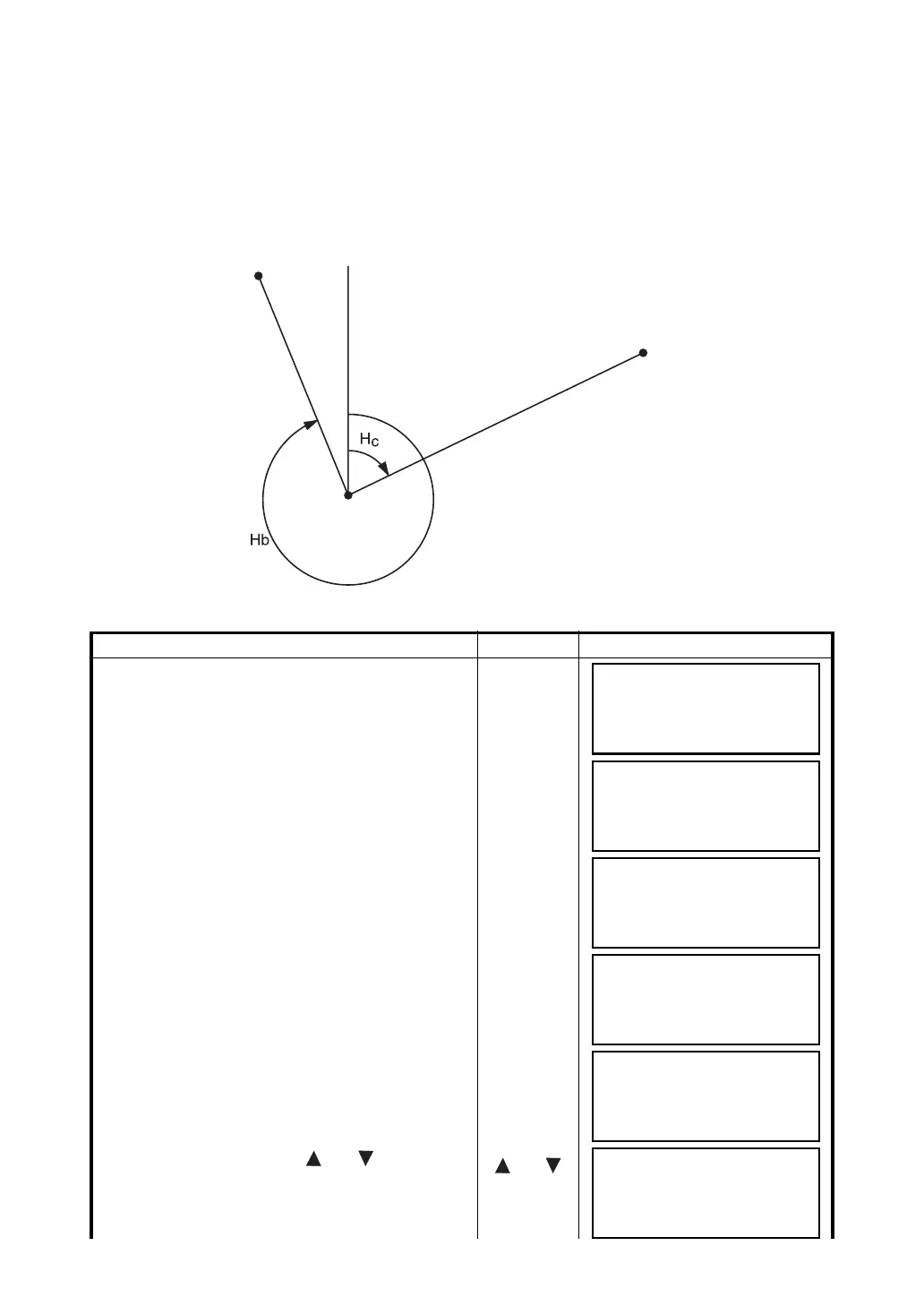
8.3 Setting a New Point
New point is required for example when a layout point cannot be sighted from existing control points.
8.3.1 Side Shot Method
Set up the instrument at a known point, and measure the coordinate of the new points by the side shot
method
Operating procedure Operation Display
1 Press the {F4} (
↓
) key from the layout menu 1/2 to
get the layout menu 2/2.
{F4}
2 Press the {F2} (NEW POINT).
{F2}
3 Press the {F1} (SIDE SHOT) key.
{F1}
4 Press the {F2} (LIST) key to display the list of
coordinate data file. *1)
{F2}
5 Scroll file list by pressing {} or {} key and
select a file to use. *2),3)
{} or {}
N
Known Point B
New Point
Known Point A
(Instrument)
LAYOUT 1/2
F1:OCC.PT INPUT
F2:BACKSIGHT
F3:LAYOUT P
↓
LAYOUT 2/2
F1:SELECT A FILE
F2:NEW POINT
F3:GRID FACTOR P
↓
NEW POINT
F1:SIDE SHOT
F2:RESECTION
SELECT A FILE
FN:_________
INPUT LIST ––––ENTER
COORDDATA /C0123
→
*TOKBDATA /C0345
TOPCDATA /C0789
––– SRCH ––– ENTER
*TOKBDATA /C0345
→
TOPCDATA /C0789
SATIDATA /C0456
––– SRCH ––– ENTER



 To Next Page