5-1
5 COORDINATE MEASUREMENT
5 COORDINATE MEASUREMENT
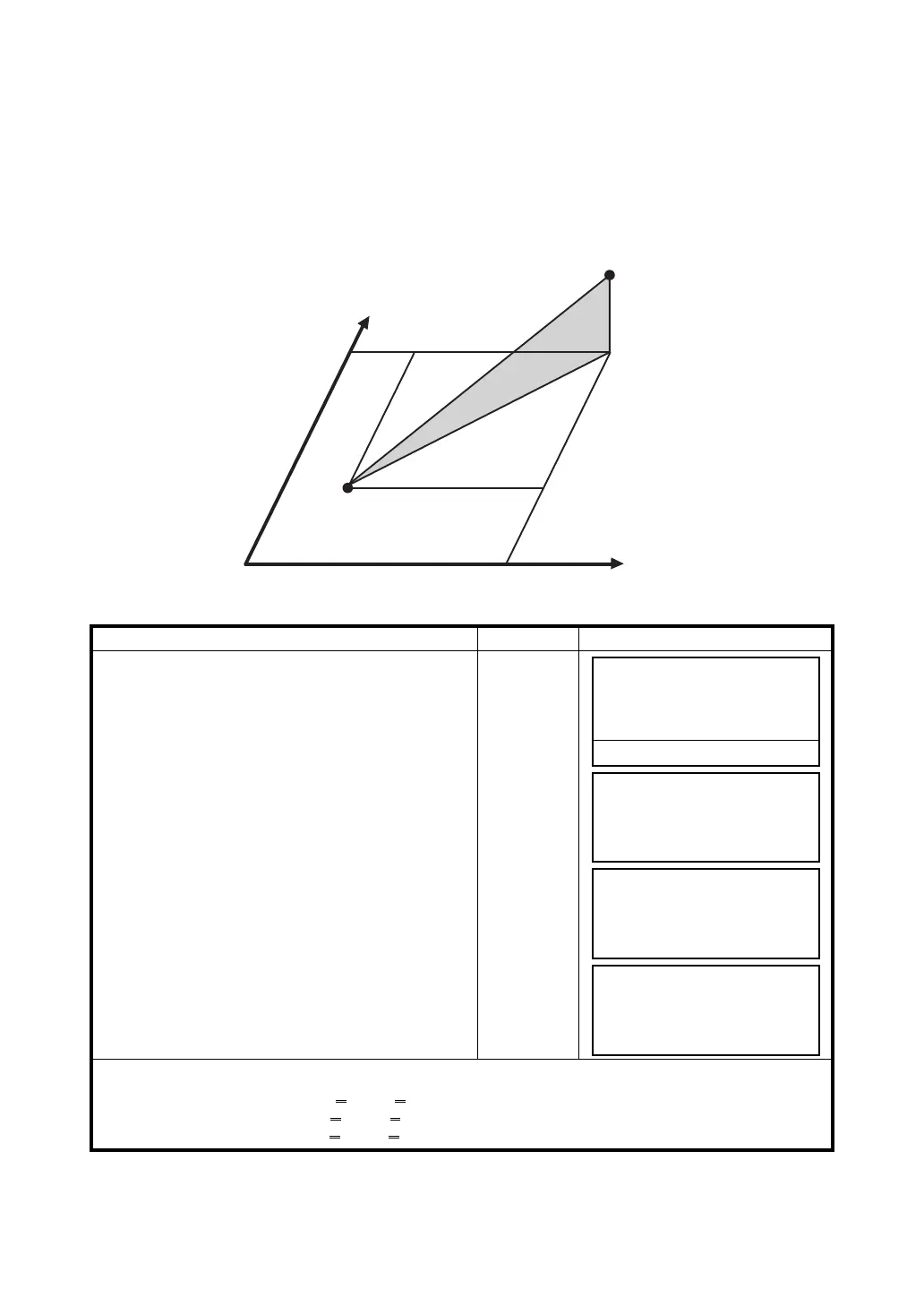
5.1 Setting Coordinate Values of Occupied Point
Set the coordinates of the instrument (occupied point) according to coordinate origin, and the
instrument automatically converts and displays the unknown point (prism point) coordinates following
the origin.
It is possible to retain the coordinates of the occupied point after turning the power off.
Refer to Chapter 17 “SELECTING MODE”.
Operating procedure Operation Display
1 Press the {F4} (
↓
) key from the coordinate
measurement mode to get the function on page 2.
{F4}
2 Press the {F3} (OCC) key.
{F3}
3 Enter N coordinate value. *1)
Enter data
{F4}
4 Enter E and Z coordinate values in the same
manner.
After entering the values, the display returns
coordinate measuring display.
*1)
Refer to Section 2.4 “How to Enter Alphanumeric Characters”.
Input range –99999999.9990 N,E,Z 99999999.9990 m
–99999999.999 N,E,Z 99999999.999 ft.
–99999999.11.7 N,E,Z 99999999.11.7 ft.+inch
Prism (n,e,z)
Occupied point C
Origin(0,0,0)
N: 123.456 m
E: 34.567 m
Z: 78.912 m
MEAS MODE NP/P P1
↓
R.HT INSHT OCC P2
↓
N= 0.000 m
E: 0.000 m
Z: 0.000 m
--- --- [CLR] [ENT]
N: -72.000 m
E= 0.000 m
Z: 0.000 m
--- --- [CLR] [ENT]
N: 51.456 m
E: 34.567 m
Z: 78.912 m
MEAS MODE NP/P P1
↓



 To Next Page