9-19
9 MEMORY MANAGER MODE
9.8 Initialization
This mode is used to initialize the internal memory.
Following data can be initialized.
FILE DATA : All files of measuring data and coordinate data
PCODE DATA : PCODE LIST
ALL DATA : FILE DATA and PCODE DATA
• The following data are not initialized even if initialization is executed.
: Coordinates of the instrument, Instrument height and Reflector height.
Example Initialization: ALL DATA (FILE data and PCODE data)
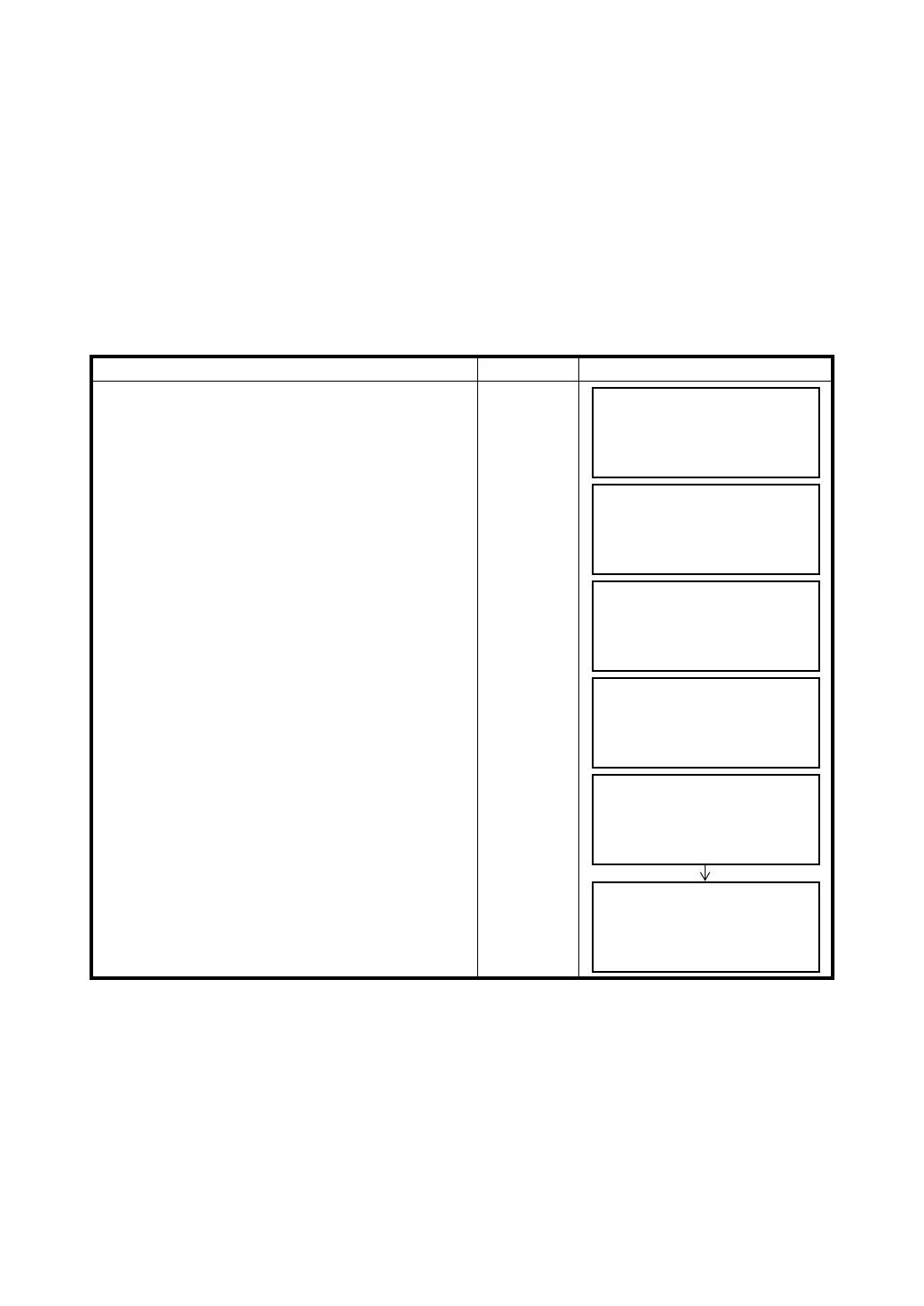
Operating procedure Operation Display
1 Press the {F3} (MEMORY MGR.) key from the
menu 1/3.
{F3}
2 Press the {F4} (P
↓
) key twice.
{F4}
{F4}
3 Press the {F2} (INITIALIZE) key.
{F2}
4 Select the data to initialize by pressing one of the
{F1} to {F3} key.
Example: {F3} (ALL DATA)
{F3}
5 Confirm the erase data, press the {F4} (YES) key.
Initializing will start.
The display returns to menu.
{F4}
MEMORY MGR. 1/3
F1:FILE STATUS
F2:SEARCH
F3:FILE MAINTAN. P
↓
MEMORY MGR. 3/3
F1:DATA TRANSFER
F2:INITIALIZE
P
↓
INITIALIZE
F1:FILE AREA
F2:PCODE LIST
F3:ALL DATA
INITIALIZE DATA
ERASE ALL DATA !
>OK ? [NO][YES]
INITIALIZE DATA
<Initializing!>
MEMORY MGR. 3/3
F1:DATA TRANSFER
F2:INITIALIZE
P
↓



 To Next Page