9-6
9 MEMORY MANAGER MODE
9.2.3 PCODE LIBRARY Searching
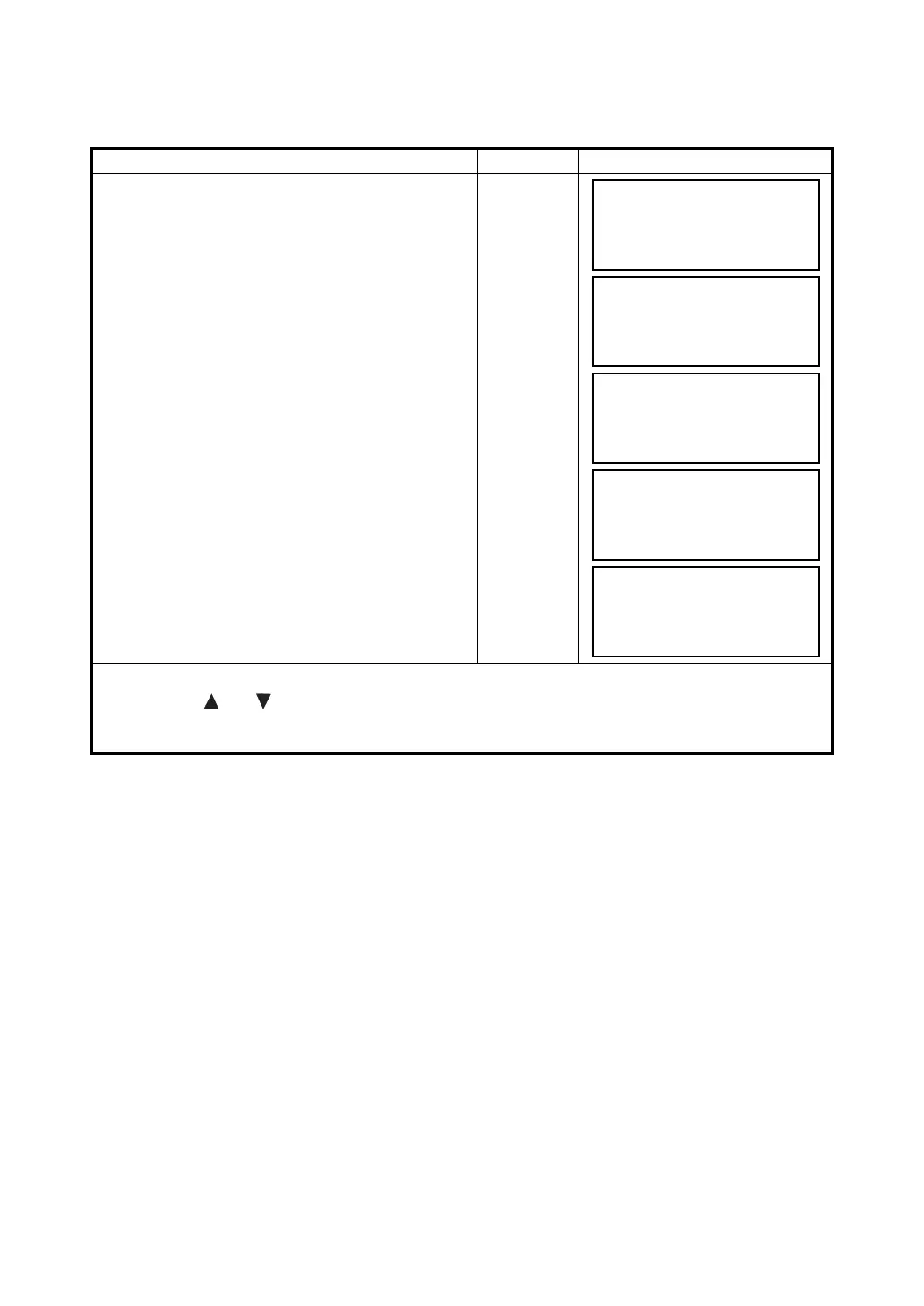
Example searching: Number searching
Operating procedure Operation Display
1 Press the {F3} (MEMORY MGR.) key from the
menu 1/3.
{F3}
2 Press the {F2} (SEARCH) key.
{F2}
3 Press the {F3} (PCODE LIB.) key.
{F3}
4 Press the {F3} (No. SEARCH) key.
{F3}
5 Enter number.Press the {F4} (ENT) key. *1)
The number and linked data will be shown. *2)
Enter PT#
{F4}
*1)
Refer to Section 2.4 “How to Enter Alphanumeric Characters”.
• Press the {} or {} key to scroll to next or PCODE data.
*2) To correct the PCODE data, press the {F1} (EDIT) key.
To delete the PCODE data, press the {F3} (CLR) key.
MEMORY MGR. 1/3
F1:FILE STATUS
F2:SEARCH
F3:FILE MAINTAN P
↓
SEARCH
F1:MEAS. DATA
F2:COORD. DATA
F3:PCODE LIB.
PCODE DATA SEARCH
F1:FIRST DATA
F2:LAST DATA
F3:No. SEARCH
PCODE No. SEARCH
No.=
--- --- [CLR] [ENT]
011:NAKADAI
→
012:HILLTOP
013:ITABASH
EDIT ––– CLR –––



 To Next Page