9-17
9 MEMORY MANAGER MODE
9.7.3 Setting Parameter of Data Communications
Items of the Parameter
Example Setting Baud rate: 19200 baud
Item Selecting Item Contents
F1: Protocol
[ACK/NAK],
[ONE WAY]
Setting Protocol
[ACK/NAK] or [ONE WAY] communication
F2: Baud rate
1200, 2400, 4800,
9600, 19200, 38400
Setting transfer speed
1200/2400/4800/9600/19200/38400 baud
F3: Char. / Parity
[7/EVEN], [7/ODD],
[8/NON]
Setting data length and parity.
[7bit, even], [7bit, odd], [8bit,none]
F1: Stop Bits 1, 2 Setting Stop 1 bit or 2bits
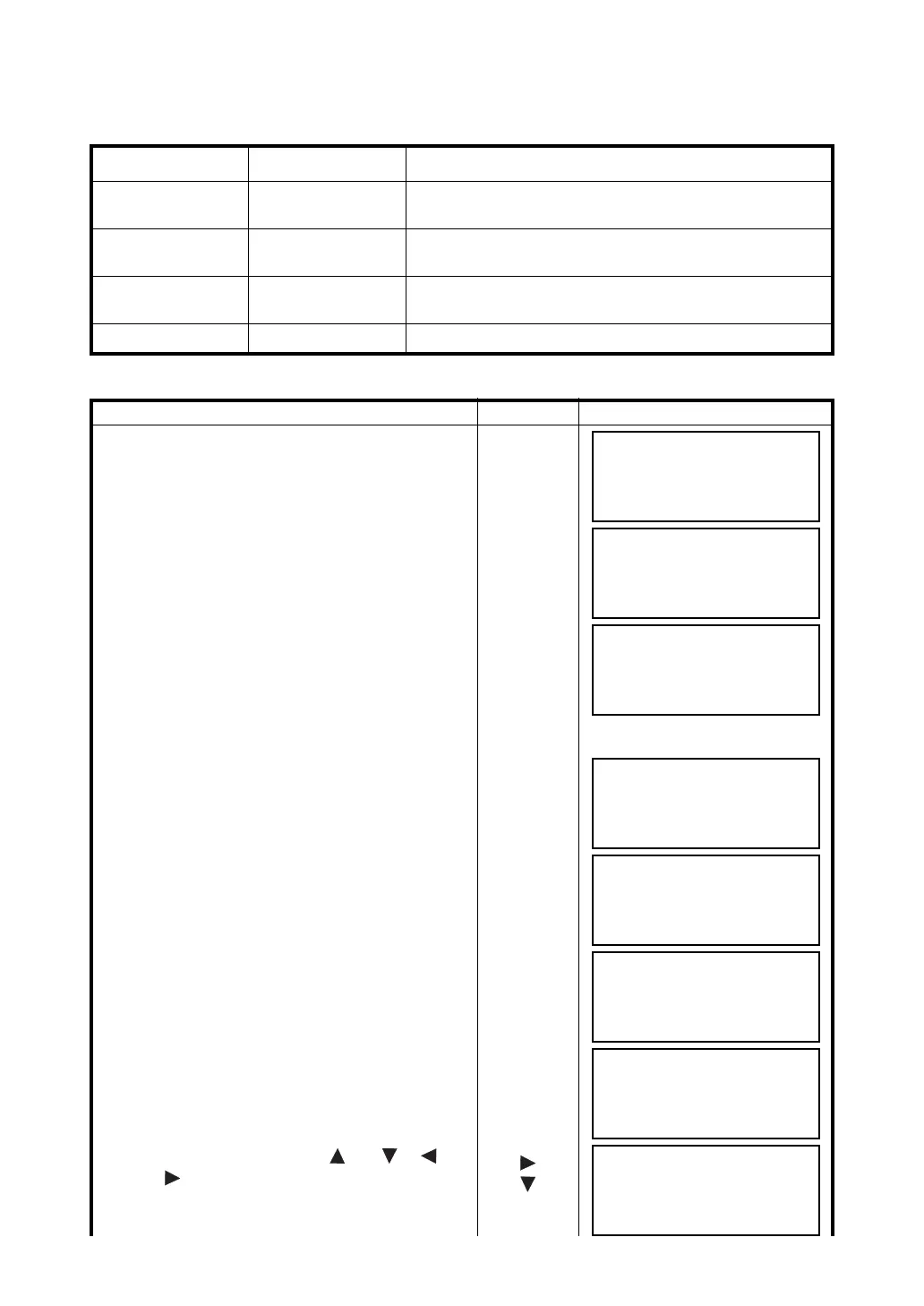
Operating procedure Operation Display
1 Press the {F3} (MEMORY MGR.) key from the
menu 1/3.
{F3}
2 Press the {F4} (P
↓
) key twice.
{F4}
{F4}
3 Press the {F1} (DATA TRANSFER) key.
{F1}
4 Press the {F2} (RS-232C) key. *1)
{F2}
5 Press the {F4} (ENTER) key.
{F4}
6 Press the {F1} (GTS FORMAT) key.
{F1}
7 Press the {F3} (COMM. PARAMETERS) key.
{F3}
8 Press the {F2} (BAUD RATE) key.
[ ] indicates present setting.
{F2}
9 Select the items by pressing {} or {}, {}
and {} keys. *2)
{}
{}
MEMORY MGR. 1/3
F1:FILE STATUS
F2:SEARCH
F3:FILE MAINTAN P
↓
MEMORY MGR. 3/3
F1:DATA TRANSFER
F2:INITIALIZE
P
↓
SELECT COM
[F1:BLUETOOTH]
F2:RS-232C
F3:USB ENTER
DATA TRANSFER
F1:GTS FORMAT
F2:SSS FORMAT
DATA TRANSFER
F1:SEND DATA
F2:LOAD DATA
F3:COMM. PARAMETERS
COMM. PARAMETERS 1/2
F1:PROTOCOL
F2:BAUD RATE
F3:CHAR./PARITY P
↓
BAUD RATE
[1200] 2400 4800
9600 19200 38400
ENTER
BAUD RATE
1200 2400 4800
9600 [19200]38400
ENTER



 To Next Page