1-4
1 NOMENCLATURE AND FUNCTIONS
1.4 Function Key (Soft Key)
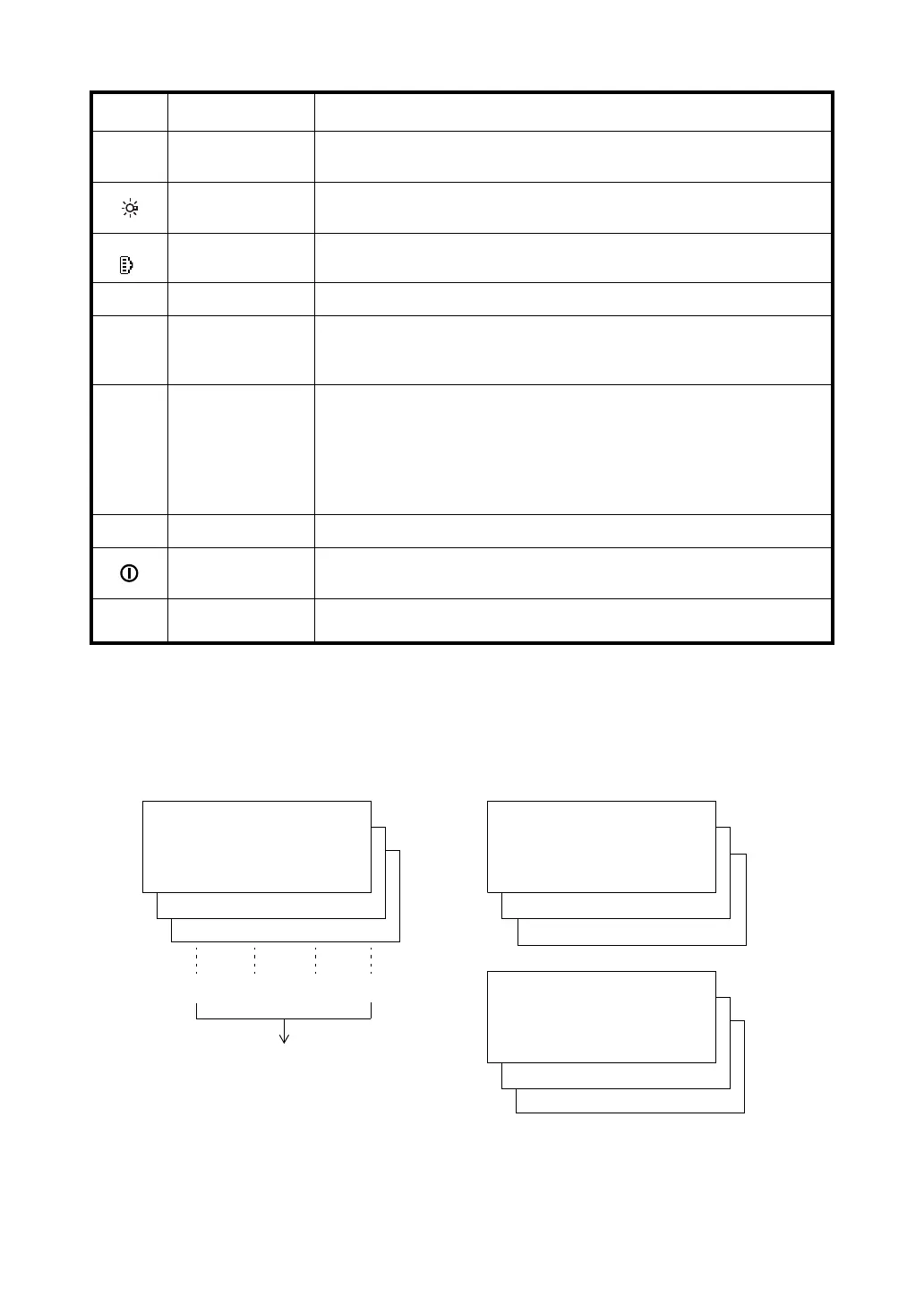
The Soft Key message is displayed at the bottom line of display. The functions are according to the
displayed message.
{MENU} Menu key
Switches to menu mode
Starts measurement applications and performs various settings
{}
Illumination key
Lights up the display unit and key
Switches the screen/key backlight and Reticle illumination ON/OFF
{SHIFT
}
Shift / Target key Switches between target types (prism mode/sheet mode/non-prism mode)
{FUNC} Function key Not in use
{0} – {9} /
{.} / {±}
Alphanumeric
characters key
Input letters/figures
For entering alphanumeric characters, see Section 2.4 “How to
Enter Alphanumeric Characters”.
{ESC} Escape key
Returns to the measurement mode or previous layer mode from the
mode set
Switches to data collection mode or layout mode directly from the
normal measurement mode
It is also possible to use as Record key in normal measurement mode.
For selecting function of Escape key, see Chapter 17 “SELECTING MODE” .
{ENT} Enter key Selects/accepts input word/value
{}
Power key
Turns ON/OFF of power source (Power OFF: Press and hold: About 1
second)
{F1} – {F4}
Soft key
(Function key)
Respond to the message displayed.
Angle measurement mode Distance measurement mode
Coordinates measurement mode
Keys Name of Key Function
H-BZ R/L CMPS P3
↓
TILT REP V% P2
↓
V: 90°10'20"
HR: 120°30'40"
0SET HOLD HSET P1
↓
{F1} {F2} {F3} {F4}
Soft keys
--- m/f/i --- P3
↓
OFSET S.O S/A P2
↓
HR: 120°30'40"
HD*[r] << m
VD: m
MEAS MODE NP/P P1
↓
OFSET m/f/i S/A P3
↓
R.HT INSHT OCC P2
↓
N: 123.456 m
E: 34.567 m
Z: 78.912 m
MEAS MODE NP/P P1
↓



 To Next Page