9-3
9 MEMORY MANAGER MODE
9.2 Searching Data
This mode is used to search the recorded file data in the DATA COLLECT or LAYOUT mode.
The following 3 search methods in each type of files can be selected.
1: First data search
2: Last data search
3: Point number search (MEAS.DATA, COORD.DATA)
Number search (PCODE LIB.)
MEAS. DATA : Measured data in the data collect mode.
COORD. DATA : Coordinate data for layout, control points and new point data measured in the
layout mode.
PCODE LIB. : The data which was registered with a number from 1 to 50 in Point code library.
Point name (PT#, BS#), ID, PCODE and Height data (INS.HT, R.HT) can be corrected in the searching
mode.
Measured value can not be corrected.
9.2.1 Measured Data Searching
Example: Point number searching
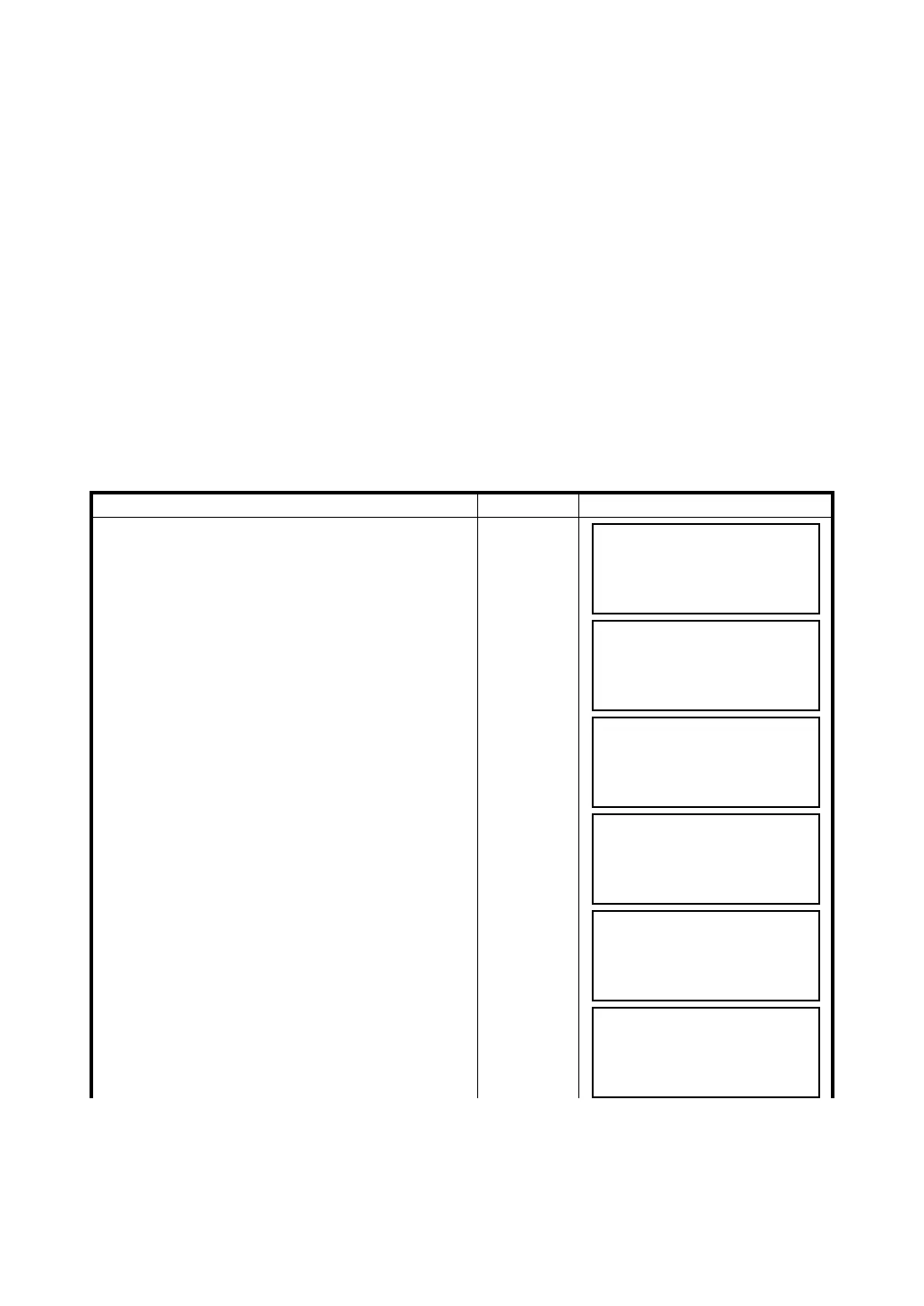
Operating procedure Operation Display
1 Press the {F3} (MEMORY MGR.) key from the
menu 1/3.
{F3}
2 Press the {F2} (SEARCH) key.
{F2}
3 Press the {F1} (MEAS. DATA) key.
{F1}
4 Press the {F1} (INPUT) key and enter File Name.
Press the {F4} (ENT) key. *1),2)
{F1}
Enter FN
{F4}
5 Press the {F3} (PT# DATA) key.
{F3}
6 Enter PT#.
Press the {F4} (ENT) key. *1)
Enter PT#
{F4}
MEMORY MGR. 1/3
F1:FILE STATUS
F2:SEARCH
F3:FILE MAINTAN P
↓
SEARCH
F1:MEAS. DATA
F2:COORD. DATA
F3:PCODE LIB.
SELECT A FILE
FN:_________
INPUT LIST ––– ENTER
MEAS. DATA SEARCH
F1:FIRST DATA
F2:LAST DATA
F3:PT# DATA
PT# DATA SEARCH
PT#=_________
[ALP][SPC][CLR][ENT]
PT#
TOP-104 1/2
V
98°36'20"
HR
160°40'20"
TILT
0°00'00"
↓



 To Next Page