9-4
9 MEMORY MANAGER MODE
To edit the data in searching mode
Point name (PT#, BS#), ID, PCODE and Height data (INS.HT, R.HT) can be corrected in the
searching mode.
Measured value can not be corrected.
7 Press the {F4} (
↓
) key to scroll data for selected
point.
{F4}
*1)
Refer to Section 2.6 "How to enter alphanumeric characters".
*2) To show the file list, press the {F2} (LIST) key.
•"
" represents data shown on the display is the stored data.
• Press the {} or {} key to scroll to next or previous point.
• To search MEAS. DATA of the same point number, press {} or {} key.
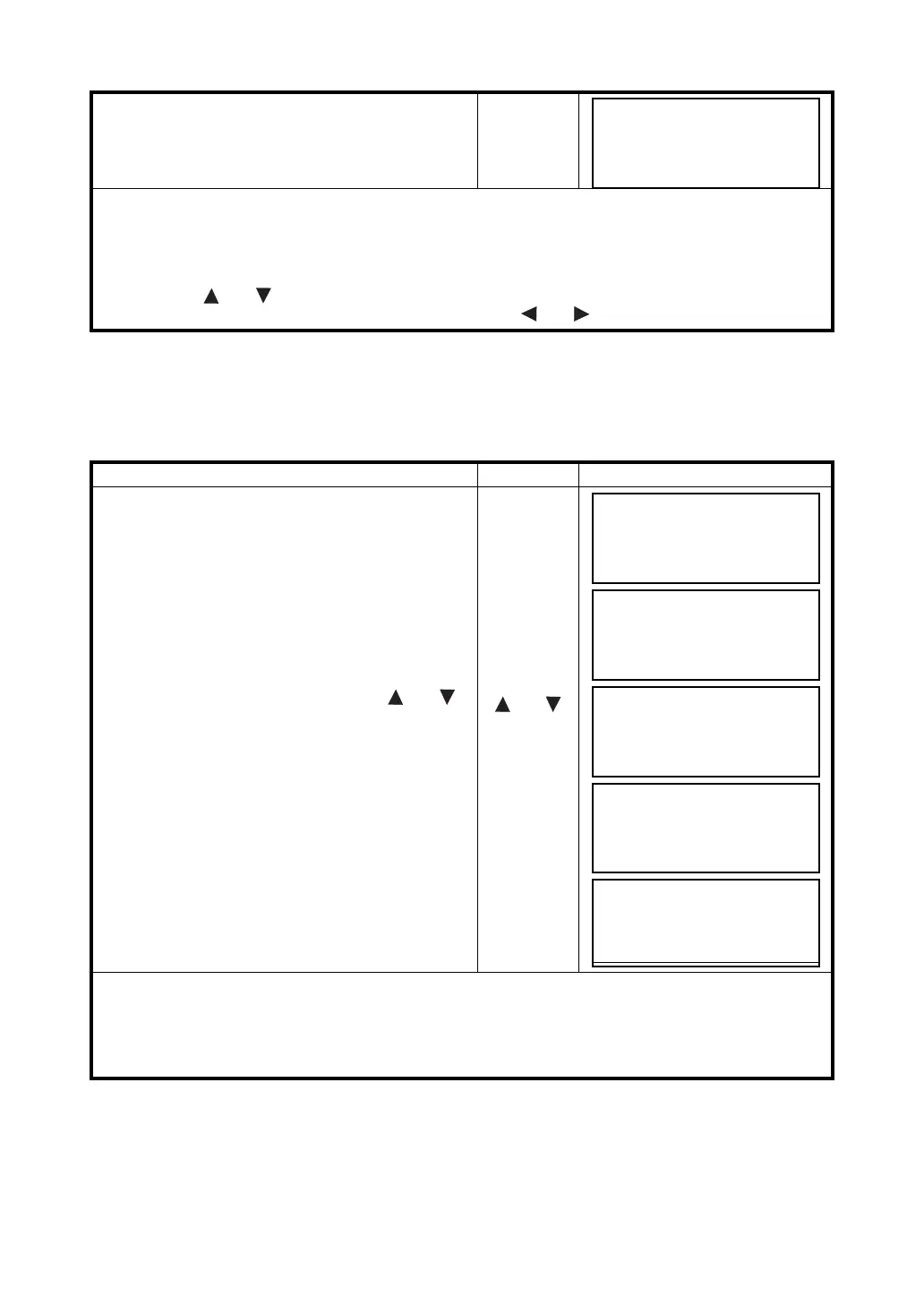
Operating procedure Operation Display
1 Press the {F1} (EDIT) key from last page of
displayed data.
{F1}
2 Select the item to correct by pressing {} or {}
key.
{} or {}
3 Press the {F1} (INPUT) key and enter data. *1)
Press the {F4} (ENT) key.
4 Press the {F4} (ENTER) key.
{F1}
Enter Data
{F4}
{F4}
5 Press the {F3} (YES) key.
{F3}
*1)
Refer to Section 2.4 “How to Enter Alphanumeric Characters”.
• When editing, ID and PCODE are not linked with PCODE LIBRARY.
• Even though the height data (INS.HT, R.HT) are corrected, the measured value can not be corrected.
PT#
TOP-104 2/2
PCODE
R.HT
1.200 m
EDIT
↓
PT#
TOP-104 2/2
PCODE
R.HT
1.000 m
EDIT
↓
PT#
→
TOP-104
PCODE :
R.HT : 1.000 m
INPUT ––– ––– ENTER
PT# :TOP-104
PCODE :
R.HT
→
1.000 m
INPUT ––– ––– ENTER
PT#
→
TOP-104
PCODE :
R.HT : 1.200 m
>SAVE? [YES][NO]
PT#
TOP-104 2/2
PCODE
R.HT
1.200 m
EDIT



 To Next Page