8-8
8 LAYOUT
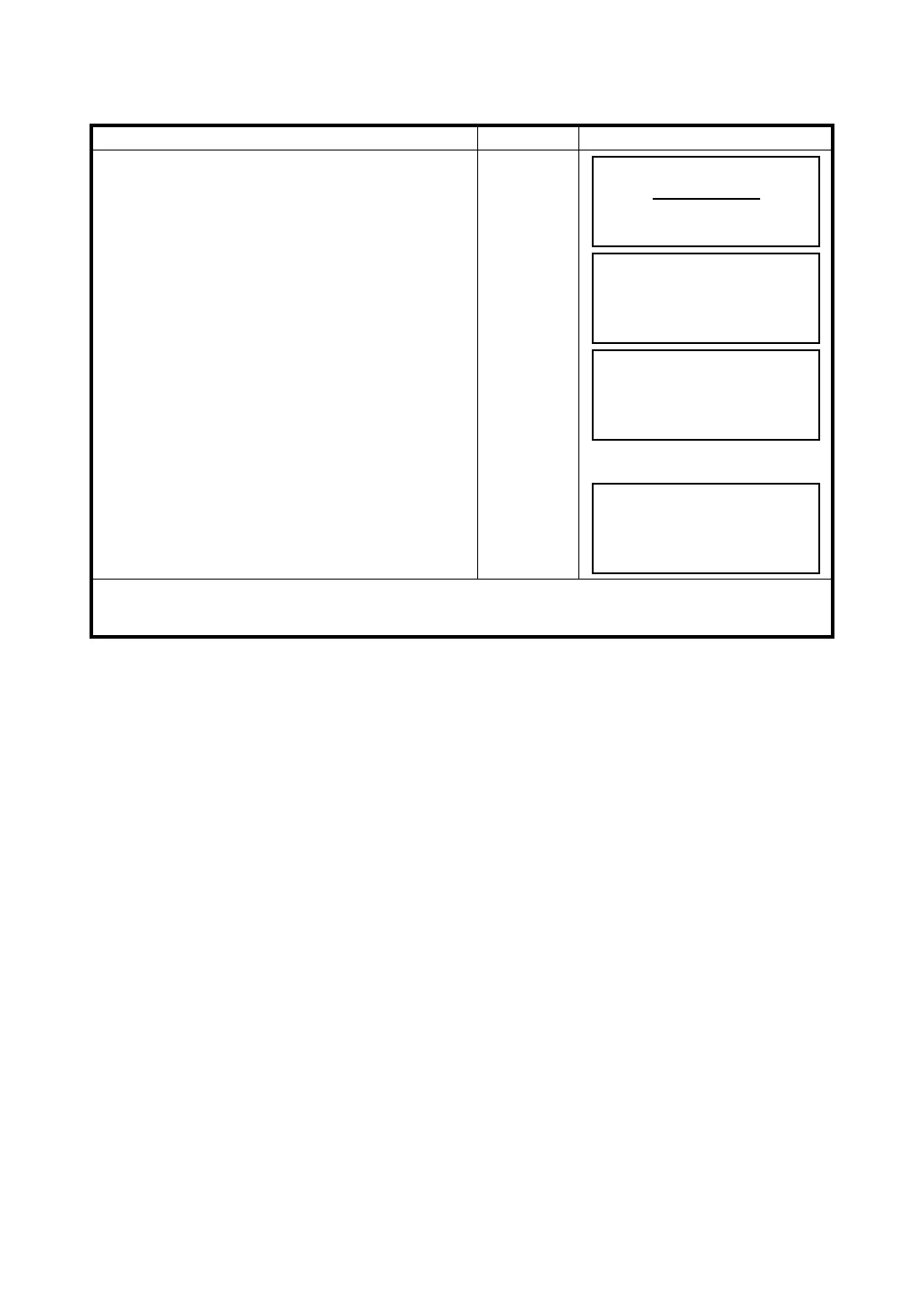
Example setting: Setting the backsight point coordinates directly
Operating procedure Operation Display
1 Press the {F2} (BACKSIGHT) key from the Layout
menu 1/2.
The previous data is shown.
{F2}
2 Press the {F3} (NE/AZ) key.
{F3}
3 Press the {F1} (INPUT) key and enter coordinate
value.
Press the {F4} (ENT) key. *1), 2)
{F1}
Enter coord.
{F4}
4 Sight the backsight point.
Sight BK
5 Press the {F3} (YES) key.
The display returns to the layout menu 1/2.
{F3}
*1)
Refer to Section 2.4 “How to Enter Alphanumeric Characters”.
*2) It is possible to record the coordinate value.
Refer to Chapter 17 “SELECTING MODE”.
BACKSIGHT
PT#:
INPUT LIST NE/AZ ENT
N
→
m
E: m
INPUT ––– AZ ENTER
BACKSIGHT
H(B)= 0°00'00"
>Sight ? [YES][NO]
LAYOUT 1/2
F1:OCC.PT INPUT
F2:BACKSIGHT
F3:LAYOUT P
↓



 To Next Page